Xiaomi also has a wide range of different gadgets in its portfolio. Today we’ll introduce the Xiaomi Mi Portable Photo Printer, a practical pocket photo printer that also doesn’t need color ink.
In the editorial office, we decided to test this interesting gadget so we could judge for ourselves how efficiently it uses its ZINK technology, what photo quality it delivers, and what equipment it actually offers.
Xiaomi Mi Portable Photo Printer: Where to buy?
Depending on the region, you can find the Xiaomi Mi Portable Photo Printer in some e-shops—sometimes also listed as the Mi Pocket Photo Printer or Mi Portable photo printer. Depending on the region and product version, you also need to choose the server in the app.
We bought the global version of the product, which works with the European server in the Xiaomi Home app. At the time of writing this review, the product was available from a seller on Banggood directly from a warehouse in the Czech Republic.
Are you shopping on AliExpress for the first time?See the guide!
Updated 2. 9. 2025 at 09:33
TIPExpress delivery from a Spanish warehouse without customs duties or VAT.
This product will be delivered express from the local Spanish warehouse. Shipping from Spain usually takes 7-10 days and is handled by a courier. On delivery, you don’t pay any extra fees—no customs duty or VAT.
Is it your first time buying through Heureka?See the guide!
Updated 2. 9. 2025 at 09:33
TIPExpress delivery from the Slovak warehouse within 1 - 3 business days.
This product will be delivered to you express from a local Slovak warehouse. Delivery usually takes 1-3 business days, and it’s handled by a courier. The price is final.
Are you shopping on AliExpress for the first time?See the guide!
Updated 2. 9. 2025 at 09:33
TIP13-day delivery via Aliexpress Standard Shipping
For this product, AliExpress Standard Shipping is available with guaranteed delivery within 13 days. This is the most reliable shipping method and in most cases it’s delivered by a courier company.
When you order from a Chinese warehouse, AliExpress adds a customs duty charge of approximately 3,70 € per order to your cart. When you receive the shipment, you won’t have to pay anything extra.
TIP13-day delivery via Aliexpress Standard Shipping
For this product, AliExpress Standard Shipping is available with guaranteed delivery within 13 days. This is the most reliable shipping method and in most cases it’s delivered by a courier company.
When you order from a Chinese warehouse, AliExpress adds a customs duty charge of approximately 3,70 € per order to your cart. When you receive the shipment, you won’t have to pay anything extra.
Packaging and accessories: An essential foundation
The new pocket mini printer will also arrive at your home in a compact box. It will let you print a fun photo with the product name and also the basic technical specifications.
After unpacking the box, you’ll find the printer itself inside, wrapped in protective packaging, a short charging microUSB cable, a basic set of ZINK photo paper, and also a brief user manual.
Layout of the device elements: A minimalist design is a given
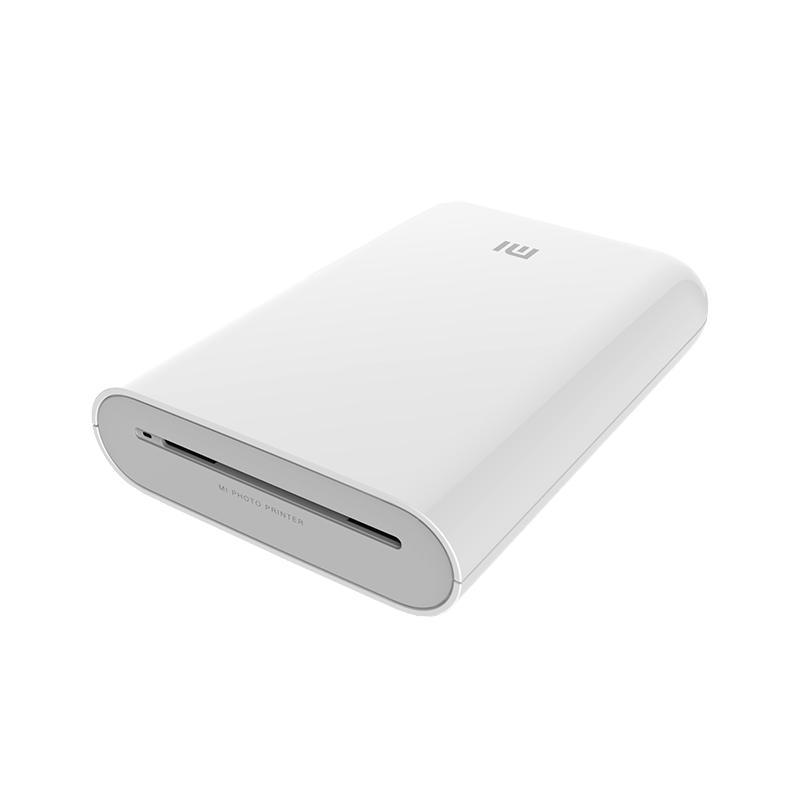
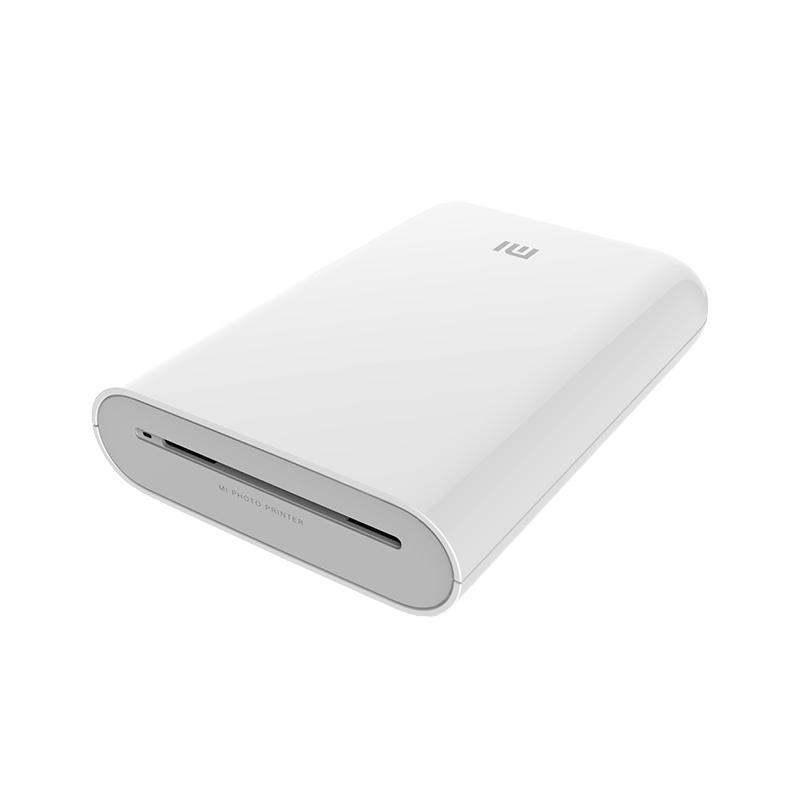
The printer from a Chinese manufacturer comes in glossy white and features a minimalist design, with a slight tendency to pick up grease and fingerprints.
The dimensions of this printer are truly compact — it measures 124 x 85 x 24, 6 millimeters. Its weight is then 181 grams, which makes this device ideal for carrying around and using on the go.
On the top side, you’ll find an opening for ejecting the printed photo, the product label, and an LED diode that indicates printing is currently in progress.
On the front, there’s the Xiaomi logo and the entire front part of the printer is movable—it can be slid out. Once you slide it out, you’ll see the roller and the space for inserting the calibration sheet and also the ZINK photo paper. You’ll also like the included Reset button, as well as the brief information about the paper insertion direction.
The bottom side of the device houses the connectivity. There’s also a physical button to turn the device on or off, a microUSB charging connector, and a pair of LED indicators—one shows the battery capacity and the other indicates wireless Bluetooth connectivity.
The back of the device is also glossy and quite prone to scratches if you handle it carelessly. However, it includes four small plastic anti-slip protrusions for better stability and protection.
That’s all—by its construction, the printer is a fairly simple device. Its workmanship with glossy ABS plastic materials is good quality. We didn’t notice any imperfections, cracking—on the contrary, the only downside is the aforementioned tendency to catch grease and fingerprints due to the glossy finish. Considering the low selling price of the product, though, this choice is understandable.
ZINK printing technology: No ink
Xiaomi Mi Portable Photo Printer offers ink-free photo printing using ZINK (Zero Ink) photo technology. This technology is used by many other manufacturers and has been on the market for several years. Even though printing larger photos wouldn’t be efficient this way, for printing compact images it’s perfect.
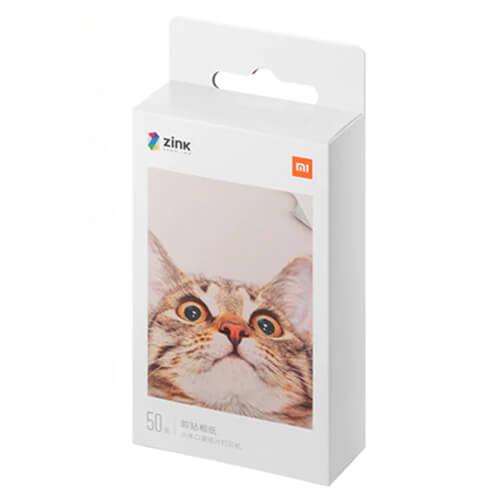
The printer therefore doesn’t require any ink cartridge for its operation. The key to success is hidden in the special heat-treated ZINK photo paper, which Xiaomi also sells. Insert this paper into the printer and, with the help of heat, it turns into a colored photograph. You only need a few seconds.
You’ll have to buy these photo papers separately, though. The manufacturer offers various great bundles of 10 / 20 / 50 pieces. The extra value of these photo papers is that you can peel off the backing — this lets you create unique stickers exactly the way you want.
Ad
Photo quality and dimensions
Right at the start, we have to define that this is not a product meant for professional photography printing. It’s more of a practical and portable accessory for making quick travel memories or creating creative stickers.
A photo made on ZINK photo paper with the option to peel off the back measures 2 x 3″. One photo is produced in 45 seconds—first the printer outputs a calibration sheet, and only then the actual photo. The side where you need to place the calibration and photo paper is shown not only on the printer itself, but also on the photo paper packaging.
The print resolution tops out at 313 x 400 pixels, which by itself indicates basic photo quality. Don’t expect as clear details as you’d get from a DSLR — the photos are comparable to popular Instax shots, and text can also be an issue. However, you’ll be pleased with the fairly true-to-life colors; we only noticed problems when the sky shade changed to light blue.
As for creating stickers from photos, we were genuinely pleasantly surprised. The process is practically the same. You just upload the relevant JPG / PNG file to the app, print it, then peel off the back of the photo and stick the sticker anywhere you want. The adhesive surface is strong enough, and the manufacturer most likely had in mind making different travel memory albums.
Last but not least, we have to highlight the printing speed. Often, the photo was printed even before the declared 45 seconds had passed. Also, the printing noise was fairly low and didn’t disturb your surroundings — just as the Chinese manufacturer claimed.
Mobile app: Xiaomi Home
A well-known Xiaomi Home app connects with your mobile phone via Bluetooth technology. We paired the global version of the printer with the smartphone using the European app server. However, the connection required repeatedly refreshing the app.
Through the app, you get not only the connection itself, but also the option to choose a photo / set of photos. You’ll also appreciate the possibility to edit photos before printing, create collages in various layouts as needed, and plenty of other modes. There’s also an automation setting option with other products from the Xiaomi ecosystem.
Besides the aforementioned photo printing and collage-making, the interesting mode for splitting a photo into multiple photo prints lets you, in the end, create a fun photo-sticker collage. There’s also a portrait photo mode with plenty of filters, plus the option to share the device with friends directly through the app.
Other modes include the mentioned AR mode and the Sound Photo mode. In this case, you can enhance the photo you’ve taken with an audio track or an AR (video) track.
Setting up these two modes is quite simple and is done via a mobile phone and the app, as well as scanning the resulting photo. After scanning the photo, you can watch the corresponding extra audio/video track play.
Battery life and microUSB charging
The compact printer is equipped with a very good battery with a total capacity of 500 mAh. Compared to smartphones, it might seem like a small capacity at first glance — but it’s actually the opposite.
The printer has to fit the entire printing technology into its compact dimensions, including the placement of calibration paper and photo paper. So the capacity will be enough for up to 20 printed photos, while the printer signals the remaining capacity via a corresponding LED.
On the other hand, charging is rather slow, and the microUSB connector is a bit dated. However, in the package you’ll find a microUSB to standard USB-A cable, which will solve your issue with that older—today less important—connector.
Price and product availability
The printer Xiaomi Mi Portable Photo Printer is available in the local, Slovak and Czech market through the official distribution. However, if you want to save a few euros, the printer is also sold by popular international retailers.
Are you shopping on AliExpress for the first time?See the guide!
Updated 2. 9. 2025 at 09:33
TIPExpress delivery from a Spanish warehouse without customs duties or VAT.
This product will be delivered express from the local Spanish warehouse. Shipping from Spain usually takes 7-10 days and is handled by a courier. On delivery, you don’t pay any extra fees—no customs duty or VAT.
Is it your first time buying through Heureka?See the guide!
Updated 2. 9. 2025 at 09:33
TIPExpress delivery from the Slovak warehouse within 1 - 3 business days.
This product will be delivered to you express from a local Slovak warehouse. Delivery usually takes 1-3 business days, and it’s handled by a courier. The price is final.
Are you shopping on AliExpress for the first time?See the guide!
Updated 2. 9. 2025 at 09:33
TIP13-day delivery via Aliexpress Standard Shipping
For this product, AliExpress Standard Shipping is available with guaranteed delivery within 13 days. This is the most reliable shipping method and in most cases it’s delivered by a courier company.
When you order from a Chinese warehouse, AliExpress adds a customs duty charge of approximately 3,70 € per order to your cart. When you receive the shipment, you won’t have to pay anything extra.
TIP13-day delivery via Aliexpress Standard Shipping
For this product, AliExpress Standard Shipping is available with guaranteed delivery within 13 days. This is the most reliable shipping method and in most cases it’s delivered by a courier company.
When you order from a Chinese warehouse, AliExpress adds a customs duty charge of approximately 3,70 € per order to your cart. When you receive the shipment, you won’t have to pay anything extra.
In this case, its price is just below the 50 € / 69 USD mark. You’ll also find replacement ZINK photo paper cartridges—depending on the number of pieces, their price ranges from 8 – 18 € / 9 – 21 USD.
Final verdict: Xiaomi Mi Portable Photo Printer
A pocket photo printer with the label Xiaomi Mi Portable Photo Printer will delight more than one traveler. It’s not meant for professional photo printing—on the contrary. Its services will be appreciated by everyone who wants to keep pleasant memories in smaller photos, with the convenient option to print stickers.
Given the low price of the product, however, we can recommend buying it. Using this printer, we were satisfied, and it really does work well for occasional photos. We also liked its compact size, which you can use on trips, as well as the low price of the device itself.