


TV platforms are constantly evolving, and one of the most popular in the world of smart TVs is Android TV and Google TV. You may have noticed that some TVs and streaming devices come with Android TV, while others have Google TV. What’s the difference between them? Keep reading and everything will be clear.
What is Android TV OS?
Android TV OS is an operating system made for smart TVs, set-top boxes, and streaming devices. It was developed by Google and was first introduced in 2014. Android TV OS offers access to apps from Google Play, voice control via Google Assistant, and integration with smart home devices.

According to perfectly correct terminology, the term “Android for TV” should be used for the operating system, but that’s not popular and everyone simply calls it Android TV OS.
What is Google TV?
Google TV in its current form was created as an upgrade to Android TV OS and was first introduced in 2020. It’s an overlay that changes the visual experience and the way users interact with content. Google TV delivers a modern, more intuitive interface with a focus on personalized recommendations and better integration with streaming services.

Google TV first arrived on the market with the Chromecast with Google TV device. Later, e.g. in 2024, it was also implemented in one of the most advanced devices from the manufacturer, the Google TV Streamer. It’s able to stream 4K content, and it also includes integrations with Google Gemini.
Main differences between Android TV and Google TV
1. Basic definitions
- Android TV OS is an operating system that handles the basic functioning of the device.
- Google TV is just a launcher, meaning a graphical overlay on top of Android TV that offers an improved interface.
2. History of Google TV
- The original interface was the Leanback Launcher.
- Later it was renamed to Android TV (that’s where the naming confusion started).
- The third version finally received the official name Google TV.
3. Design and interface
- Google TV brings a different home screen and a different side bar with quick actions.
- Google TV offers more aggressive content recommendations from streaming services.
- In Google TV, you’ll also find a separate tab for live broadcasts.

4. Updates and support
- Google TV gets separate updates for the launcher much more often.
- Android TV OS as a whole receives updates less frequently, while the latest information suggests that Google plans a major update only every two years (for example, version 13 was skipped; after version 12 came directly version 14).
- Availability of updates depends on the TV or device manufacturer, which must first customize it and then release it.
How to find out what system your TV uses?
If you want to know whether you have Android TV or Google TV, just open the device’s settings. Under Operating system you’ll see the text “Android TV” — even on Google TV devices. This confirms that Google TV is only an overlay on top of Android TV OS.

As you can see above in the device settings screenshot Xiaomi TV Box 2nd Gen, which runs on Google TV, the entire system is built on Android TV OS version 11. There are only a few devices on Android TV OS 12, and even fewer on version 14. This website is a great overview of which Android TV system versions devices have.
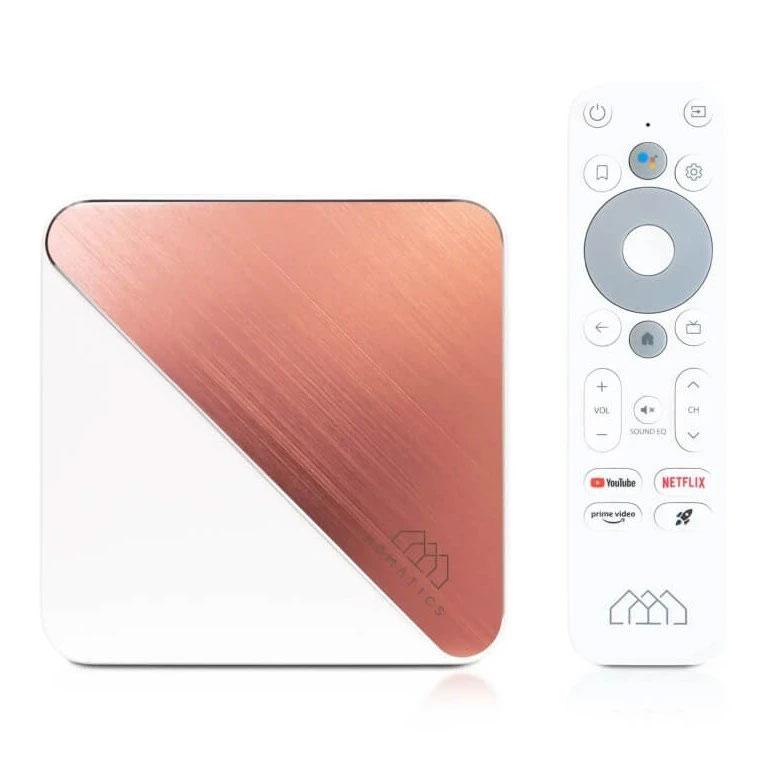
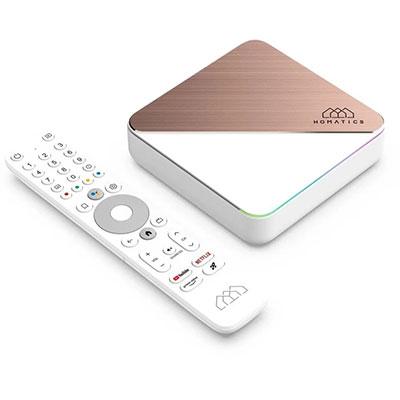
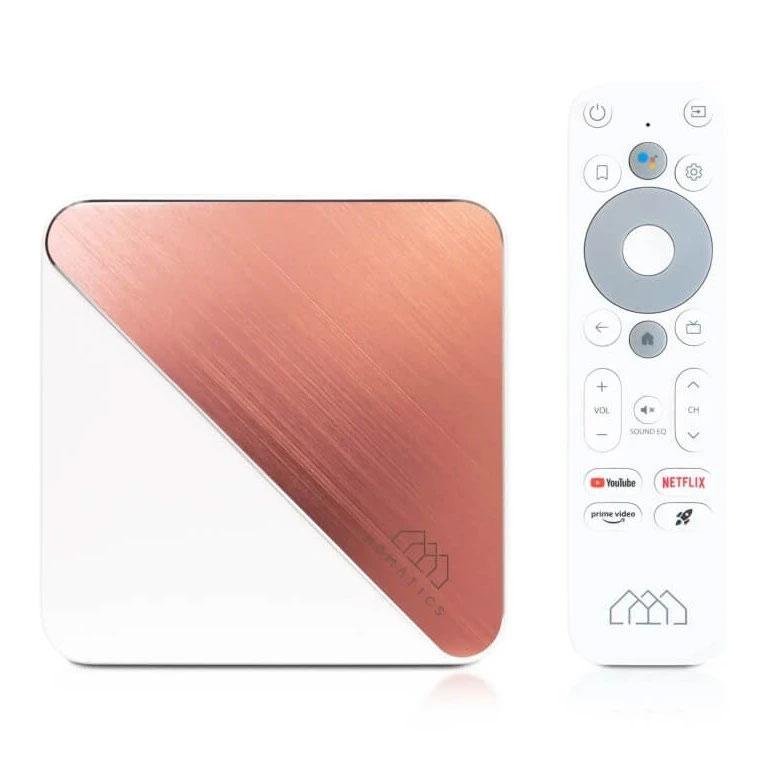
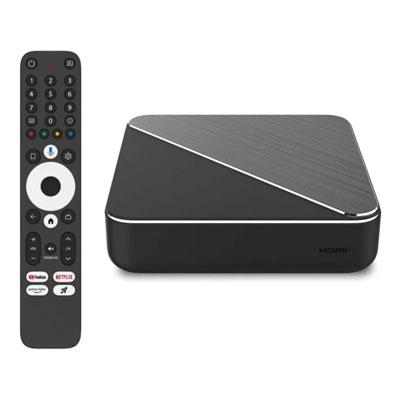
If you want the latest Android 14, we recommend buying the Homatics Box R Plus 4K, which supports upgrading to the newest Android 14 as one of two TV boxes at the time of publishing the article. The other one that offers the latest Android 14 is the Nokia Streaming Box 8010.
Homatics Box R Plus 4K

TIP15-day delivery via Aliexpress Standard Shipping
For this product, Aliexpress Standard Shipping is available with guaranteed delivery within 15 days. It’s the most reliable delivery method and, in most cases, it’s handled by a courier company. The 15-day delivery is something we actually tested.
When you order from a Chinese warehouse, AliExpress adds a customs duty charge of approximately 3,70 € per order to your cart. When you receive the shipment, you won’t have to pay anything extra.

TIPExpress delivery from the Slovak warehouse within 1 - 3 business days.
This product will be delivered to you express from a local Slovak warehouse. Delivery usually takes 1-3 business days, and it’s handled by a courier. The price is final.
TIPExpress delivery from the Slovak warehouse within 1 - 3 business days.
This product will be delivered to you express from a local Slovak warehouse. Delivery usually takes 1-3 business days, and it’s handled by a courier. The price is final.
TIPExpress delivery from the Slovak warehouse within 1 - 3 business days.
This product will be delivered to you express from a local Slovak warehouse. Delivery usually takes 1-3 business days, and it’s handled by a courier. The price is final.
Which one is better?
It depends on your preferences. If you want a modern, attractive, and easier-to-navigate interface with better recommendations, Google TV is the better choice. But if you’re used to the traditional Android TV and you don’t need changes, you don’t necessarily have to rush into an upgrade.
Which system do you prefer?
After this article, you’ll know exactly what the difference is between Android TV and Google TV. If you’re buying a new TV or a streaming box, you can now decide with confidence. Which do you prefer?
Follow the China Planet website, sign up for our monthly newsletter, and make sure you also follow our Facebook page, the group All from EU warehouses, and join our Telegram—where we add the best deals and coupons from China day after day.
Don’t miss the best coupons 📩
Subscribe and we’ll email you new coupons before they expire. We only send it once a month — no spam.


