You’ll definitely know this: you finally set up your new smart TV box, start it, and want to watch your favorite series on Netlifxe. However, this app shows an error message and doesn’t work. Here’s our guide on how to fix it.
How to launch Netflix in a few simple steps?
Even though you have an Android operating system installed on your smart TV box and you have access to the Google Play app store, it still doesn’t mean you’ll have access to the popular streaming platform Netflix.
It looks like this issue isn’t limited to just TV boxes, but also affects premium Android devices with an unlocked bootloader or active root access. If you want to solve this compatibility problem, we have one useful tip for you.
Ad
Problem with the Netflix app
Android TV boxes usually have issues with Netflix because it’s not a certified device that complies with the regulations set by Google. In this case, it’s not a problem related to root access.
The app simply doesn’t show up in search results in the app store. Google Play will only show apps that have an indirect connection to the name of this service.
The exact error message reads: “This app is not compatible with your device. You can download a compatible version from the Netflix website.”
The same applies to problems on smart phones and tablets that have an unlocked bootloader. However, this issue is also not unsolvable, and we’ll show you how to successfully bypass this restriction.
Step by step: How to install Netflix on any device
First, you need a mouse or another cursor control tip to control Netflix. On your Android device, open the Settings, Security, and Unknown sources options.
Apps available for watching Netflix on unofficial device models:
Netflix v3.9.1 .apk for Android 4.0+, up to 854 × 480 pixels
Netflix v4.16 b200147 .apk for Android 4.4+, maximum compatibility, up to 854 × 480 pixels
Netflix v6.26 .apk for Android 5.0+, offering up to 960 x 540 pixels
For playback on Android TV, you need one of the apps above. Resolutions 4K and HD are limited to Netflix-certified devices
When the download is finished, install the .apk file using a file browser (for example, X-Plore or Solid Explorer is available for Android TV)
After installing, you can use the Netflix app in a completely standard way. However, the app will not be updated via the Google Play Store, because it will be marked as incompatible with that device. You can check the streaming quality e.g. using the title “Test Patterns”.
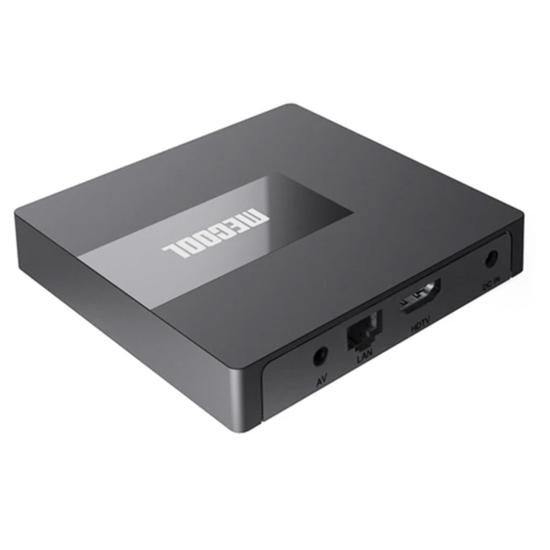
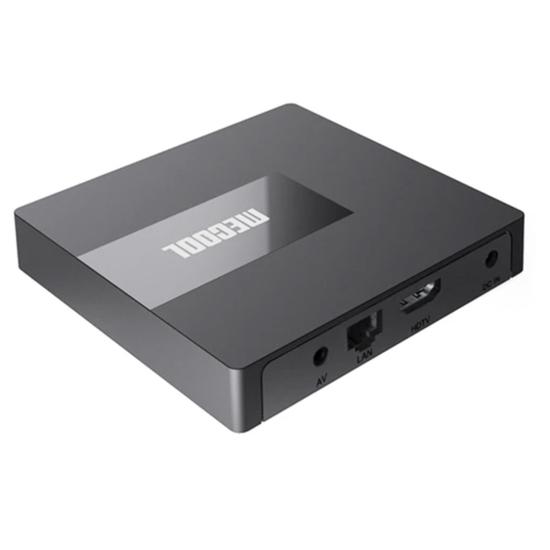
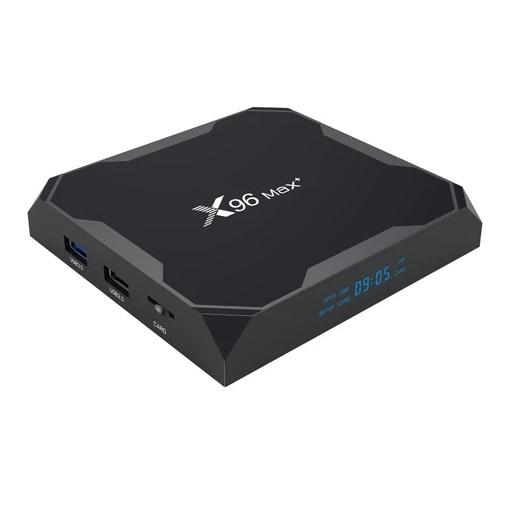
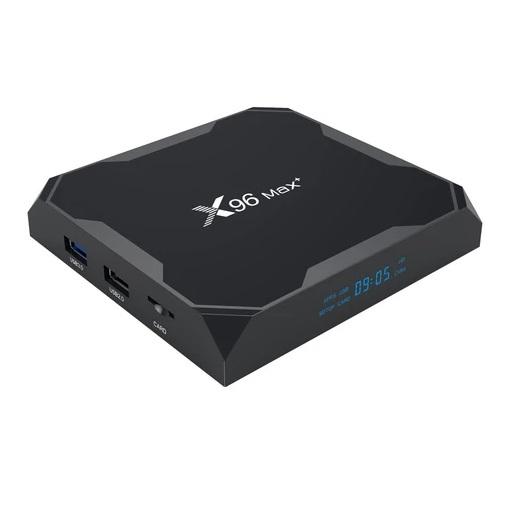
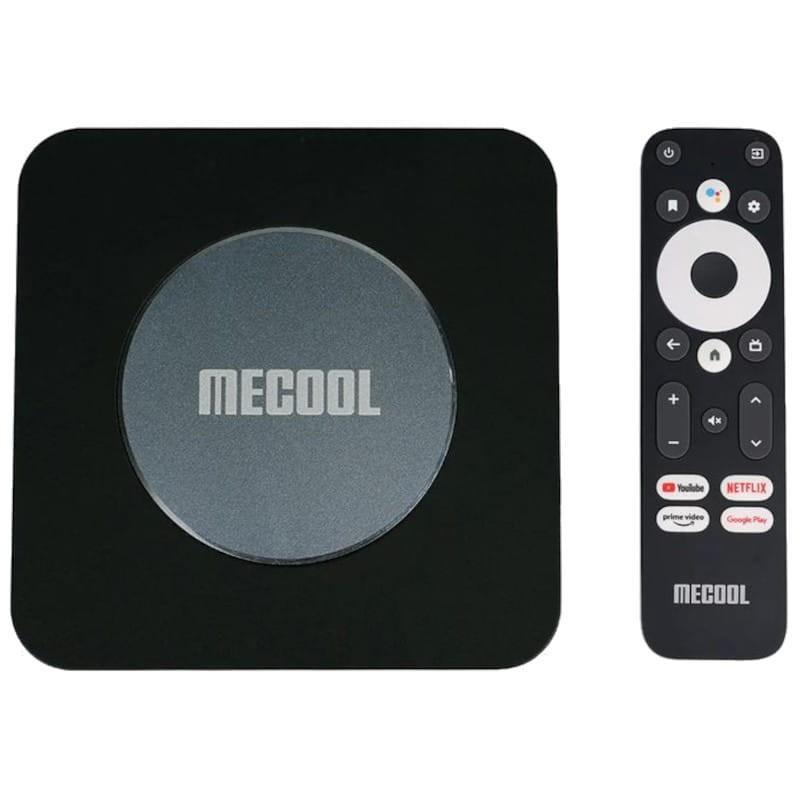
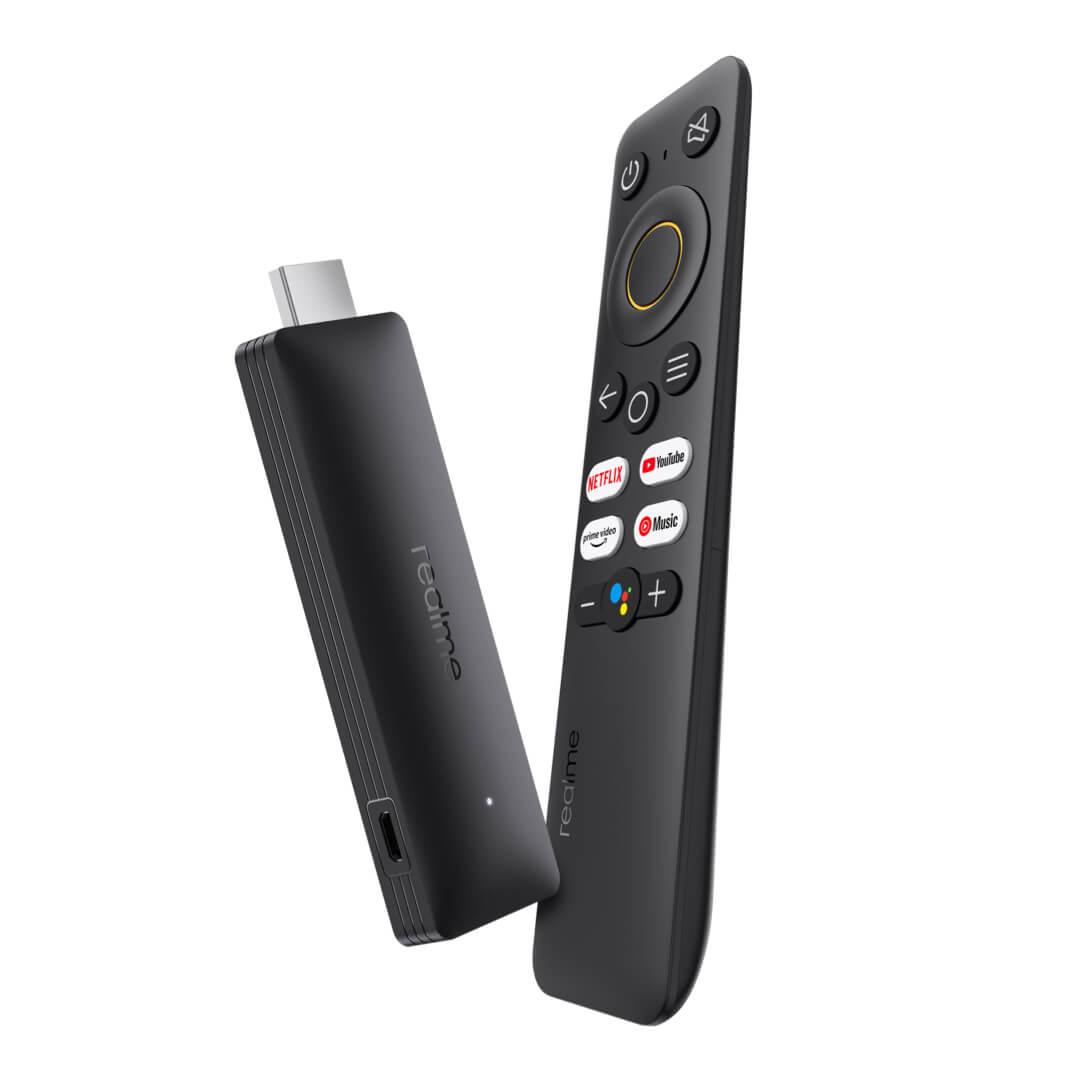
These are the smart TV boxes you can buy for streaming content:
Important: Orders from Geekbuying come with our VIP support, which you get after downloading our extension for the Chrome browser on desktop only (for this store, never shop through the app). Right after payment, send us your order number so we can check that VIP support is valid!
Is it your first time shopping on Geekbuying?See the guide!
Updated 6. 4. 2023 at 10:57
TIPFor EU Priority Line shipping, you don’t pay any extra fees.
We recommend choosing Priority Line shipping, where you won’t have to pay anything extra. Customs duty and any VAT (if applicable) will be handled for you directly by the seller. Shipping can be selected in the cart after you enter your delivery address. Delivery with EU Priority Line usually takes about 15 - 25 days, but it may also take longer.
Is it your first time shopping on Geekbuying?See the guide!
Updated 6. 4. 2023 at 10:57
TIPFor EU Priority Line shipping, you don’t pay any extra fees.
We recommend choosing Priority Line shipping, where you won’t have to pay anything extra. Customs duty and any VAT (if applicable) will be handled for you directly by the seller. Shipping can be selected in the cart after you enter your delivery address. Delivery with EU Priority Line usually takes about 15 - 25 days, but it may also take longer.
Is it your first time shopping on Geekbuying?See the guide!
Updated 19. 2. 2024 at 09:23
TIPExpress delivery from a German warehouse without customs duty and VAT.
This product will be delivered express from the local German warehouse. Shipping from Germany usually takes 7-10 days, and the delivery is handled by a courier. When it arrives, you won’t pay any additional fees—no customs duty or VAT.
Is it your first time shopping on Geekbuying?See the guide!
Updated 19. 2. 2024 at 09:23
TIPExpress delivery from a German warehouse without customs duty and VAT.
This product will be delivered express from the local German warehouse. Shipping from Germany usually takes 7-10 days, and the delivery is handled by a courier. When it arrives, you won’t pay any additional fees—no customs duty or VAT.
Are you shopping on AliExpress for the first time?See the guide!
Updated 18. 3. 2026 at 14:07
TIP15-day delivery via Aliexpress Standard Shipping
For this product, Aliexpress Standard Shipping is available with guaranteed delivery within 15 days. It’s the most reliable delivery method and, in most cases, it’s handled by a courier company. The 15-day delivery is something we actually tested.
When you order from a Chinese warehouse, AliExpress adds a customs duty charge of approximately 3,70 € per order to your cart. When you receive the shipment, you won’t have to pay anything extra.
Are you shopping on AliExpress for the first time?See the guide!
Updated 2. 12. 2023 at 11:25
TIPShipping via Aliexpress Standard Shipping
For this product, Aliexpress Standard Shipping or AliExpress Saver Shipping is available. This is the most reliable way to deliver from Chinese warehouses. Delivery can take 15 days to 1 months.
When you order from a Chinese warehouse, AliExpress adds a customs duty charge of approximately 3,70 € per order to your cart. When you receive the shipment, you won’t have to pay anything extra.
How do you like our guides? If you have any more questions about launching the Netflix service or about issues with this service on your smart TV box, feel free to write them to us below in the discussion under the article.
Ad
Follow our website China Planet as well, our Telegram group full of current articles—subscribe for updates and join us in our Facebook group.



 15-day delivery
 Aliexpress Shipping
