


Verdict: IMILAB C22
Our editorial rating is based on product testing.
- 3K resolution 2880 x 1620 px and good image quality
- black color option
- room monitoring and push notifications about motion
- two-way audio with sufficient volume and clear sound without distortion
- back to the Xiaomi Home app instead of the failed IMILAB Home app
- WiFi 6 support
- monitoring only a selected area doesn’t work properly
- an AC adapter is missing from the package
The IMILAB brand already has a fairly broad range of different security cameras in its portfolio. Whether it’s indoor, outdoor, battery-powered, or wired models. Now, an indoor camera newcomer is also being added to the lineup that we’ve just tested, IMILAB C22.
While the predecessor of this model, the IMILAB C21 camera, only worked with the IMILAB app, the new model returns to a better-functioning, proven Xiaomi Home app. In the review, we’ll look at image quality and the individual features the camera offers.
Where to buy the IMILAB C22?
The IMILAB C22 indoor camera is on sale on the well-known Aliexpress.com marketplace. We also have for you some handy launch coupons that will bring the selling price even lower. Delivery from China will take 15–20 days.
IMILAB C22

TIPShipping via Aliexpress Standard Shipping
For this product, Aliexpress Standard Shipping is available. This is the most reliable delivery method and, in most cases, it’s handled by a courier company. Delivery time is usually 10-20 days.
When you order from a Chinese warehouse, AliExpress adds a customs duty charge of approximately 3,70 € per order to your cart. When you receive the shipment, you won’t have to pay anything extra.
TIPExpress delivery from the Polish warehouse with no customs duty and VAT.
This product will be delivered to you express from a local Polish warehouse. Shipping from Poland usually takes 7-10 days and is handled by a courier. When it arrives, you don’t pay any extra fees—no customs duty or VAT.

TIPExpress delivery from the Slovak warehouse within 1 - 3 business days.
This product will be delivered to you express from a local Slovak warehouse. Delivery usually takes 1-3 business days, and it’s handled by a courier. The price is final.
Technical specifications
| Model | IMILAB C22 (CMSXJ60A) |
|---|---|
| Resolution | 5 Mpx / 3K (2880 x 1620 px) |
| Dimensions | 108 x 76 x 76 mm |
| Weight | 239 g |
| Color | white / black |
| Connectivity | WiFi 6 |
| Aperture | f/2.0 |
| Night vision range | 10 m |
| MicroSD card | max 64 GB |
| Power | 5V / 2A |
Package without an adapter
The IMILAB C22 camera is sold in a small box measuring 9.2 x 15 x 8.2 cm. After opening, you’ll find an AC USB / micro-USB cable at the top, an instruction manual, and wall-mount accessories using a plastic, round bracket.

Compared to last year’s IMILAB C21 model, this package is missing the power adapter. IMILAB has thus taken a similar direction to some smartphone manufacturers, where the charging adapter is also not included.

Since the camera, unlike smartphones, needs constant power from the mains, we see this step more as a negative. Under the accessories you’ll already find the camera itself in a foam insert and protective cardboard.

A nice bonus is a two-year warranty, which is announced by a small card included in the package.
Design and build quality
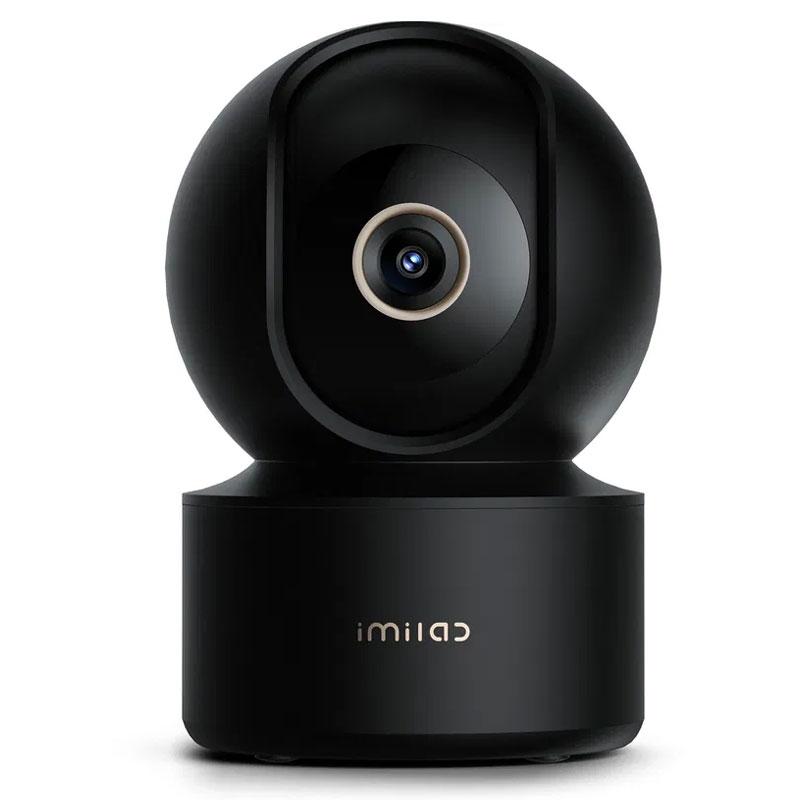
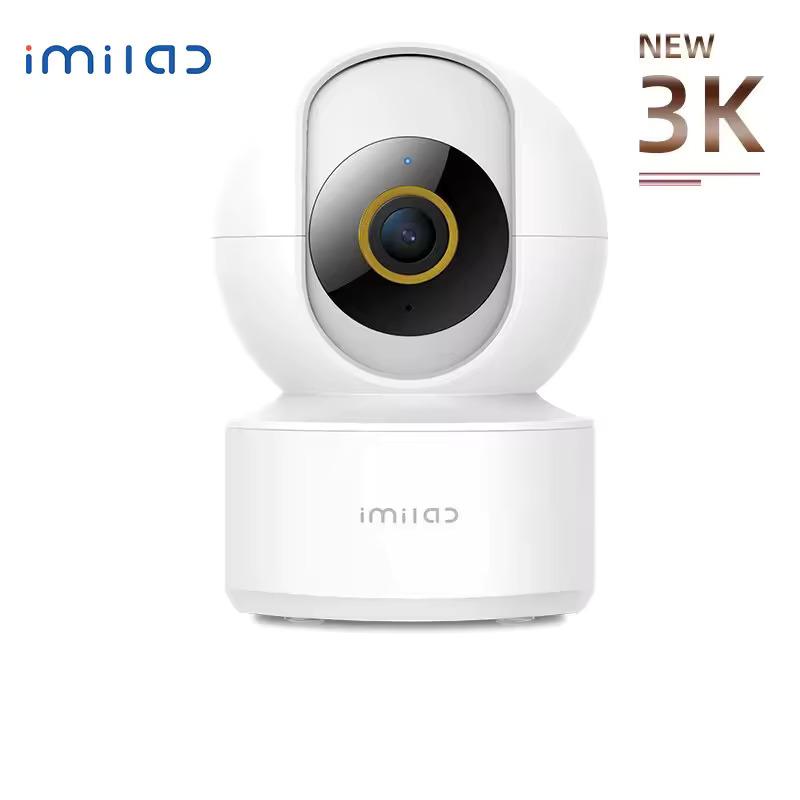
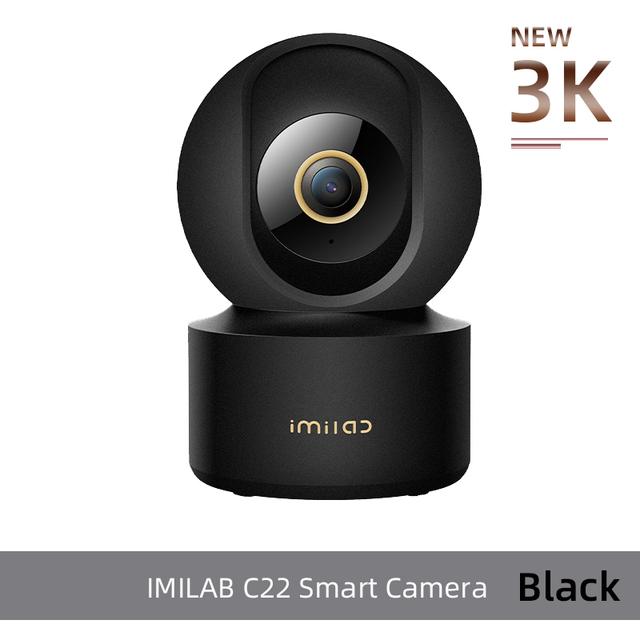
In our case, we had the camera in black, but you can also buy the classic white version. Design-wise, it doesn’t visibly differ from its predecessor or from other similar cameras from various brands.

The whole camera is made of plastic and consists of a base and a swiveling head that houses the lens. The base includes a micro-USB port for power, while on the camera head you’ll find a speaker, an LED, and a microSD card slot. The camera can rotate both horizontally and vertically.

We personally really like the black version. The camera looks sleek and the quality is standard. The plastic body isn’t particularly rugged, since it’s assumed the camera will spend most of its time mounted in the same place.
Return to the Xiaomi Home app
After the IMILAB Home app sparked more criticism than praise, the manufacturer decided to go back to the proven Xiaomi Home app. So, unlike the C22 version, you can pair the new IMILAB C21 exclusively with Xiaomi Home. You’ll look in vain for it in the IMILAB Home app.


Pairing is simple and fast. Just scan the QR code on the bottom of the camera, and all the other steps are very intuitive—the app guides you through them. It involves linking the camera’s WiFi network to your home WiFi network.
The novelty is WiFi support in version 6.
App environment
On the app’s home screen, we can see the individual devices depending on which room you added them to. When you tap the C22 camera, you’ll get a live image feed with a few basic controls and settings options.


The first button at the bottom of the image switches to sleep mode, the second turns the sounds on or off, the third sets the image quality (auto / 480p / 3K), and the last one switches to full-screen mode.
Below the video preview there’s another set of four buttons: two-way audio, taking a photo, uploading a video, and showing directional control buttons for panning the camera.

At the bottom, you can also quickly access space monitoring settings, play back recorded videos, and manage files.
Image quality
As we already mentioned, the IMILAB EC22 camera offers 5 MPx with 3K resolution (2880 x 1620 px). Image quality is very good, especially under good lighting conditions. In poor light or when looking directly toward a window, the quality drops and you’ll notice underexposed and overexposed areas.

Turning on WDR (wide dynamic range) improves this situation—blown-out areas disappear, but sharpness slightly worsens and color reproduction changes as well.
With artificial lighting in the evening, you can see noise in the video—nothing surprising there. Overall, the image quality among similar cheap cameras is among the better ones.
Night mode
The IMILAB C22 camera can automatically determine when it should switch to night mode. There’s also a so-called color night mode, which allows the camera to keep a color image under certain lighting conditions until it switches to the standard black-and-white mode.

However, in low light you can disable the color mode in the settings. The quality of the standard night video is good, although you can still see noise here too. With moving objects in night mode, the quality is a bit worse—for example, a person’s face is almost indistinguishable at a greater distance.
You can check out a sample of the night video below:
Space monitoring
Space monitoring, the so-called Home surveillance, is also a given. Once you activate this feature, you’ll get notifications about movement within the camera’s field of view.


With low sensitivity, the camera records movement of larger objects, while at high sensitivity it detects movement of people, smaller items, or even sounds.


In the settings, you’ll also find scheduling for this function. Monitoring can be enabled for 24 hours per day, or only at night, only during the day, or also at a time you choose. It’s a shame that this time can represent only one continuous time range, so we can’t set monitoring in multiple time windows within a single day.
The alarm interval—the time between individual alerts—can be 3, 5, 10 or 30 minutes. Of course, there are push notifications about recorded activity, where you can also choose whether you want alerts for all movements or only for smaller, larger, or also loud sounds.

If the camera detects movement, it records a 9-second video that gets saved even without a memory card in the camera, but only for the first three months. Each alarm also includes information on whether it’s a loud sound, movement, or a person within the field of view.
However, this feature isn’t entirely reliable, as in most of our recordings there were people, but the camera didn’t always tell us. It recorded the movement, but couldn’t recognize that there was a person in the video. The camera can also pan after a moving person (the so-called Human Tracking), but if they move faster, it can’t keep up in time.


In the three-month cloud that every new camera comes with, videos from monitoring the area from the last 7 days are recorded. The cloud then comes with 7 days of history for 4.99 EUR per month, or 30-day history for 6.99 EUR per month.
If you don’t want to pay, we recommend using a MicroSD memory card—this also unlocks continuous recording.
AI monitoring feature for a selected area
The IMILAB C22 also has one AI feature, which should allow the camera to monitor only a specific part of the camera’s field of view. You can find this feature in the settings, and after enabling it, the app will ask you to mark a rectangular area in the image that you want to monitor.

You can also set the time interval during which the area should be monitored. But how reliable is this feature? Unfortunately, not very—and we definitely wouldn’t rely on it. It often sends motion notifications for the selected area even when we only get close to it but don’t enter it.


Moreover, even though we were receiving motion-detection notifications for the selected area, when we opened the notification, we didn’t find any motion video in the history.
So this feature is basically just an extra one that sends notifications. At the same time, the entire camera field of view is also monitored, and we receive standard motion notifications for that.
Sound quality and two-way audio
Another great feature is two-way audio, letting you talk to the person near the camera through the Xiaomi Home app. The sound quality is very good on both sides.

With many cameras, sending audio like this is the weak spot, but the speaker in the IMILAB C22 camera is good, so you can hear the spoken word clearly and intelligibly, without it cutting out.
IMILAB C22: Final verdict
IMILAB C22 is a fairly affordable indoor camera, but it offers 3K resolution 2880 x 1620 px. The image quality is good, although it deteriorates as lighting conditions get worse and noise appears. The night mode also isn’t the best, but at this price range it’s standard.
However, you’ll appreciate the 6 WiFi support and the high quality of two-way audio transmission, which is clear, understandable, and without cutouts. Reliability of monitoring is also strong—once movement is detected, the camera immediately sends you push notifications. Unfortunately, the AI function for monitoring a selected zone isn’t very precise.
Overall, it’s a standard indoor camera that won’t really surprise you despite the 3K resolution, but on the other hand, it also won’t disappoint.
Don’t miss the best coupons 📩
Subscribe and we’ll email you new coupons before they expire. We only send it once a month — no spam.


