+easy control via a smartphone app, with the option to create smart scenes
+automatic, programmable mode
+can also be used with Google Home, thanks to a voice assistant
Cons
–less high-quality, plastic workmanship
–annoying password entry when changing any settings in the app
The heating season is in full swing, and if you have traditional radiators, you can easily turn them into a smart setup using the smart thermostatic valves Moes.
Where to buy Moes thermostatic valves?
You can buy the Moes smart radiator valves from one of our international partners. Right now, you’ll find the best price in the Banggood webshop, which offers duty-free shipping via Banggood Express from a Chinese warehouse.
Important: Orders from Geekbuying come with our VIP support, which you get after downloading our extension for the Chrome browser on desktop only (for this store, never shop through the app). Right after payment, send us your order number so we can check that VIP support is valid!
Free shipping is available for this product. However, this is the slowest delivery method, and the item may take 20 days to 1 month(s) to arrive.
When you order from a Chinese warehouse, AliExpress adds a customs duty charge of approximately 3,70 € per order to your cart. When you receive the shipment, you won’t have to pay anything extra.
Are you shopping on AliExpress for the first time?See the guide!
Updated 13. 12. 2024 at 11:05
TIPExpress delivery from a Spanish warehouse without customs duties or VAT.
This product will be delivered express from the local Spanish warehouse. Shipping from Spain usually takes 7-10 days and is handled by a courier. On delivery, you don’t pay any extra fees—no customs duty or VAT.
TIPFor EU Priority Line shipping, you don’t pay any extra fees.
We recommend choosing Priority Line shipping, where you won’t have to pay anything extra. Customs duty and any VAT (if applicable) will be handled for you directly by the seller. Shipping can be selected in the cart after you enter your delivery address. Delivery with EU Priority Line usually takes about 15 - 25 days, but it may also take longer.
Are you shopping on AliExpress for the first time?See the guide!
Updated 13. 12. 2024 at 11:05
TIPExpress delivery from a Spanish warehouse without customs duties or VAT.
This product will be delivered express from the local Spanish warehouse. Shipping from Spain usually takes 7-10 days and is handled by a courier. On delivery, you don’t pay any extra fees—no customs duty or VAT.
Are you shopping on AliExpress for the first time?See the guide!
Updated 13. 12. 2024 at 11:05
TIPShipping via Aliexpress Standard Shipping
For this product, Aliexpress Standard Shipping is available. This is the most reliable delivery method and, in most cases, it’s handled by a courier company. Delivery time is usually 10-20 days.
When you order from a Chinese warehouse, AliExpress adds a customs duty charge of approximately 3,70 € per order to your cart. When you receive the shipment, you won’t have to pay anything extra.
Are you shopping on AliExpress for the first time?See the guide!
Updated 13. 12. 2024 at 11:05
TIPExpress delivery from a European warehouse without customs duty and VAT.
This product will be delivered to you express from a local warehouse in Europe. Delivery from EU warehouses usually takes 2–10 days and is handled by a courier. When delivered, you don’t pay any extra fees—no customs duty or VAT.
Are you shopping on AliExpress for the first time?See the guide!
Updated 13. 12. 2024 at 11:05
TIPExpress delivery from a European warehouse without customs duty and VAT.
This product will be delivered to you express from a local warehouse in Europe. Delivery from EU warehouses usually takes 2–10 days and is handled by a courier. When delivered, you don’t pay any extra fees—no customs duty or VAT.
Technical specifications at a glance
Model
HY368
Power
2 x AA batteries
Temperature measurement accuracy
0.5 °C
Temperature adjustment range
5 – 35 °C
Thread for the valve
M30 x 1.5
Dimensions
52 x 90 mm
Protocol
ZigBee 3.0
App
Tuya or SmartLife
Weekly schedules
5+2 / 6+1 / 7
Package contents
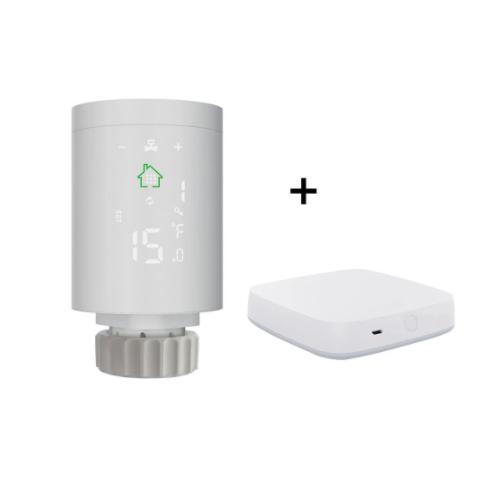
Smart thermostatic radiator valves from Moes are sold in different variants. You can buy a multi-valve bundle with a hub (1 to 6 valves + hub) or also a single valve. We had one valve with a hub available.
Our package consisted of two small boxes that were placed inside a protective cardboard box. The hub also includes a power cable, but without an adapter. As part of the Moes thermostatic head package, you also get three different adapters for mounting onto the radiator valve—specifically RA, RAVL, and RAV adapters.
Design and build quality
The hub design is very simple and minimalist. It’s a small white plastic box measuring only 6.5 x 6.5 x 1.4 cm. On the front you’ll find a pair of status indicator LED lights, and on the back there’s a micro USB port for power and a reset button. However, the power cable is rather short—it’s only 45 cm.
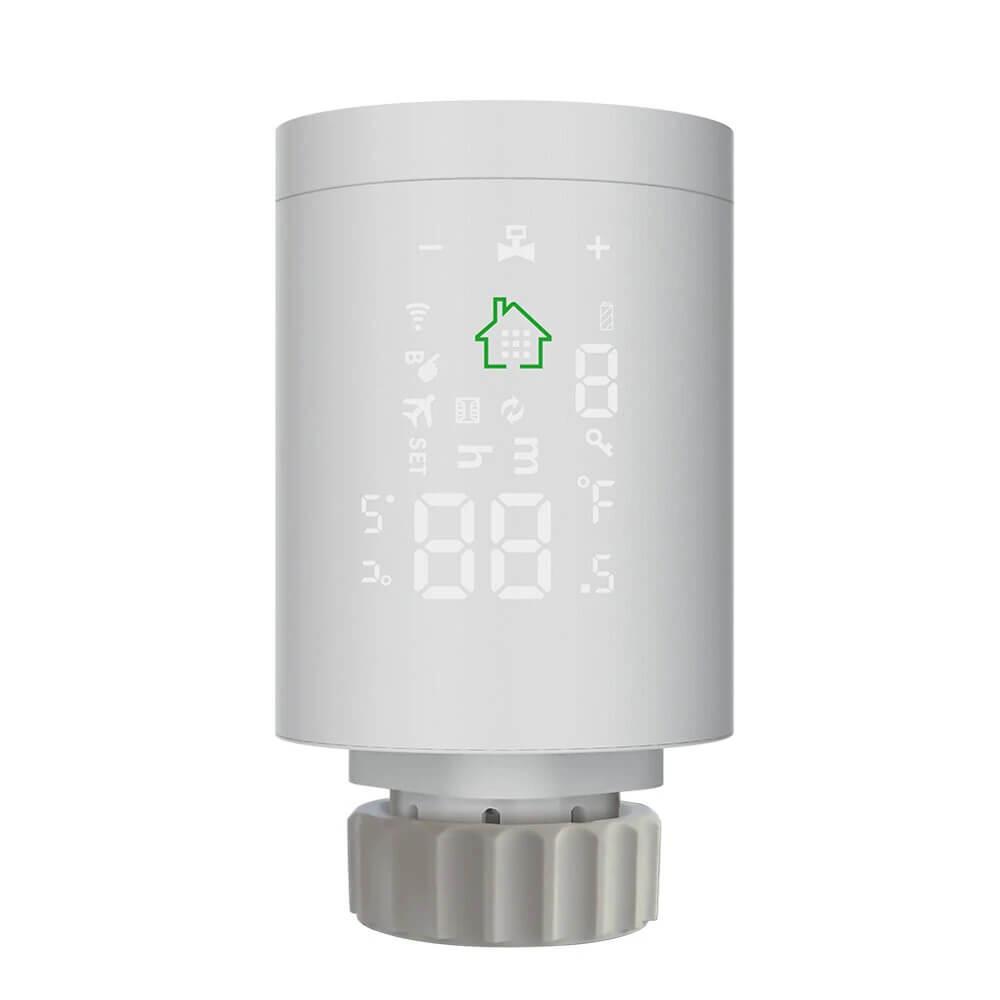
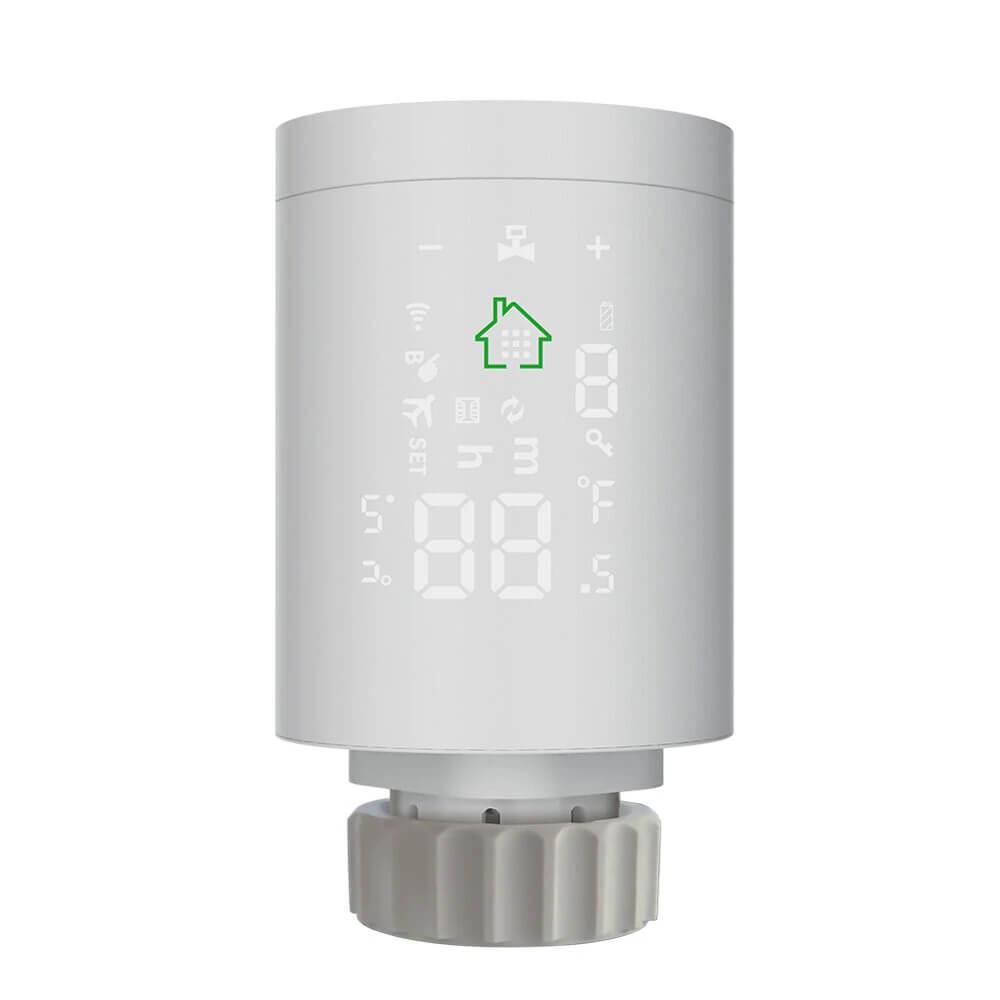
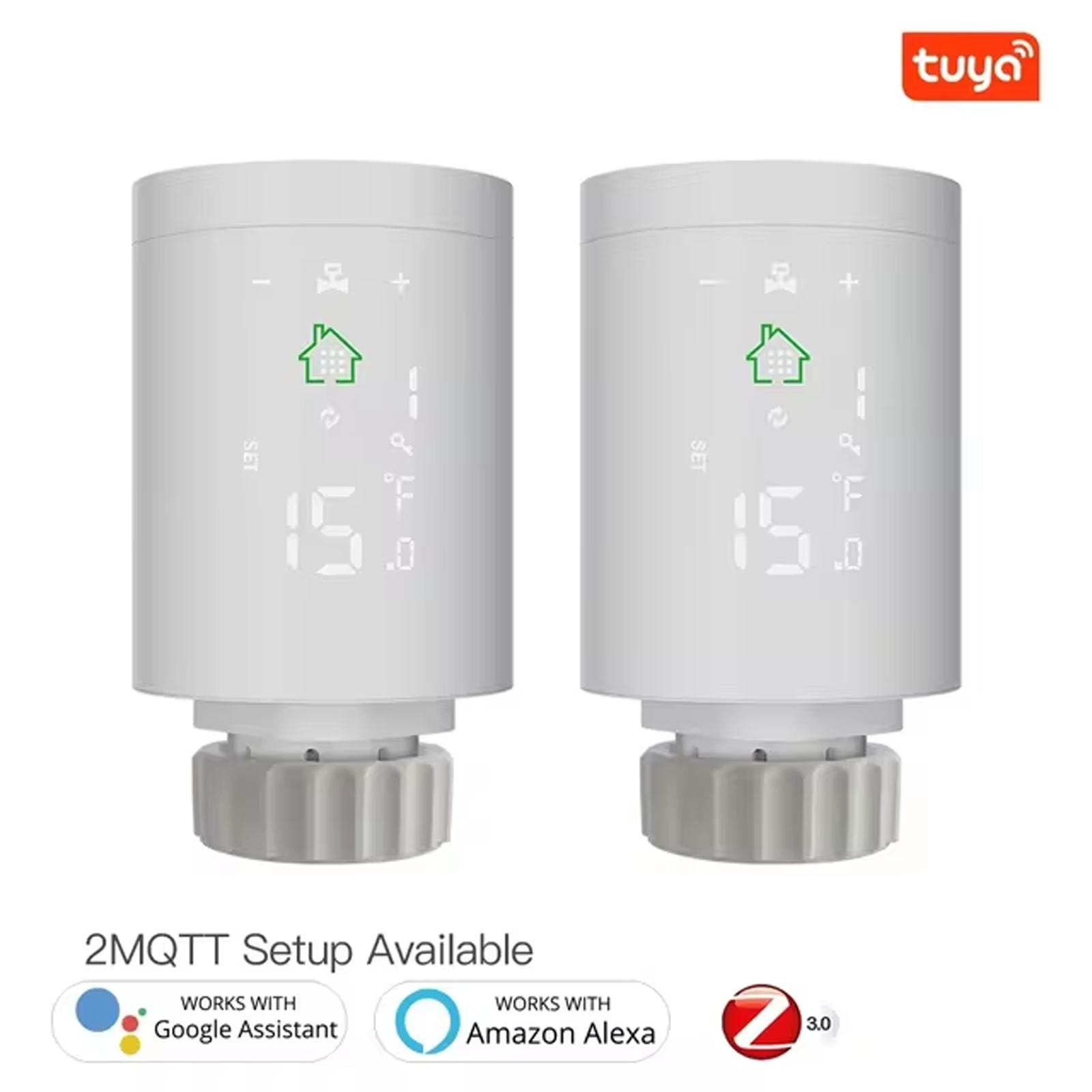
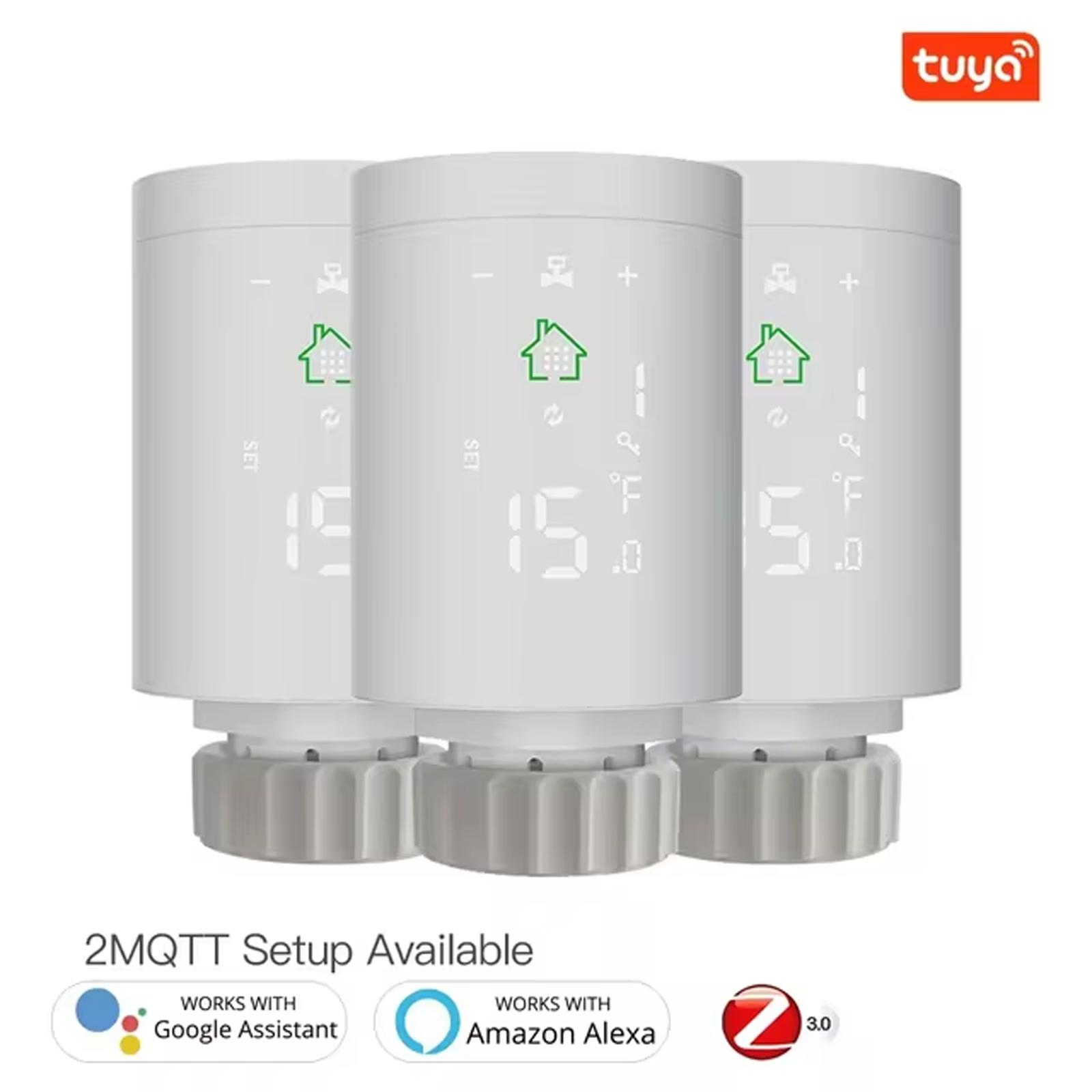
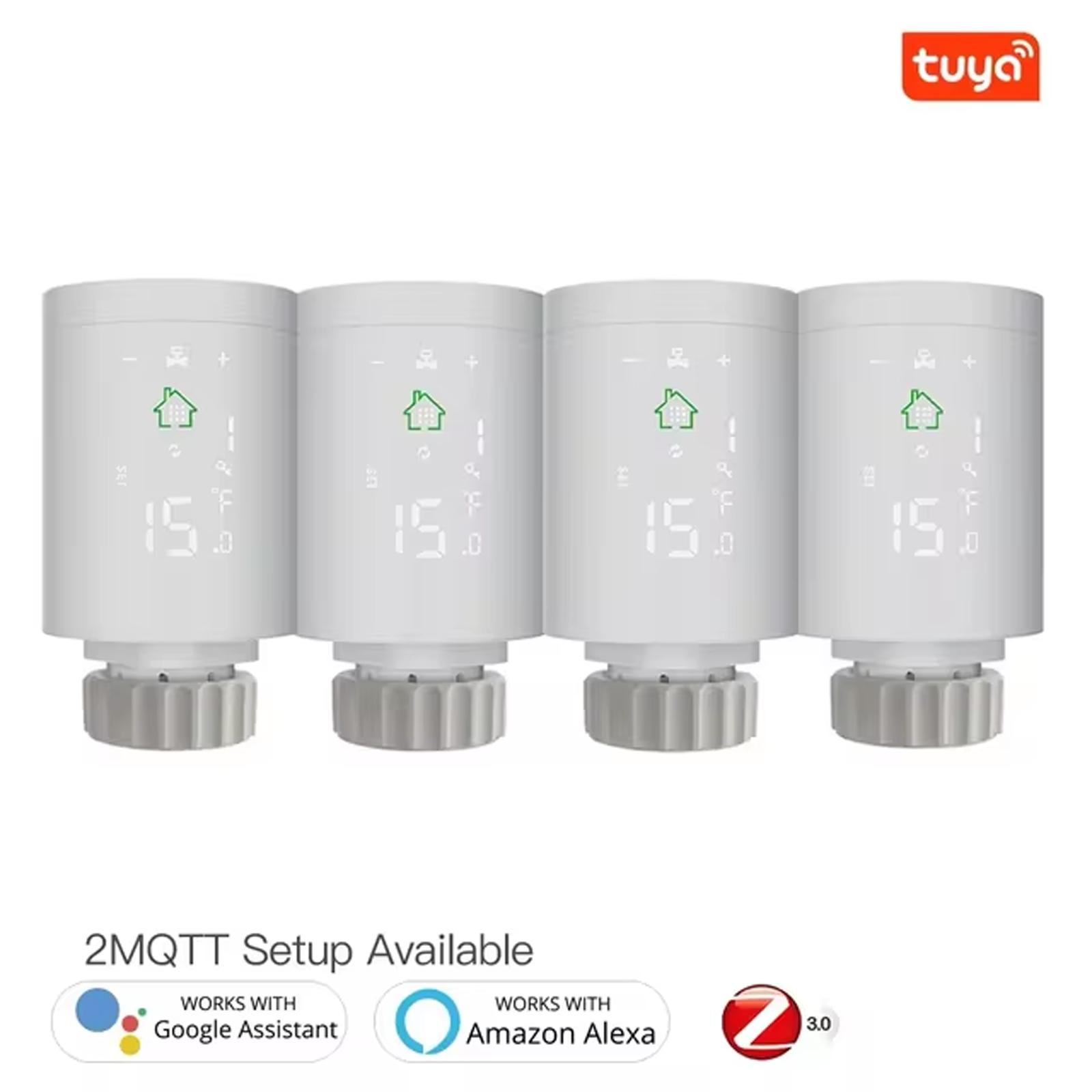
The thermostatic head is also white and measures 5.2 x 9 cm (diameter x height). It’s made of plastic, including the nut for the thread on the radiator valve. The included adapters for other valves are also plastic and don’t feel very high quality. We would have preferred metal nuts for mounting onto the radiator valve. Overall, the head’s all-plastic build quality isn’t among the best.
The head has a top that opens—essentially a cover for where the batteries are inserted. On the head itself, you’ll only find a green home icon, around which there’s a sort of display panel with touch buttons.
Ad
First power-on and pairing the hub with the app
The first step before using the Moes thermostatic head is to pair the hub with your smartphone, to which the thermostatic head is then connected using the ZigBee protocol. It can’t work on its own without the hub.
Since the package includes a wireless hub, you just need to plug it into a power outlet using the micro USB cable. On your smartphone, you’ll need the SmartLife app or, alternatively, Tuya. The hub and head work with both apps. We started with the SmartLife app, but we also tested Tuya. However, both apps are completely identical in design. We didn’t notice any differences.
SmartLife works similarly to the Xiaomi Home app we’ve already tested. After successful registration and sign-in, we only had an empty home screen available, since we hadn’t used this app before. Devices are added by tapping the + symbol in the top-right corner.
Here you can find a list of all smart devices that can be added to the app. There is no missing auto scan function, which should be able to search for smart devices nearby using your smartphone. Our app failed to automatically find it, so we found it in the device list: – Wireless Gateway (ZigBee).
In the next step, we selected our home WiFi network to connect the gateway to, entered the password, and the rest happened automatically. The app also offered a firmware update, which took place in about 2 – 3 minutes.
Ad
Installing a thermostatic radiator valve head
First, we attached the Moes head to the radiator valve in the living room. We removed the original, standard head when it was fully open, simply by unscrewing the nut. We didn’t need any brute force to loosen it.
Original head
Under the head there’s a valve, and the thermostatic head from Moes is mounted in the same way as the original head. We were even lucky enough that we didn’t need any of the included adapters. The smart head fit perfectly on our valve type M30 x 1.5. If you have a different valve, you can try the included adapters. If none of them fits, you’ll need to get the required reducer/adapter yourself.
After inserting the batteries into the thermostatic head, all elements on its display light up for 3 seconds. Then you need to set the time, the day of the week (using the + and - buttons), and after that a so-called self-test runs—during which the head adjusts to the specified valve and checks the length of its travel.
During this process, “Ad” is displayed on the screen and you can slightly hear the motor sound that turns the head. After a successful test, the head will display the current room temperature.
Adding the Moes head to the SmartLife app
After successfully pairing the gateway, you can add more smart home devices to it that require a ZigBee gateway and are compatible. The app automatically switched to Slovak, but the translation is not the best. To add another device, you need to click the “Add subcommittee” button at the bottom of the screen.
Adding the head to the app isn’t as easy as it might seem. The problem is just the reset of the head, which is unnecessarily complicated. To reset it, you need to go to the settings by long-pressing the home button, then switch with a few presses of the “+” symbol until you reach the icon symbolizing WiFi (item number 5). Then press the home button to confirm the selection, and then keep holding it until the WiFi symbol starts flashing.
At this point, the thermostatic head is in pairing mode, and the app has already found it nearby and added it to our smart home right away.
Ad
SmartLife app interface
On the home screen you can see the gateway and the thermostatic head, since we don’t have more devices. If you want to switch to a nicer view by rooms, you need to name your home and choose the rooms you want to see in it. This is done in the Home management settings.
The gateway shows the devices connected to it; otherwise it has no special features. The Moes smart thermostatic head interface has a simple yet clear design. The main element is the display of the current and set temperature, with + and – buttons to adjust it.
The lower part of the screen includes a button for changing the mode and moving to settings. Here, too, you can see the imperfect Slovak translation—for example in the information about the set temperature, which is shown as: “Tepl. Mist. Designo”.
Six preset modes
The app offers 6 different modes you can use. Specifically: vacation, schedule/program, manual, comfort, eco, and boost. In vacation mode, you set the number of days (from 1 – 30) and the temperature you want to maintain during those days. The temperature can be set in the range 5 – 35 °C.
The program name mode is automatic and runs based on the set temperatures within a weekly interval. There are several types of weekly mode available: 5 + 2 (5 working days + 2 days off), 6 + 1 (6 working days + 1 day off) or 7 working days. This setting is especially useful when you’re not at home during the workdays and don’t want to heat rooms unnecessarily.
Manual mode is fully manual. Here you set only the desired temperature using the + and – buttons in the range of 5 to 35 °C. Comfort and ECO modes maintain the temperature you choose in the settings. Boost mode is for quickly heating the room to a higher temperature.
Ad
App settings
In the settings, there are several items, and we’ll go through all of them together. The first three offer enabling the child lock, setting the valve, and calibrating the temperature.
With the child lock, the buttons on the thermostatic head are blocked. The valve setting offers options: normal (the standard mode that’s pre-set), as well as fully opening the valve or completely closing it. Temperature calibration is used to correct the temperature measured by the head.
The thermometer is located directly in the head, which means the temperature measured by the head may differ slightly from the one you measure with an external room thermometer. The correction can be set in the range of -9 to 9 °C. You have to monitor the difference between the temperature on the head and the actual room temperature yourself. The correction of -1 °C has been verified for us.
Main settings with an annoying password
The remaining settings, which are the most interesting, are password-protected. The password is shown directly in the app (123456) and you have to enter it every time you change a setting. If you want to change the temperature for comfort mode, you must first enter the password. And if you want to change the ECO mode temperature right after that, you have to enter the password again. Constantly entering the password every time you change a setting is extremely annoying.
Let’s take a look at all the remaining settings. Child lock offers the option to turn on manually or automatically after a certain period of inactivity. Items Max. set temp. and Min. set temp. let you set the maximum and minimum temperature within a range of 1 – 15 °C for the minimum temperature and 16 – 70 °C for the maximum temperature. The pre-set minimum temperature is 5 °C and the maximum is 35 °C.
Ventilation settings are for setting the automatic valve closure when a window is open. Here you set the temperature (5 – 25 °C) at which the valve should be closed and how long it should remain closed (5 – 60 minutes). So if the temperature suddenly drops below the selected temperature, the valve closes for the specified time.
Boost time is the duration for which Boost mode for quick room heating will be active. Comfort temperature and ECO temperature are used to set the temperature in the respective modes.
Automatic mode with weekly scheduling
The last mode is the most interesting one. It’s an automatic mode that’s set according to the week you choose. There are weeks 5 + 2, 6 + 1 and 7. For example, 5 + 2 means: 5 working days and 2 days off, 6 + 1 analogously, and the number 7 means 7 of the same (working) days.
In the next step, you set the temperatures in six periods, separately for a working day and also for a day off. These working and off days are then used for the selected week. 6 periods means 6 different times during the day when you can adjust the temperature.
A minor issue is that the number of periods can’t be changed. For example, if you want to heat to 20 °C at night and to 23 °C during the day, 2 periods would be enough – e.g. at 07:00, when the temperature is set to 23 °C, and at 22:00, when the temperature is set to 20 °C. Since you can’t change the number of periods, for such a setup you have to set the same temperature for multiple periods, which doesn’t make much sense.
Ad
More of our observations
The interesting part is the open-window mode, when the valve should be fully closed after it detects an open window. The problem, however, is the open-window detection. Since the head detects an open window based on a drop in temperature, the room temperature would have to fall below the selected threshold.
But while the room temperature drops, it often takes several dozen minutes. In winter, however, we mostly ventilate only briefly and in sudden bursts, so the room temperature doesn’t have enough time to drop too much. So this feature doesn’t work very well. A better solution would be a window sensor that closes the valve immediately after the window is opened. Such scenes can be set up in the app.
Since we don’t have any other ZigBee devices, we created only a simple scene with the following condition: if the batteries are low, send us a notification. You can also condition Smart Scenes based on a specific temperature, the valve status, the mode, and similar factors. The best use of scenes, however, is when combined with other smart devices.
Battery life can only be verified after long-term use, but based on user reviews, alkaline batteries should be sufficient for at least one heating season.
Overall, we’re very happy with the smart valve. After a few days of testing and monitoring temperatures, you can fine-tune your heating really well. With long-term use of these heads throughout the whole home, you can even save on heating.
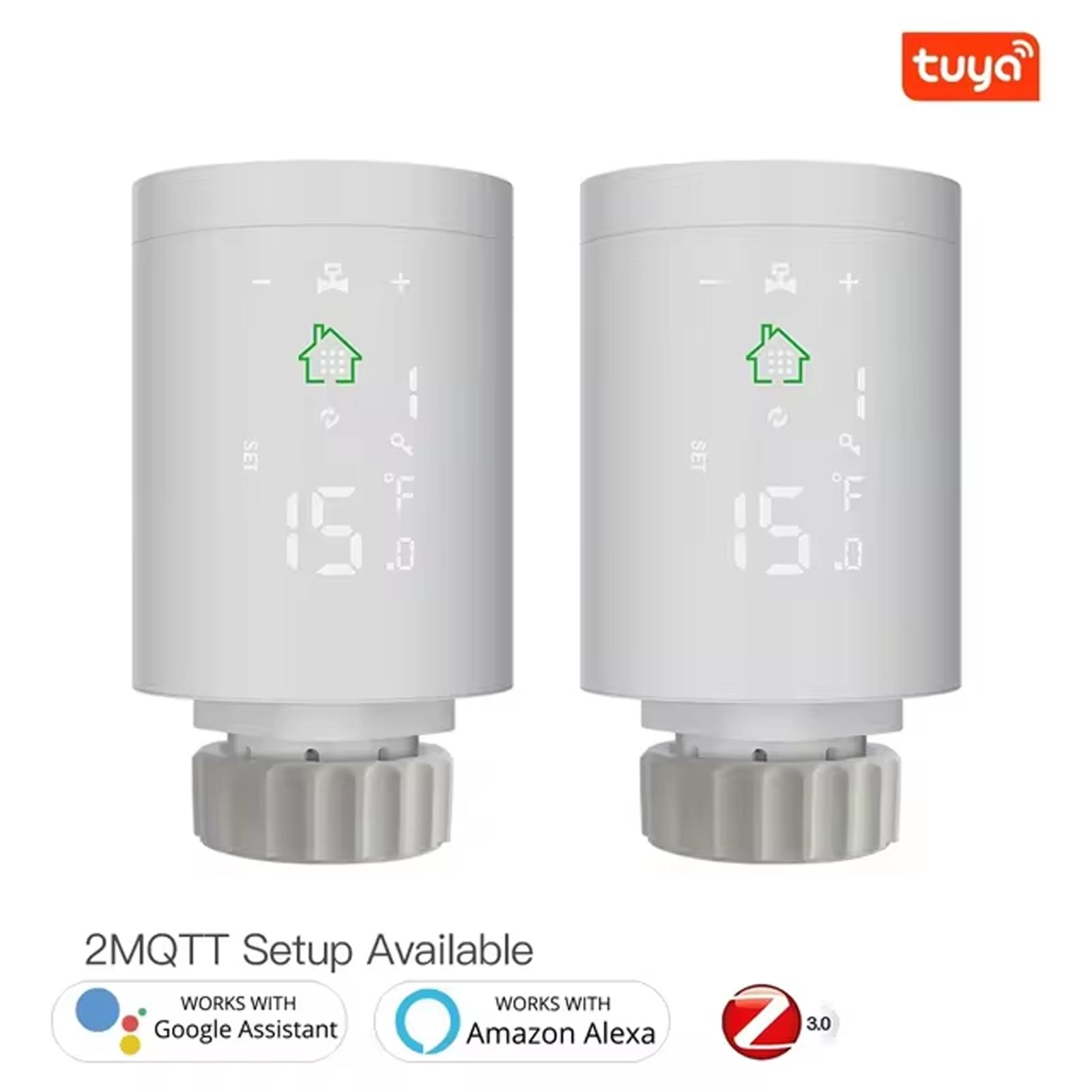
You can also link your SmartLife or Tuya account with the Google Home app, and if you have a voice assistant, you can control the valves using voice commands as well.
Controls even without an app
Moes heads can also be controlled without an app, using the touch buttons directly on the head. As we already mentioned in the introduction, the head has three buttons – home, + and -. However, this kind of control is quite impractical and time-consuming. The head is much easier to control via the app.
Almost all functions can be controlled using the buttons on the head (except eco and comfort modes), and you’ll also find 2 additional options – hysteresis and display orientation. The easiest way to use it is manual mode, where you set the temperature using the + and – buttons.
Pressing the home button switches you to the automatic weekly mode, represented by a symbol with arrows pointing into a circle. Other modes and settings are available by long-pressing the home button (3 seconds).
The airplane symbolizes vacation mode; the key is the child lock; the slightly opened window represents the open-window mode; and the hand symbol with the letter B is the boost mode. You switch between the individual items by pressing the Home button, and the next value is changed using the + and - buttons. All options are described in the included manual, which is available online as well.
Ad
Smart Thermostatic Valve Head Moes: Final review
The intelligent thermostatic head Moes communicates using the ZigBee protocol 3.0 and the gateway it connects to. For the test, we had a version with a wireless gateway and one head. The setup is simple; in the package you’ll find several adapters, and overall we had a very good impression.
With this head, you can turn your old radiator into a smart one, and you can conveniently turn on and adjust the heating remotely, from anywhere. An automatic weekly mode is also useful, where you can set heating temperatures for workdays and free days.
Free shipping is available for this product. However, this is the slowest delivery method, and the item may take 20 days to 1 month(s) to arrive.
When you order from a Chinese warehouse, AliExpress adds a customs duty charge of approximately 3,70 € per order to your cart. When you receive the shipment, you won’t have to pay anything extra.
Are you shopping on AliExpress for the first time?See the guide!
Updated 13. 12. 2024 at 11:05
TIPExpress delivery from a Spanish warehouse without customs duties or VAT.
This product will be delivered express from the local Spanish warehouse. Shipping from Spain usually takes 7-10 days and is handled by a courier. On delivery, you don’t pay any extra fees—no customs duty or VAT.
TIPFor EU Priority Line shipping, you don’t pay any extra fees.
We recommend choosing Priority Line shipping, where you won’t have to pay anything extra. Customs duty and any VAT (if applicable) will be handled for you directly by the seller. Shipping can be selected in the cart after you enter your delivery address. Delivery with EU Priority Line usually takes about 15 - 25 days, but it may also take longer.
Are you shopping on AliExpress for the first time?See the guide!
Updated 13. 12. 2024 at 11:05
TIPExpress delivery from a Spanish warehouse without customs duties or VAT.
This product will be delivered express from the local Spanish warehouse. Shipping from Spain usually takes 7-10 days and is handled by a courier. On delivery, you don’t pay any extra fees—no customs duty or VAT.
Are you shopping on AliExpress for the first time?See the guide!
Updated 13. 12. 2024 at 11:05
TIPShipping via Aliexpress Standard Shipping
For this product, Aliexpress Standard Shipping is available. This is the most reliable delivery method and, in most cases, it’s handled by a courier company. Delivery time is usually 10-20 days.
When you order from a Chinese warehouse, AliExpress adds a customs duty charge of approximately 3,70 € per order to your cart. When you receive the shipment, you won’t have to pay anything extra.
Are you shopping on AliExpress for the first time?See the guide!
Updated 13. 12. 2024 at 11:05
TIPExpress delivery from a European warehouse without customs duty and VAT.
This product will be delivered to you express from a local warehouse in Europe. Delivery from EU warehouses usually takes 2–10 days and is handled by a courier. When delivered, you don’t pay any extra fees—no customs duty or VAT.
Are you shopping on AliExpress for the first time?See the guide!
Updated 13. 12. 2024 at 11:05
TIPExpress delivery from a European warehouse without customs duty and VAT.
This product will be delivered to you express from a local warehouse in Europe. Delivery from EU warehouses usually takes 2–10 days and is handled by a courier. When delivered, you don’t pay any extra fees—no customs duty or VAT.
We were disappointed with the open-window detection mode, which doesn’t work well enough, and also with the pointless password entry when changing any settings. We would have liked a metal valve matrix too, but unfortunately it’s only plastic.