The huge summer sale on AliExpress is in full swing, and this time it’s one of the strongest events of this year. The launch was on August 18, 2025 at 9:00 AM your time, and the event runs until August 28 at 9:00 AM. During this period, we prepared a list of up to 70 coupons for you that are still active and guarantee the best prices of the year. Thanks to these coupons, many products reach their historical lows, making this a great opportunity to save dozens to hundreds of euros on your purchases.
Brutal prices with coupons
Back to School sale on AliExpress brings you not only high discounts directly from sellers, but mainly coupons you usually don’t get here. That’s how you get access to offers you can’t normally find on the market. This applies to a huge range of items—from electronics, to home appliances, to various practical gadgets and accessories.
Our editorial team carefully prepared a complete list of coupons that are working and verified, so you don’t have to worry about non-functional codes or misleading prices. You can always find them in this regularly updated article . Also make sure to follow our Deals Planet, where we update you every day with the best coupons.
Show Deals Planet
A selection of the best deals from Day 2 (19.8.)
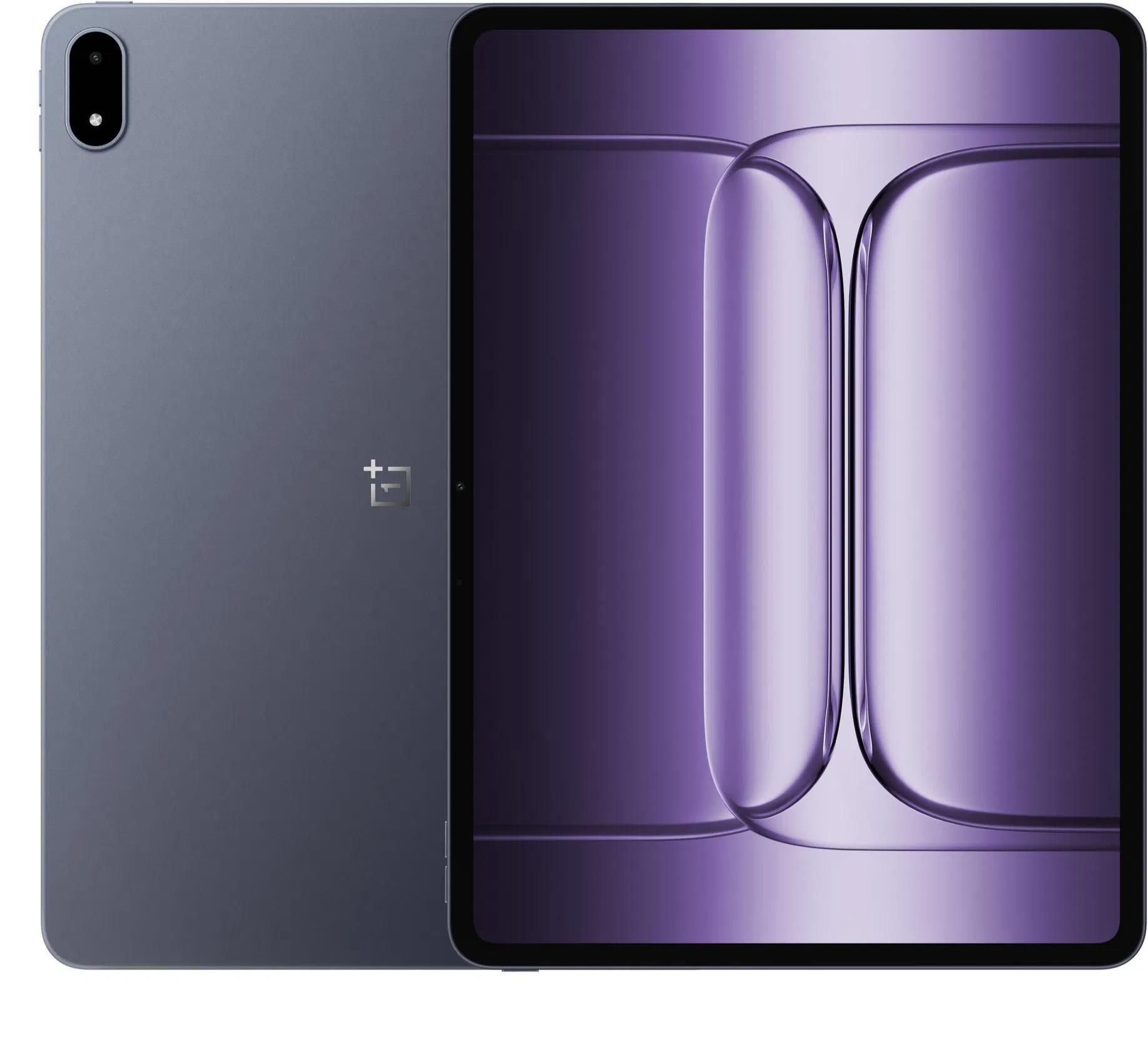
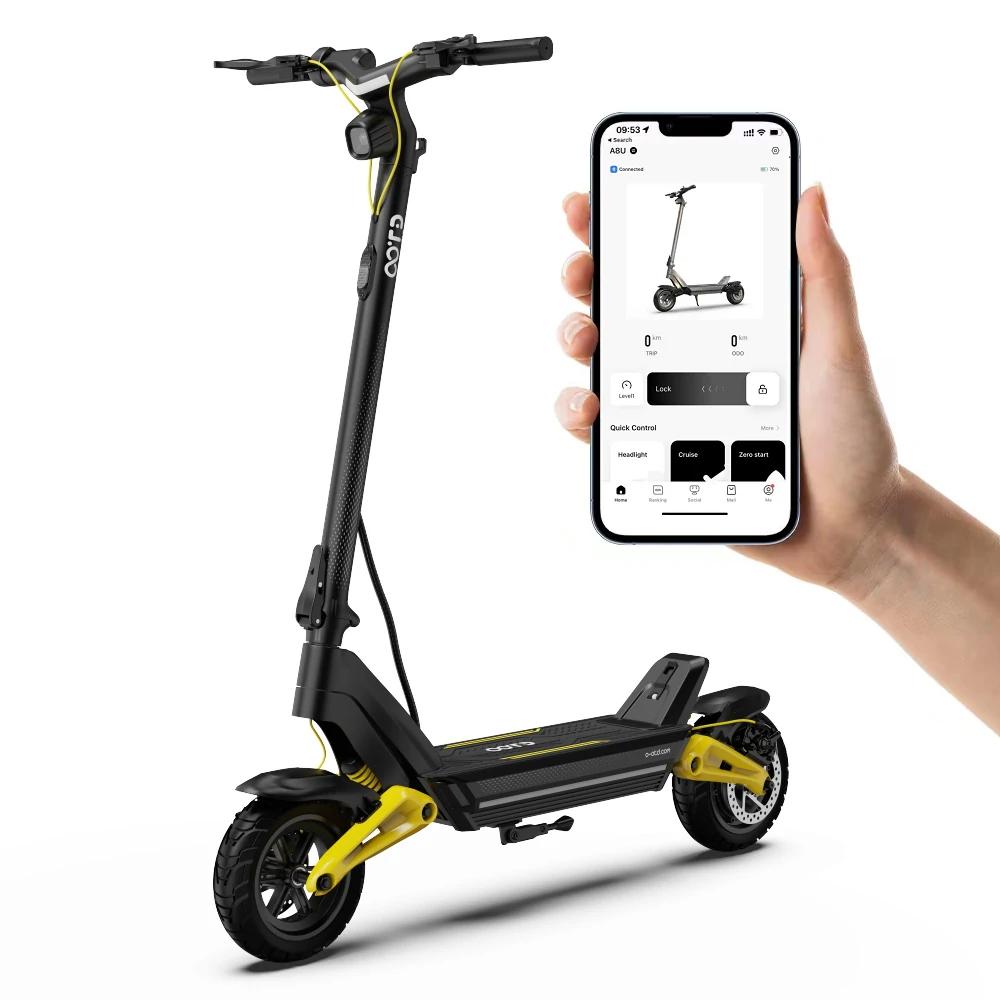
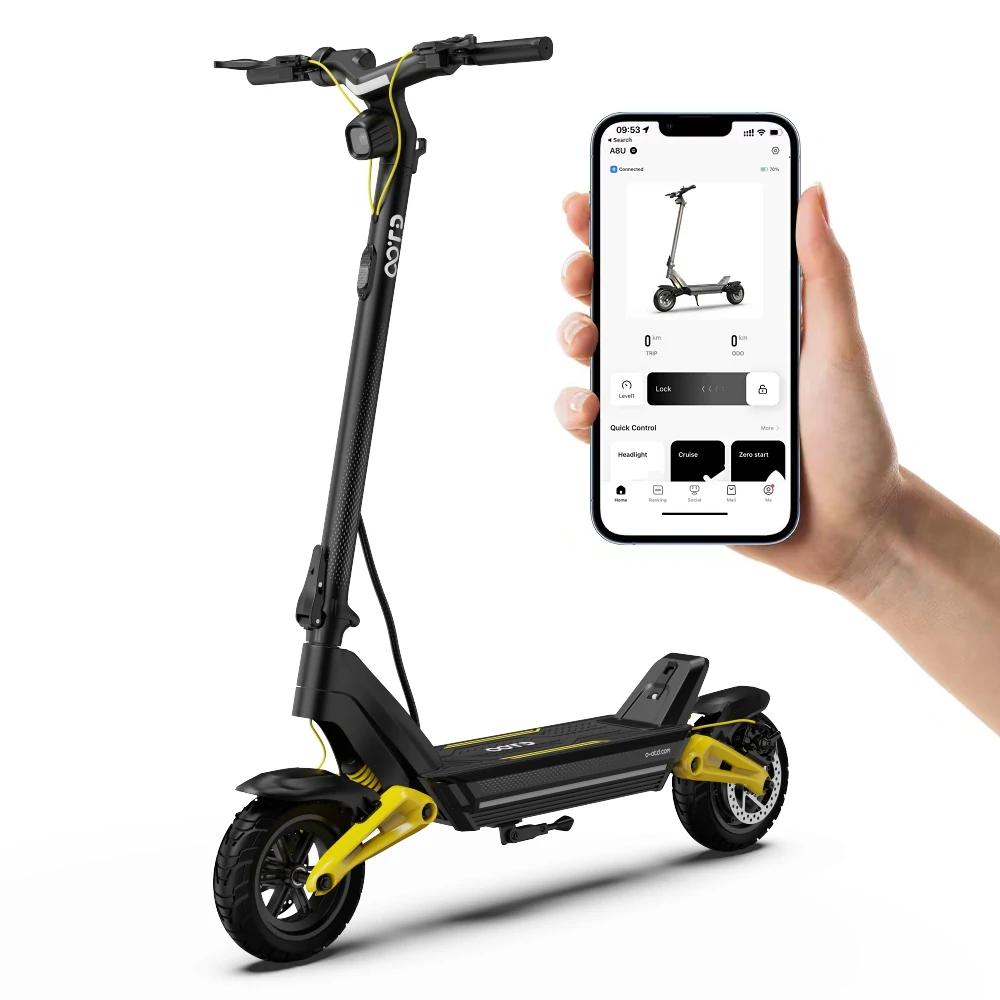
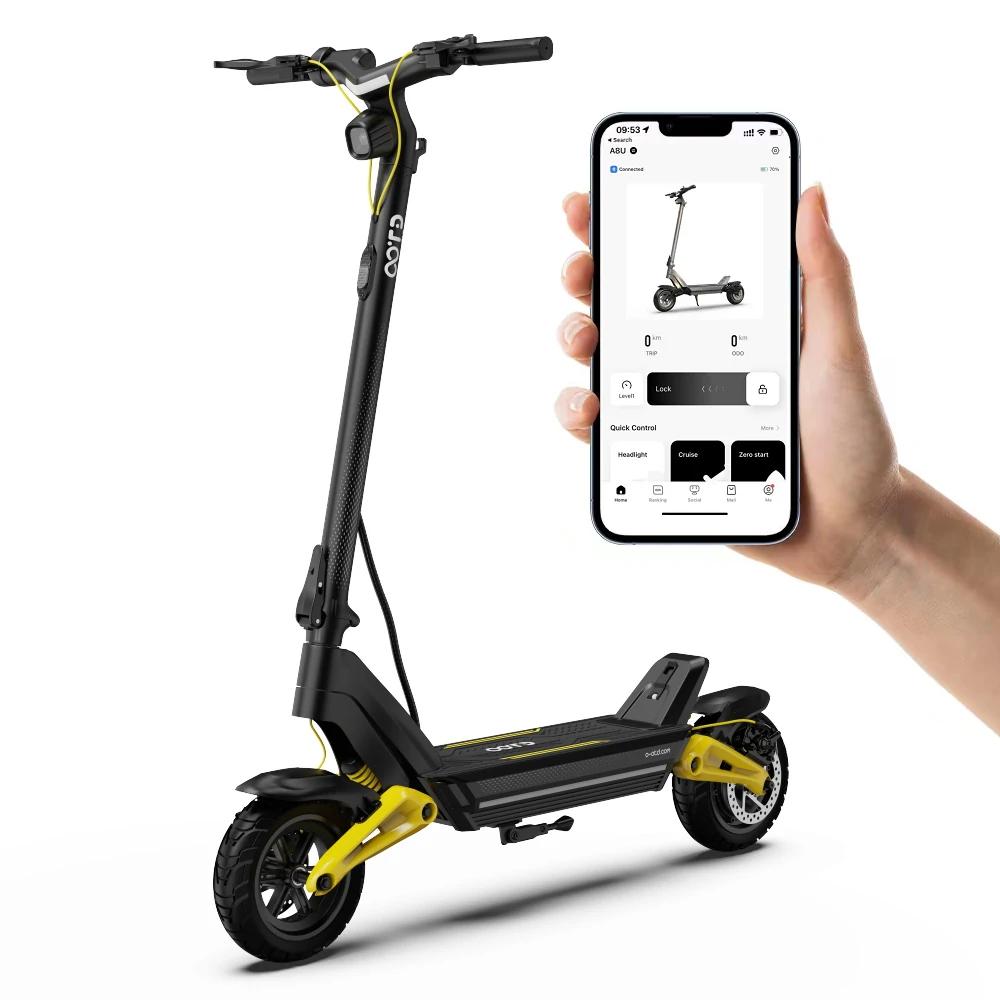
Among the products that are currently breaking pricing records, you’ll find electric e-scooters from Joyor, as well as iScooter, plus items from quality brands like Honor, OnePlus, Garmin, Huawei, realme, and nubia:
Important: Orders from Geekbuying come with our VIP support , which you get after downloading our extension for the Chrome browser send us your order number so we can check that VIP support is valid!
EU warehouse 599,00 € You save 70,00 €
529,00 €
Price history 104,20 € more expensive than the average price Cheapest 356,76 € Most expensive 529,00 €
3 mo. 6 mo. 1 year Max
More coupons
598,88 € 564,55 €
No coupon Use Updated 22. 10. 2026 at 09:28 TIP Express delivery from a European warehouse without customs duty and VAT.This product will be delivered to you express from a local warehouse in Europe. Delivery from EU warehouses usually takes 2–10 days and is handled by a courier. When delivered, you don’t pay any extra fees—no customs duty or VAT.
Track this product’s price As soon as we post a new coupon, we’ll send you an email. You can unsubscribe from tracking anytime.
Is it your first time shopping on Geekbuying? VIDEO
VIDEO
Honor Magic7 Pro 5G, global version 🇩🇪 Buy via Germany, 12 + 512 GB 528,69 € ES warehouse SK AliExpress, 12 + 512 GB 617,57 € DE warehouse 804,99 € You save 276,30 €
528,69 €
Price history 201,95 € cheaper than the average price Cheapest 528,69 € Most expensive 811,99 €
3 mo. 6 mo. 1 year Max
Updated 5. 8. 2026 at 11:29 TIP Express delivery from a Spanish warehouse without customs duties or VAT.This product will be delivered express from the local Spanish warehouse. Shipping from Spain usually takes 7-10 days and is handled by a courier. On delivery, you don’t pay any extra fees—no customs duty or VAT.
Track this product’s price As soon as we post a new coupon, we’ll send you an email. You can unsubscribe from tracking anytime.
Are you shopping on AliExpress for the first time?
The process is via the AliExpress mobile app, where most people shop. There are two key things: don’t use Buy now and enter the coupon only in the order summary, in the field Promo code . After you click Pay now , you won’t be able to add it.
Copy the code and click Use discount In our article, copy the coupon and click the button GET DISCOUNT . The link will take you directly to the product in the AliExpress app. Use Add to cart instead of Buy now On the product card, scroll down and tap Add to cart . Don’t use the Buy now button—you’ll skip the cart, and later you won’t have anywhere to enter the coupon. Before that, double-check the variant: the color, the version, and whether it ships from an EU warehouse. Through the cart, go to Checkout A pop-up will appear: Added to cart! — tap Check it out in it. If it disappeared, open the cart with the icon at the bottom right. In the cart, check the product and quantity, then click the red Checkout . Only the items marked with the red ring will be applied. Enter your address and card, then look for Promo code In the order summary, first fill in the delivery address and payment card at the top. Below them there’s a line Promo code — expand it with the arrow on the right.
Look for this line under the address and payment method. Paste the code and confirm Apply In the field Promo code paste the copied code and click the black Apply . The code is case-sensitive and must not contain spaces.
Paste the code into the field and confirm with the Apply button. Check the savings and pay In the Summary expand the line Saved — you’ll see the applied coupon there as AliExpress coupons/codes . Only when Total is really lower, click Pay now .
The applied coupon will appear in the Saved line and will reduce the Total.
Apply the discount already at the order summary. After you click Pay now, you can no longer add a coupon. If Apply shows an error, the code has either expired, doesn’t apply to your items, or the order doesn’t meet the minimum amount.
The Store Coupon also goes in the same field. — a coupon from the seller itself, which isn’t always available and changes from day to day. AliExpress coupons can’t be combined, so try both and go with the one that gives you more. Coins are added automatically.
903,21 € You save 285,64 €
617,57 €
Price history 158,01 € cheaper than the average price Cheapest 612,63 € Most expensive 903,21 €
3 mo. 6 mo. 1 year Max
Updated 5. 8. 2026 at 11:29 TIP Express delivery from a German warehouse without customs duty and VAT.This product will be delivered express from the local German warehouse. Shipping from Germany usually takes 7-10 days, and the delivery is handled by a courier. When it arrives, you won’t pay any additional fees—no customs duty or VAT.
Track this product’s price As soon as we post a new coupon, we’ll send you an email. You can unsubscribe from tracking anytime.
Are you shopping on AliExpress for the first time?
The process is via the AliExpress mobile app, where most people shop. There are two key things: don’t use Buy now and enter the coupon only in the order summary, in the field Promo code . After you click Pay now , you won’t be able to add it.
Copy the code and click Use discount In our article, copy the coupon and click the button GET DISCOUNT . The link will take you directly to the product in the AliExpress app. Use Add to cart instead of Buy now On the product card, scroll down and tap Add to cart . Don’t use the Buy now button—you’ll skip the cart, and later you won’t have anywhere to enter the coupon. Before that, double-check the variant: the color, the version, and whether it ships from an EU warehouse. Through the cart, go to Checkout A pop-up will appear: Added to cart! — tap Check it out in it. If it disappeared, open the cart with the icon at the bottom right. In the cart, check the product and quantity, then click the red Checkout . Only the items marked with the red ring will be applied. Enter your address and card, then look for Promo code In the order summary, first fill in the delivery address and payment card at the top. Below them there’s a line Promo code — expand it with the arrow on the right.
Look for this line under the address and payment method. Paste the code and confirm Apply In the field Promo code paste the copied code and click the black Apply . The code is case-sensitive and must not contain spaces.
Paste the code into the field and confirm with the Apply button. Check the savings and pay In the Summary expand the line Saved — you’ll see the applied coupon there as AliExpress coupons/codes . Only when Total is really lower, click Pay now .
The applied coupon will appear in the Saved line and will reduce the Total.
Apply the discount already at the order summary. After you click Pay now, you can no longer add a coupon. If Apply shows an error, the code has either expired, doesn’t apply to your items, or the order doesn’t meet the minimum amount.
The Store Coupon also goes in the same field. — a coupon from the seller itself, which isn’t always available and changes from day to day. AliExpress coupons can’t be combined, so try both and go with the one that gives you more. Coins are added automatically.
Garmin Vívoactive 5 EU warehouse
FR warehouse 241,23 € You save 36,08 €
205,15 €
Price history 1,00 € more expensive than the average price Cheapest 193,43 € Most expensive 215,61 €
3 mo. 6 mo. 1 year Max
Updated 4. 11. 2025 at 08:16 TIP Express delivery from the French warehouse with no customs duties or VAT.This product will be delivered express from the local Spanish warehouse. Shipping from Spain usually takes 7-10 days and is handled by a courier. On delivery, you don’t pay any extra fees—no customs duty or VAT.
Track this product’s price As soon as we post a new coupon, we’ll send you an email. You can unsubscribe from tracking anytime.
Are you shopping on AliExpress for the first time?
The process is via the AliExpress mobile app, where most people shop. There are two key things: don’t use Buy now and enter the coupon only in the order summary, in the field Promo code . After you click Pay now , you won’t be able to add it.
Copy the code and click Use discount In our article, copy the coupon and click the button GET DISCOUNT . The link will take you directly to the product in the AliExpress app. Use Add to cart instead of Buy now On the product card, scroll down and tap Add to cart . Don’t use the Buy now button—you’ll skip the cart, and later you won’t have anywhere to enter the coupon. Before that, double-check the variant: the color, the version, and whether it ships from an EU warehouse. Through the cart, go to Checkout A pop-up will appear: Added to cart! — tap Check it out in it. If it disappeared, open the cart with the icon at the bottom right. In the cart, check the product and quantity, then click the red Checkout . Only the items marked with the red ring will be applied. Enter your address and card, then look for Promo code In the order summary, first fill in the delivery address and payment card at the top. Below them there’s a line Promo code — expand it with the arrow on the right.
Look for this line under the address and payment method. Paste the code and confirm Apply In the field Promo code paste the copied code and click the black Apply . The code is case-sensitive and must not contain spaces.
Paste the code into the field and confirm with the Apply button. Check the savings and pay In the Summary expand the line Saved — you’ll see the applied coupon there as AliExpress coupons/codes . Only when Total is really lower, click Pay now .
The applied coupon will appear in the Saved line and will reduce the Total.
Apply the discount already at the order summary. After you click Pay now, you can no longer add a coupon. If Apply shows an error, the code has either expired, doesn’t apply to your items, or the order doesn’t meet the minimum amount.
The Store Coupon also goes in the same field. — a coupon from the seller itself, which isn’t always available and changes from day to day. AliExpress coupons can’t be combined, so try both and go with the one that gives you more. Coins are added automatically.
AliExpress 562,07 € DE warehouse Banggood 593,58 € CZ warehouse 611,68 € You save 49,61 €
562,07 €
Price history 24,98 € more expensive than the average price Cheapest 441,85 € Most expensive 775,94 €
3 mo. 6 mo. 1 year Max
Updated 24. 10. 2026 at 07:11 TIP Express delivery from a German warehouse without customs duty and VAT.This product will be delivered express from the local German warehouse. Shipping from Germany usually takes 7-10 days, and the delivery is handled by a courier. When it arrives, you won’t pay any additional fees—no customs duty or VAT.
Track this product’s price As soon as we post a new coupon, we’ll send you an email. You can unsubscribe from tracking anytime.
Are you shopping on AliExpress for the first time?
The process is via the AliExpress mobile app, where most people shop. There are two key things: don’t use Buy now and enter the coupon only in the order summary, in the field Promo code . After you click Pay now , you won’t be able to add it.
Copy the code and click Use discount In our article, copy the coupon and click the button GET DISCOUNT . The link will take you directly to the product in the AliExpress app. Use Add to cart instead of Buy now On the product card, scroll down and tap Add to cart . Don’t use the Buy now button—you’ll skip the cart, and later you won’t have anywhere to enter the coupon. Before that, double-check the variant: the color, the version, and whether it ships from an EU warehouse. Through the cart, go to Checkout A pop-up will appear: Added to cart! — tap Check it out in it. If it disappeared, open the cart with the icon at the bottom right. In the cart, check the product and quantity, then click the red Checkout . Only the items marked with the red ring will be applied. Enter your address and card, then look for Promo code In the order summary, first fill in the delivery address and payment card at the top. Below them there’s a line Promo code — expand it with the arrow on the right.
Look for this line under the address and payment method. Paste the code and confirm Apply In the field Promo code paste the copied code and click the black Apply . The code is case-sensitive and must not contain spaces.
Paste the code into the field and confirm with the Apply button. Check the savings and pay In the Summary expand the line Saved — you’ll see the applied coupon there as AliExpress coupons/codes . Only when Total is really lower, click Pay now .
The applied coupon will appear in the Saved line and will reduce the Total.
Apply the discount already at the order summary. After you click Pay now, you can no longer add a coupon. If Apply shows an error, the code has either expired, doesn’t apply to your items, or the order doesn’t meet the minimum amount.
The Store Coupon also goes in the same field. — a coupon from the seller itself, which isn’t always available and changes from day to day. AliExpress coupons can’t be combined, so try both and go with the one that gives you more. Coins are added automatically.
901,82 € You save 308,24 €
593,58 €
Price history 177,57 € cheaper than the average price Cheapest 588,71 € Most expensive 901,82 €
3 mo. 6 mo. 1 year Max
Updated 24. 10. 2026 at 07:11 TIP Express delivery from the Czech warehouse with no customs duties and VAT.This product will be delivered to you express from the local Czech warehouse. Delivery from Czechia usually takes 7-10 days and is handled by courier. On delivery, you don’t pay any additional fees—no customs duty and no VAT.
Track this product’s price As soon as we post a new coupon, we’ll send you an email. You can unsubscribe from tracking anytime.
Buying on Banggood for the first time? VIDEO
VIDEO
OTTOCAST Play2Video Pro Play2video Pro
20-day delivery 61,82 € You save 2,76 €
59,06 €
Price history 20,23 € more expensive than the average price Cheapest 18,24 € Most expensive 59,06 €
3 mo. 6 mo. 1 year Max
Updated 22. 10. 2026 at 12:17 TIP 20-day delivery via Aliexpress Standard ShippingFor this product, Aliexpress Standard Shipping is available with guaranteed delivery within 20 days. This is the most reliable shipping method and, in most cases, it’s handled by a courier company. The 20-day delivery we truly tested .
When you order from a Chinese warehouse, AliExpress adds a customs duty charge of approximately 3,70 € per order to your cart. When you receive the shipment, you won’t have to pay anything extra.
Track this product’s price As soon as we post a new coupon, we’ll send you an email. You can unsubscribe from tracking anytime.
Are you shopping on AliExpress for the first time?
The process is via the AliExpress mobile app, where most people shop. There are two key things: don’t use Buy now and enter the coupon only in the order summary, in the field Promo code . After you click Pay now , you won’t be able to add it.
Copy the code and click Use discount In our article, copy the coupon and click the button GET DISCOUNT . The link will take you directly to the product in the AliExpress app. Use Add to cart instead of Buy now On the product card, scroll down and tap Add to cart . Don’t use the Buy now button—you’ll skip the cart, and later you won’t have anywhere to enter the coupon. Before that, double-check the variant: the color, the version, and whether it ships from an EU warehouse. Through the cart, go to Checkout A pop-up will appear: Added to cart! — tap Check it out in it. If it disappeared, open the cart with the icon at the bottom right. In the cart, check the product and quantity, then click the red Checkout . Only the items marked with the red ring will be applied. Enter your address and card, then look for Promo code In the order summary, first fill in the delivery address and payment card at the top. Below them there’s a line Promo code — expand it with the arrow on the right.
Look for this line under the address and payment method. Paste the code and confirm Apply In the field Promo code paste the copied code and click the black Apply . The code is case-sensitive and must not contain spaces.
Paste the code into the field and confirm with the Apply button. Check the savings and pay In the Summary expand the line Saved — you’ll see the applied coupon there as AliExpress coupons/codes . Only when Total is really lower, click Pay now .
The applied coupon will appear in the Saved line and will reduce the Total.
Apply the discount already at the order summary. After you click Pay now, you can no longer add a coupon. If Apply shows an error, the code has either expired, doesn’t apply to your items, or the order doesn’t meet the minimum amount.
The Store Coupon also goes in the same field. — a coupon from the seller itself, which isn’t always available and changes from day to day. AliExpress coupons can’t be combined, so try both and go with the one that gives you more. Coins are added automatically.
Gisam turbo blower with nozzle No battery 43,75 € PL warehouse With 2 batteries 53,84 € DE warehouse With 1 battery 52,34 € ES warehouse 46,57 € You save 2,82 €
43,75 €
Price history 4,33 € more expensive than the average price Cheapest 27,42 € Most expensive 46,57 €
3 mo. 6 mo. 1 year Max
Updated 26. 10. 2026 at 08:11 TIP Express delivery from the Polish warehouse with no customs duty and VAT.This product will be delivered to you express from a local Polish warehouse. Shipping from Poland usually takes 7-10 days and is handled by a courier. When it arrives, you don’t pay any extra fees—no customs duty or VAT.
Track this product’s price As soon as we post a new coupon, we’ll send you an email. You can unsubscribe from tracking anytime.
Are you shopping on AliExpress for the first time?
The process is via the AliExpress mobile app, where most people shop. There are two key things: don’t use Buy now and enter the coupon only in the order summary, in the field Promo code . After you click Pay now , you won’t be able to add it.
Copy the code and click Use discount In our article, copy the coupon and click the button GET DISCOUNT . The link will take you directly to the product in the AliExpress app. Use Add to cart instead of Buy now On the product card, scroll down and tap Add to cart . Don’t use the Buy now button—you’ll skip the cart, and later you won’t have anywhere to enter the coupon. Before that, double-check the variant: the color, the version, and whether it ships from an EU warehouse. Through the cart, go to Checkout A pop-up will appear: Added to cart! — tap Check it out in it. If it disappeared, open the cart with the icon at the bottom right. In the cart, check the product and quantity, then click the red Checkout . Only the items marked with the red ring will be applied. Enter your address and card, then look for Promo code In the order summary, first fill in the delivery address and payment card at the top. Below them there’s a line Promo code — expand it with the arrow on the right.
Look for this line under the address and payment method. Paste the code and confirm Apply In the field Promo code paste the copied code and click the black Apply . The code is case-sensitive and must not contain spaces.
Paste the code into the field and confirm with the Apply button. Check the savings and pay In the Summary expand the line Saved — you’ll see the applied coupon there as AliExpress coupons/codes . Only when Total is really lower, click Pay now .
The applied coupon will appear in the Saved line and will reduce the Total.
Apply the discount already at the order summary. After you click Pay now, you can no longer add a coupon. If Apply shows an error, the code has either expired, doesn’t apply to your items, or the order doesn’t meet the minimum amount.
The Store Coupon also goes in the same field. — a coupon from the seller itself, which isn’t always available and changes from day to day. AliExpress coupons can’t be combined, so try both and go with the one that gives you more. Coins are added automatically.
64,12 € You save 10,28 €
53,84 €
Price history 0,73 € more expensive than the average price Cheapest 44,99 € Most expensive 58,81 €
3 mo. 6 mo. 1 year Max
Updated 26. 10. 2026 at 08:11 TIP Express delivery from a German warehouse without customs duty and VAT.This product will be delivered express from the local German warehouse. Shipping from Germany usually takes 7-10 days, and the delivery is handled by a courier. When it arrives, you won’t pay any additional fees—no customs duty or VAT.
Track this product’s price As soon as we post a new coupon, we’ll send you an email. You can unsubscribe from tracking anytime.
Are you shopping on AliExpress for the first time?
The process is via the AliExpress mobile app, where most people shop. There are two key things: don’t use Buy now and enter the coupon only in the order summary, in the field Promo code . After you click Pay now , you won’t be able to add it.
Copy the code and click Use discount In our article, copy the coupon and click the button GET DISCOUNT . The link will take you directly to the product in the AliExpress app. Use Add to cart instead of Buy now On the product card, scroll down and tap Add to cart . Don’t use the Buy now button—you’ll skip the cart, and later you won’t have anywhere to enter the coupon. Before that, double-check the variant: the color, the version, and whether it ships from an EU warehouse. Through the cart, go to Checkout A pop-up will appear: Added to cart! — tap Check it out in it. If it disappeared, open the cart with the icon at the bottom right. In the cart, check the product and quantity, then click the red Checkout . Only the items marked with the red ring will be applied. Enter your address and card, then look for Promo code In the order summary, first fill in the delivery address and payment card at the top. Below them there’s a line Promo code — expand it with the arrow on the right.
Look for this line under the address and payment method. Paste the code and confirm Apply In the field Promo code paste the copied code and click the black Apply . The code is case-sensitive and must not contain spaces.
Paste the code into the field and confirm with the Apply button. Check the savings and pay In the Summary expand the line Saved — you’ll see the applied coupon there as AliExpress coupons/codes . Only when Total is really lower, click Pay now .
The applied coupon will appear in the Saved line and will reduce the Total.
Apply the discount already at the order summary. After you click Pay now, you can no longer add a coupon. If Apply shows an error, the code has either expired, doesn’t apply to your items, or the order doesn’t meet the minimum amount.
The Store Coupon also goes in the same field. — a coupon from the seller itself, which isn’t always available and changes from day to day. AliExpress coupons can’t be combined, so try both and go with the one that gives you more. Coins are added automatically.
Price history 6,61 € more expensive than the average price Cheapest 40,64 € Most expensive 52,34 €
3 mo. 6 mo. 1 year Max
Updated 26. 10. 2026 at 08:11 TIP Express delivery from a Spanish warehouse without customs duties or VAT.This product will be delivered express from the local Spanish warehouse. Shipping from Spain usually takes 7-10 days and is handled by a courier. On delivery, you don’t pay any extra fees—no customs duty or VAT.
Track this product’s price As soon as we post a new coupon, we’ll send you an email. You can unsubscribe from tracking anytime.
Are you shopping on AliExpress for the first time?
The process is via the AliExpress mobile app, where most people shop. There are two key things: don’t use Buy now and enter the coupon only in the order summary, in the field Promo code . After you click Pay now , you won’t be able to add it.
Copy the code and click Use discount In our article, copy the coupon and click the button GET DISCOUNT . The link will take you directly to the product in the AliExpress app. Use Add to cart instead of Buy now On the product card, scroll down and tap Add to cart . Don’t use the Buy now button—you’ll skip the cart, and later you won’t have anywhere to enter the coupon. Before that, double-check the variant: the color, the version, and whether it ships from an EU warehouse. Through the cart, go to Checkout A pop-up will appear: Added to cart! — tap Check it out in it. If it disappeared, open the cart with the icon at the bottom right. In the cart, check the product and quantity, then click the red Checkout . Only the items marked with the red ring will be applied. Enter your address and card, then look for Promo code In the order summary, first fill in the delivery address and payment card at the top. Below them there’s a line Promo code — expand it with the arrow on the right.
Look for this line under the address and payment method. Paste the code and confirm Apply In the field Promo code paste the copied code and click the black Apply . The code is case-sensitive and must not contain spaces.
Paste the code into the field and confirm with the Apply button. Check the savings and pay In the Summary expand the line Saved — you’ll see the applied coupon there as AliExpress coupons/codes . Only when Total is really lower, click Pay now .
The applied coupon will appear in the Saved line and will reduce the Total.
Apply the discount already at the order summary. After you click Pay now, you can no longer add a coupon. If Apply shows an error, the code has either expired, doesn’t apply to your items, or the order doesn’t meet the minimum amount.
The Store Coupon also goes in the same field. — a coupon from the seller itself, which isn’t always available and changes from day to day. AliExpress coupons can’t be combined, so try both and go with the one that gives you more. Coins are added automatically.
PL warehouse 633,52 € You save 32,76 €
600,76 €
Price history 43,18 € more expensive than the average price Cheapest 475,34 € Most expensive 653,26 €
3 mo. 6 mo. 1 year Max
More coupons
718,66 € 653,26 €
Use Updated 22. 10. 2026 at 09:28 TIP Express delivery from the Polish warehouse with no customs duty and VAT.This product will be delivered to you express from a local Polish warehouse. Shipping from Poland usually takes 7-10 days and is handled by a courier. When it arrives, you don’t pay any extra fees—no customs duty or VAT.
Track this product’s price As soon as we post a new coupon, we’ll send you an email. You can unsubscribe from tracking anytime.
Are you shopping on AliExpress for the first time?
The process is via the AliExpress mobile app, where most people shop. There are two key things: don’t use Buy now and enter the coupon only in the order summary, in the field Promo code . After you click Pay now , you won’t be able to add it.
Copy the code and click Use discount In our article, copy the coupon and click the button GET DISCOUNT . The link will take you directly to the product in the AliExpress app. Use Add to cart instead of Buy now On the product card, scroll down and tap Add to cart . Don’t use the Buy now button—you’ll skip the cart, and later you won’t have anywhere to enter the coupon. Before that, double-check the variant: the color, the version, and whether it ships from an EU warehouse. Through the cart, go to Checkout A pop-up will appear: Added to cart! — tap Check it out in it. If it disappeared, open the cart with the icon at the bottom right. In the cart, check the product and quantity, then click the red Checkout . Only the items marked with the red ring will be applied. Enter your address and card, then look for Promo code In the order summary, first fill in the delivery address and payment card at the top. Below them there’s a line Promo code — expand it with the arrow on the right.
Look for this line under the address and payment method. Paste the code and confirm Apply In the field Promo code paste the copied code and click the black Apply . The code is case-sensitive and must not contain spaces.
Paste the code into the field and confirm with the Apply button. Check the savings and pay In the Summary expand the line Saved — you’ll see the applied coupon there as AliExpress coupons/codes . Only when Total is really lower, click Pay now .
The applied coupon will appear in the Saved line and will reduce the Total.
Apply the discount already at the order summary. After you click Pay now, you can no longer add a coupon. If Apply shows an error, the code has either expired, doesn’t apply to your items, or the order doesn’t meet the minimum amount.
The Store Coupon also goes in the same field. — a coupon from the seller itself, which isn’t always available and changes from day to day. AliExpress coupons can’t be combined, so try both and go with the one that gives you more. Coins are added automatically.
Pneumatic air cushion jack Vevor EU warehouse, 3T, red, solid handle 77,89 € DE warehouse EU warehouse, 3T, white, solid handle 81,69 € DE warehouse EU warehouse, 3T, blue, flexible handle 88,34 € DE warehouse EU warehouse, 3T, red, flexible handle 84,54 € DE warehouse EU warehouse, 5T, blue, flexible handle 107,34 € DE warehouse EU warehouse, 5T, solid handle 105,44 € DE warehouse 89,46 € You save 11,57 €
77,89 €
Price history 3,47 € more expensive than the average price Cheapest 66,64 € Most expensive 81,49 €
3 mo. 6 mo. 1 year Max
More coupons
91,20 € 91,12 €
No coupon Use Updated 26. 10. 2026 at 08:11 TIP Express delivery from a German warehouse without customs duty and VAT.This product will be delivered express from the local German warehouse. Shipping from Germany usually takes 7-10 days, and the delivery is handled by a courier. When it arrives, you won’t pay any additional fees—no customs duty or VAT.
Track this product’s price As soon as we post a new coupon, we’ll send you an email. You can unsubscribe from tracking anytime.
Buying on Vevor for the first time? 109,99 € You save 28,30 €
81,69 €
Price history 1,50 € more expensive than the average price Cheapest 66,64 € Most expensive 104,49 €
3 mo. 6 mo. 1 year Max
More coupons
109,99 € 91,12 €
No coupon Use Updated 26. 10. 2026 at 08:11 TIP Express delivery from a German warehouse without customs duty and VAT.This product will be delivered express from the local German warehouse. Shipping from Germany usually takes 7-10 days, and the delivery is handled by a courier. When it arrives, you won’t pay any additional fees—no customs duty or VAT.
Track this product’s price As soon as we post a new coupon, we’ll send you an email. You can unsubscribe from tracking anytime.
Buying on Vevor for the first time? 122,99 € You save 34,65 €
88,34 €
Price history 2,93 € more expensive than the average price Cheapest 70,30 € Most expensive 116,84 €
3 mo. 6 mo. 1 year Max
More coupons
122,99 € 95,49 €
No coupon Use Updated 26. 10. 2026 at 08:11 TIP Express delivery from a German warehouse without customs duty and VAT.This product will be delivered express from the local German warehouse. Shipping from Germany usually takes 7-10 days, and the delivery is handled by a courier. When it arrives, you won’t pay any additional fees—no customs duty or VAT.
Track this product’s price As soon as we post a new coupon, we’ll send you an email. You can unsubscribe from tracking anytime.
Buying on Vevor for the first time? 113,99 € You save 29,45 €
84,54 €
Price history 1,69 € cheaper than the average price Cheapest 70,99 € Most expensive 108,29 €
3 mo. 6 mo. 1 year Max
More coupons
113,99 € 96,14 €
No coupon Use Updated 26. 10. 2026 at 08:11 TIP Express delivery from a German warehouse without customs duty and VAT.This product will be delivered express from the local German warehouse. Shipping from Germany usually takes 7-10 days, and the delivery is handled by a courier. When it arrives, you won’t pay any additional fees—no customs duty or VAT.
Track this product’s price As soon as we post a new coupon, we’ll send you an email. You can unsubscribe from tracking anytime.
Buying on Vevor for the first time? 143,99 € You save 36,65 €
107,34 €
Price history 11,86 € cheaper than the average price Cheapest 97,51 € Most expensive 136,79 €
3 mo. 6 mo. 1 year Max
More coupons
143,99 € 133,99 €
No coupon Use Updated 26. 10. 2026 at 08:11 TIP Express delivery from a German warehouse without customs duty and VAT.This product will be delivered express from the local German warehouse. Shipping from Germany usually takes 7-10 days, and the delivery is handled by a courier. When it arrives, you won’t pay any additional fees—no customs duty or VAT.
Track this product’s price As soon as we post a new coupon, we’ll send you an email. You can unsubscribe from tracking anytime.
Buying on Vevor for the first time? 144,99 € You save 39,55 €
105,44 €
Price history 11,09 € cheaper than the average price Cheapest 102,29 € Most expensive 137,74 €
3 mo. 6 mo. 1 year Max
Updated 26. 10. 2026 at 08:11 TIP Express delivery from a German warehouse without customs duty and VAT.This product will be delivered express from the local German warehouse. Shipping from Germany usually takes 7-10 days, and the delivery is handled by a courier. When it arrives, you won’t pay any additional fees—no customs duty or VAT.
Track this product’s price As soon as we post a new coupon, we’ll send you an email. You can unsubscribe from tracking anytime.
Buying on Vevor for the first time?
Vevor retractable garden hose 20 m, Vevor DE 61,62 € CZ warehouse 25 m, Vevor DE 68,31 € DE warehouse 30 m, Vevor DE 81,61 € DE warehouse 35 m, Vevor DE 89,21 € DE warehouse 40 m, Vevor DE 102,51 € DE warehouse 85,66 € You save 24,04 €
61,62 €
Price history 0,22 € cheaper than the average price Cheapest 50,58 € Most expensive 69,34 €
3 mo. 6 mo. 1 year Max
More coupons
68,90 € 65,46 €
Use Updated 26. 10. 2026 at 08:11 TIP Express delivery from the Czech warehouse with no customs duties and VAT.This product will be delivered to you express from the local Czech warehouse. Delivery from Czechia usually takes 7-10 days and is handled by courier. On delivery, you don’t pay any additional fees—no customs duty and no VAT.
Track this product’s price As soon as we post a new coupon, we’ll send you an email. You can unsubscribe from tracking anytime.
Are you shopping on AliExpress for the first time?
The process is via the AliExpress mobile app, where most people shop. There are two key things: don’t use Buy now and enter the coupon only in the order summary, in the field Promo code . After you click Pay now , you won’t be able to add it.
Copy the code and click Use discount In our article, copy the coupon and click the button GET DISCOUNT . The link will take you directly to the product in the AliExpress app. Use Add to cart instead of Buy now On the product card, scroll down and tap Add to cart . Don’t use the Buy now button—you’ll skip the cart, and later you won’t have anywhere to enter the coupon. Before that, double-check the variant: the color, the version, and whether it ships from an EU warehouse. Through the cart, go to Checkout A pop-up will appear: Added to cart! — tap Check it out in it. If it disappeared, open the cart with the icon at the bottom right. In the cart, check the product and quantity, then click the red Checkout . Only the items marked with the red ring will be applied. Enter your address and card, then look for Promo code In the order summary, first fill in the delivery address and payment card at the top. Below them there’s a line Promo code — expand it with the arrow on the right.
Look for this line under the address and payment method. Paste the code and confirm Apply In the field Promo code paste the copied code and click the black Apply . The code is case-sensitive and must not contain spaces.
Paste the code into the field and confirm with the Apply button. Check the savings and pay In the Summary expand the line Saved — you’ll see the applied coupon there as AliExpress coupons/codes . Only when Total is really lower, click Pay now .
The applied coupon will appear in the Saved line and will reduce the Total.
Apply the discount already at the order summary. After you click Pay now, you can no longer add a coupon. If Apply shows an error, the code has either expired, doesn’t apply to your items, or the order doesn’t meet the minimum amount.
The Store Coupon also goes in the same field. — a coupon from the seller itself, which isn’t always available and changes from day to day. AliExpress coupons can’t be combined, so try both and go with the one that gives you more. Coins are added automatically.
78,99 € You save 10,68 €
68,31 €
Price history 4,09 € more expensive than the average price Cheapest 52,82 € Most expensive 75,04 €
3 mo. 6 mo. 1 year Max
More coupons
75,47 € 70,53 €
No coupon Use Updated 26. 10. 2026 at 08:11 TIP Express delivery from a German warehouse without customs duty and VAT.This product will be delivered express from the local German warehouse. Shipping from Germany usually takes 7-10 days, and the delivery is handled by a courier. When it arrives, you won’t pay any additional fees—no customs duty or VAT.
Track this product’s price As soon as we post a new coupon, we’ll send you an email. You can unsubscribe from tracking anytime.
Buying on Vevor for the first time? 91,99 € You save 10,38 €
81,61 €
Price history 0,74 € more expensive than the average price Cheapest 70,07 € Most expensive 87,39 €
3 mo. 6 mo. 1 year Max
More coupons
104,99 € 98,99 €
No coupon Use Updated 26. 10. 2026 at 08:11 TIP Express delivery from a German warehouse without customs duty and VAT.This product will be delivered express from the local German warehouse. Shipping from Germany usually takes 7-10 days, and the delivery is handled by a courier. When it arrives, you won’t pay any additional fees—no customs duty or VAT.
Track this product’s price As soon as we post a new coupon, we’ll send you an email. You can unsubscribe from tracking anytime.
Buying on Vevor for the first time? 106,99 € You save 17,78 €
89,21 €
Price history 3,47 € cheaper than the average price Cheapest 81,61 € Most expensive 101,64 €
3 mo. 6 mo. 1 year Max
More coupons
101,65 € 96,52 €
No coupon Use Updated 26. 10. 2026 at 08:11 TIP Express delivery from a German warehouse without customs duty and VAT.This product will be delivered express from the local German warehouse. Shipping from Germany usually takes 7-10 days, and the delivery is handled by a courier. When it arrives, you won’t pay any additional fees—no customs duty or VAT.
Track this product’s price As soon as we post a new coupon, we’ll send you an email. You can unsubscribe from tracking anytime.
Buying on Vevor for the first time? 119,99 € You save 17,48 €
102,51 €
Price history 6,62 € more expensive than the average price Cheapest 86,44 € Most expensive 113,99 €
3 mo. 6 mo. 1 year Max
Updated 26. 10. 2026 at 08:11 TIP Express delivery from a German warehouse without customs duty and VAT.This product will be delivered express from the local German warehouse. Shipping from Germany usually takes 7-10 days, and the delivery is handled by a courier. When it arrives, you won’t pay any additional fees—no customs duty or VAT.
Track this product’s price As soon as we post a new coupon, we’ll send you an email. You can unsubscribe from tracking anytime.
Buying on Vevor for the first time?
🇩🇪 Buy via Germany 191,39 € PL warehouse SK AliExpress 299,46 € PL warehouse Complete replacement accessories kit 37,21 € 13-day delivery Replacement accessories one by one 11,69 € PL warehouse 258,39 € You save 67,00 €
191,39 €
Price history 17,54 € cheaper than the average price Cheapest 150,39 € Most expensive 255,69 €
3 mo. 6 mo. 1 year Max
Updated 26. 10. 2026 at 08:11 TIP Express delivery from the Polish warehouse with no customs duty and VAT.This product will be delivered to you express from a local Polish warehouse. Shipping from Poland usually takes 7-10 days and is handled by a courier. When it arrives, you don’t pay any extra fees—no customs duty or VAT.
Track this product’s price As soon as we post a new coupon, we’ll send you an email. You can unsubscribe from tracking anytime.
Are you shopping on AliExpress for the first time?
The process is via the AliExpress mobile app, where most people shop. There are two key things: don’t use Buy now and enter the coupon only in the order summary, in the field Promo code . After you click Pay now , you won’t be able to add it.
Copy the code and click Use discount In our article, copy the coupon and click the button GET DISCOUNT . The link will take you directly to the product in the AliExpress app. Use Add to cart instead of Buy now On the product card, scroll down and tap Add to cart . Don’t use the Buy now button—you’ll skip the cart, and later you won’t have anywhere to enter the coupon. Before that, double-check the variant: the color, the version, and whether it ships from an EU warehouse. Through the cart, go to Checkout A pop-up will appear: Added to cart! — tap Check it out in it. If it disappeared, open the cart with the icon at the bottom right. In the cart, check the product and quantity, then click the red Checkout . Only the items marked with the red ring will be applied. Enter your address and card, then look for Promo code In the order summary, first fill in the delivery address and payment card at the top. Below them there’s a line Promo code — expand it with the arrow on the right.
Look for this line under the address and payment method. Paste the code and confirm Apply In the field Promo code paste the copied code and click the black Apply . The code is case-sensitive and must not contain spaces.
Paste the code into the field and confirm with the Apply button. Check the savings and pay In the Summary expand the line Saved — you’ll see the applied coupon there as AliExpress coupons/codes . Only when Total is really lower, click Pay now .
The applied coupon will appear in the Saved line and will reduce the Total.
Apply the discount already at the order summary. After you click Pay now, you can no longer add a coupon. If Apply shows an error, the code has either expired, doesn’t apply to your items, or the order doesn’t meet the minimum amount.
The Store Coupon also goes in the same field. — a coupon from the seller itself, which isn’t always available and changes from day to day. AliExpress coupons can’t be combined, so try both and go with the one that gives you more. Coins are added automatically.
384,25 € You save 84,79 €
299,46 €
Price history 30,32 € more expensive than the average price Cheapest 227,69 € Most expensive 384,25 €
3 mo. 6 mo. 1 year Max
More coupons
384,25 € 341,23 €
No coupon Use Updated 26. 10. 2026 at 08:11 TIP Express delivery from the Polish warehouse with no customs duty and VAT.This product will be delivered to you express from a local Polish warehouse. Shipping from Poland usually takes 7-10 days and is handled by a courier. When it arrives, you don’t pay any extra fees—no customs duty or VAT.
Track this product’s price As soon as we post a new coupon, we’ll send you an email. You can unsubscribe from tracking anytime.
Are you shopping on AliExpress for the first time?
The process is via the AliExpress mobile app, where most people shop. There are two key things: don’t use Buy now and enter the coupon only in the order summary, in the field Promo code . After you click Pay now , you won’t be able to add it.
Copy the code and click Use discount In our article, copy the coupon and click the button GET DISCOUNT . The link will take you directly to the product in the AliExpress app. Use Add to cart instead of Buy now On the product card, scroll down and tap Add to cart . Don’t use the Buy now button—you’ll skip the cart, and later you won’t have anywhere to enter the coupon. Before that, double-check the variant: the color, the version, and whether it ships from an EU warehouse. Through the cart, go to Checkout A pop-up will appear: Added to cart! — tap Check it out in it. If it disappeared, open the cart with the icon at the bottom right. In the cart, check the product and quantity, then click the red Checkout . Only the items marked with the red ring will be applied. Enter your address and card, then look for Promo code In the order summary, first fill in the delivery address and payment card at the top. Below them there’s a line Promo code — expand it with the arrow on the right.
Look for this line under the address and payment method. Paste the code and confirm Apply In the field Promo code paste the copied code and click the black Apply . The code is case-sensitive and must not contain spaces.
Paste the code into the field and confirm with the Apply button. Check the savings and pay In the Summary expand the line Saved — you’ll see the applied coupon there as AliExpress coupons/codes . Only when Total is really lower, click Pay now .
The applied coupon will appear in the Saved line and will reduce the Total.
Apply the discount already at the order summary. After you click Pay now, you can no longer add a coupon. If Apply shows an error, the code has either expired, doesn’t apply to your items, or the order doesn’t meet the minimum amount.
The Store Coupon also goes in the same field. — a coupon from the seller itself, which isn’t always available and changes from day to day. AliExpress coupons can’t be combined, so try both and go with the one that gives you more. Coins are added automatically.
37,24 € You save 0,03 €
37,21 €
Price history 8,08 € more expensive than the average price Cheapest 22,16 € Most expensive 37,24 €
3 mo. 6 mo. 1 year Max
Updated 26. 10. 2026 at 08:11 TIP 13-day delivery via Aliexpress Standard ShippingFor this product, AliExpress Standard Shipping is available with guaranteed delivery within 13 days. This is the most reliable shipping method and in most cases it’s delivered by a courier company.
When you order from a Chinese warehouse, AliExpress adds a customs duty charge of approximately 3,70 € per order to your cart. When you receive the shipment, you won’t have to pay anything extra.
Track this product’s price As soon as we post a new coupon, we’ll send you an email. You can unsubscribe from tracking anytime.
Are you shopping on AliExpress for the first time?
The process is via the AliExpress mobile app, where most people shop. There are two key things: don’t use Buy now and enter the coupon only in the order summary, in the field Promo code . After you click Pay now , you won’t be able to add it.
Copy the code and click Use discount In our article, copy the coupon and click the button GET DISCOUNT . The link will take you directly to the product in the AliExpress app. Use Add to cart instead of Buy now On the product card, scroll down and tap Add to cart . Don’t use the Buy now button—you’ll skip the cart, and later you won’t have anywhere to enter the coupon. Before that, double-check the variant: the color, the version, and whether it ships from an EU warehouse. Through the cart, go to Checkout A pop-up will appear: Added to cart! — tap Check it out in it. If it disappeared, open the cart with the icon at the bottom right. In the cart, check the product and quantity, then click the red Checkout . Only the items marked with the red ring will be applied. Enter your address and card, then look for Promo code In the order summary, first fill in the delivery address and payment card at the top. Below them there’s a line Promo code — expand it with the arrow on the right.
Look for this line under the address and payment method. Paste the code and confirm Apply In the field Promo code paste the copied code and click the black Apply . The code is case-sensitive and must not contain spaces.
Paste the code into the field and confirm with the Apply button. Check the savings and pay In the Summary expand the line Saved — you’ll see the applied coupon there as AliExpress coupons/codes . Only when Total is really lower, click Pay now .
The applied coupon will appear in the Saved line and will reduce the Total.
Apply the discount already at the order summary. After you click Pay now, you can no longer add a coupon. If Apply shows an error, the code has either expired, doesn’t apply to your items, or the order doesn’t meet the minimum amount.
The Store Coupon also goes in the same field. — a coupon from the seller itself, which isn’t always available and changes from day to day. AliExpress coupons can’t be combined, so try both and go with the one that gives you more. Coins are added automatically.
19,50 € You save 7,81 €
11,69 €
Price history 1,65 € more expensive than the average price Cheapest 7,33 € Most expensive 11,69 €
3 mo. 6 mo. 1 year Max
Updated 26. 10. 2026 at 08:11 TIP Express delivery from the Polish warehouse with no customs duty and VAT.This product will be delivered to you express from a local Polish warehouse. Shipping from Poland usually takes 7-10 days and is handled by a courier. When it arrives, you don’t pay any extra fees—no customs duty or VAT.
Track this product’s price As soon as we post a new coupon, we’ll send you an email. You can unsubscribe from tracking anytime.
Are you shopping on AliExpress for the first time?
The process is via the AliExpress mobile app, where most people shop. There are two key things: don’t use Buy now and enter the coupon only in the order summary, in the field Promo code . After you click Pay now , you won’t be able to add it.
Copy the code and click Use discount In our article, copy the coupon and click the button GET DISCOUNT . The link will take you directly to the product in the AliExpress app. Use Add to cart instead of Buy now On the product card, scroll down and tap Add to cart . Don’t use the Buy now button—you’ll skip the cart, and later you won’t have anywhere to enter the coupon. Before that, double-check the variant: the color, the version, and whether it ships from an EU warehouse. Through the cart, go to Checkout A pop-up will appear: Added to cart! — tap Check it out in it. If it disappeared, open the cart with the icon at the bottom right. In the cart, check the product and quantity, then click the red Checkout . Only the items marked with the red ring will be applied. Enter your address and card, then look for Promo code In the order summary, first fill in the delivery address and payment card at the top. Below them there’s a line Promo code — expand it with the arrow on the right.
Look for this line under the address and payment method. Paste the code and confirm Apply In the field Promo code paste the copied code and click the black Apply . The code is case-sensitive and must not contain spaces.
Paste the code into the field and confirm with the Apply button. Check the savings and pay In the Summary expand the line Saved — you’ll see the applied coupon there as AliExpress coupons/codes . Only when Total is really lower, click Pay now .
The applied coupon will appear in the Saved line and will reduce the Total.
Apply the discount already at the order summary. After you click Pay now, you can no longer add a coupon. If Apply shows an error, the code has either expired, doesn’t apply to your items, or the order doesn’t meet the minimum amount.
The Store Coupon also goes in the same field. — a coupon from the seller itself, which isn’t always available and changes from day to day. AliExpress coupons can’t be combined, so try both and go with the one that gives you more. Coins are added automatically.
AliExpress, CN warehouse, 1 year warranty 109,07 € 15-day delivery Ellano.sk, premium remote, 2 years warranty + bonuses 137,90 € SK sklad Ellano.sk, 2 years warranty + setup + Antik TV 3 months 132,90 € SK sklad Ellano.sk, black, 2 years warranty + bonuses 149,99 € SK sklad 138,06 € You save 28,99 €
109,07 €
Price history 5,56 € more expensive than the average price Cheapest 86,98 € Most expensive 138,06 €
3 mo. 6 mo. 1 year Max
Updated 13. 11. 2025 at 12:20 TIP 15-day delivery via Aliexpress Standard ShippingFor this product, Aliexpress Standard Shipping is available with guaranteed delivery within 15 days. It’s the most reliable delivery method and, in most cases, it’s handled by a courier company. The 15-day delivery is something we actually tested .
When you order from a Chinese warehouse, AliExpress adds a customs duty charge of approximately 3,70 € per order to your cart. When you receive the shipment, you won’t have to pay anything extra.
Track this product’s price As soon as we post a new coupon, we’ll send you an email. You can unsubscribe from tracking anytime.
Are you shopping on AliExpress for the first time?
The process is via the AliExpress mobile app, where most people shop. There are two key things: don’t use Buy now and enter the coupon only in the order summary, in the field Promo code . After you click Pay now , you won’t be able to add it.
Copy the code and click Use discount In our article, copy the coupon and click the button GET DISCOUNT . The link will take you directly to the product in the AliExpress app. Use Add to cart instead of Buy now On the product card, scroll down and tap Add to cart . Don’t use the Buy now button—you’ll skip the cart, and later you won’t have anywhere to enter the coupon. Before that, double-check the variant: the color, the version, and whether it ships from an EU warehouse. Through the cart, go to Checkout A pop-up will appear: Added to cart! — tap Check it out in it. If it disappeared, open the cart with the icon at the bottom right. In the cart, check the product and quantity, then click the red Checkout . Only the items marked with the red ring will be applied. Enter your address and card, then look for Promo code In the order summary, first fill in the delivery address and payment card at the top. Below them there’s a line Promo code — expand it with the arrow on the right.
Look for this line under the address and payment method. Paste the code and confirm Apply In the field Promo code paste the copied code and click the black Apply . The code is case-sensitive and must not contain spaces.
Paste the code into the field and confirm with the Apply button. Check the savings and pay In the Summary expand the line Saved — you’ll see the applied coupon there as AliExpress coupons/codes . Only when Total is really lower, click Pay now .
The applied coupon will appear in the Saved line and will reduce the Total.
Apply the discount already at the order summary. After you click Pay now, you can no longer add a coupon. If Apply shows an error, the code has either expired, doesn’t apply to your items, or the order doesn’t meet the minimum amount.
The Store Coupon also goes in the same field. — a coupon from the seller itself, which isn’t always available and changes from day to day. AliExpress coupons can’t be combined, so try both and go with the one that gives you more. Coins are added automatically.
142,47 € You save 4,57 €
137,90 €
Price history 0,59 € cheaper than the average price Cheapest 137,90 € Most expensive 139,89 €
3 mo. 6 mo. 1 year Max
Updated 13. 11. 2025 at 12:20 TIP Express delivery from the Slovak warehouse within 1 - 3 business days.This product will be delivered to you express from a local Slovak warehouse. Delivery usually takes 1-3 business days, and it’s handled by a courier. The price is final.
Track this product’s price As soon as we post a new coupon, we’ll send you an email. You can unsubscribe from tracking anytime.
Are you buying through Ellano.sk for the first time? The discount coupon can be used in the cart at the very first step, before entering your delivery details.
Price history 0,56 € cheaper than the average price Cheapest 132,90 € Most expensive 134,89 €
3 mo. 6 mo. 1 year Max
Updated 13. 11. 2025 at 12:20 TIP Express delivery from the Slovak warehouse within 1 - 3 business days.This product will be delivered to you express from a local Slovak warehouse. Delivery usually takes 1-3 business days, and it’s handled by a courier. The price is final.
Track this product’s price As soon as we post a new coupon, we’ll send you an email. You can unsubscribe from tracking anytime.
Are you buying through Ellano.sk for the first time? The discount coupon can be used in the cart at the very first step, before entering your delivery details.
Price history 1,88 € cheaper than the average price Cheapest 149,99 € Most expensive 153,65 €
3 mo. 6 mo. 1 year Max
Updated 13. 11. 2025 at 12:20 TIP Express delivery from the Slovak warehouse within 1 - 3 business days.This product will be delivered to you express from a local Slovak warehouse. Delivery usually takes 1-3 business days, and it’s handled by a courier. The price is final.
Track this product’s price As soon as we post a new coupon, we’ll send you an email. You can unsubscribe from tracking anytime.
Are you buying through Ellano.sk for the first time? The discount coupon can be used in the cart at the very first step, before entering your delivery details.
Watch 2, EU version 119,35 € DE warehouse Watch 2R, EU version 127,64 € PL warehouse 157,03 € You save 37,68 €
119,35 €
Price history 33,90 € cheaper than the average price Cheapest 102,58 € Most expensive 269,49 €
3 mo. 6 mo. 1 year Max
Updated 26. 10. 2026 at 12:19 TIP Express delivery from a German warehouse without customs duty and VAT.This product will be delivered express from the local German warehouse. Shipping from Germany usually takes 7-10 days, and the delivery is handled by a courier. When it arrives, you won’t pay any additional fees—no customs duty or VAT.
Track this product’s price As soon as we post a new coupon, we’ll send you an email. You can unsubscribe from tracking anytime.
Are you shopping on AliExpress for the first time?
The process is via the AliExpress mobile app, where most people shop. There are two key things: don’t use Buy now and enter the coupon only in the order summary, in the field Promo code . After you click Pay now , you won’t be able to add it.
Copy the code and click Use discount In our article, copy the coupon and click the button GET DISCOUNT . The link will take you directly to the product in the AliExpress app. Use Add to cart instead of Buy now On the product card, scroll down and tap Add to cart . Don’t use the Buy now button—you’ll skip the cart, and later you won’t have anywhere to enter the coupon. Before that, double-check the variant: the color, the version, and whether it ships from an EU warehouse. Through the cart, go to Checkout A pop-up will appear: Added to cart! — tap Check it out in it. If it disappeared, open the cart with the icon at the bottom right. In the cart, check the product and quantity, then click the red Checkout . Only the items marked with the red ring will be applied. Enter your address and card, then look for Promo code In the order summary, first fill in the delivery address and payment card at the top. Below them there’s a line Promo code — expand it with the arrow on the right.
Look for this line under the address and payment method. Paste the code and confirm Apply In the field Promo code paste the copied code and click the black Apply . The code is case-sensitive and must not contain spaces.
Paste the code into the field and confirm with the Apply button. Check the savings and pay In the Summary expand the line Saved — you’ll see the applied coupon there as AliExpress coupons/codes . Only when Total is really lower, click Pay now .
The applied coupon will appear in the Saved line and will reduce the Total.
Apply the discount already at the order summary. After you click Pay now, you can no longer add a coupon. If Apply shows an error, the code has either expired, doesn’t apply to your items, or the order doesn’t meet the minimum amount.
The Store Coupon also goes in the same field. — a coupon from the seller itself, which isn’t always available and changes from day to day. AliExpress coupons can’t be combined, so try both and go with the one that gives you more. Coins are added automatically.
Price history 8,22 € cheaper than the average price Cheapest 85,58 € Most expensive 209,01 €
3 mo. 6 mo. 1 year Max
Updated 26. 10. 2026 at 12:19 TIP Express delivery from the Polish warehouse with no customs duty and VAT.This product will be delivered to you express from a local Polish warehouse. Shipping from Poland usually takes 7-10 days and is handled by a courier. When it arrives, you don’t pay any extra fees—no customs duty or VAT.
Track this product’s price As soon as we post a new coupon, we’ll send you an email. You can unsubscribe from tracking anytime.
Are you shopping on AliExpress for the first time?
The process is via the AliExpress mobile app, where most people shop. There are two key things: don’t use Buy now and enter the coupon only in the order summary, in the field Promo code . After you click Pay now , you won’t be able to add it.
Copy the code and click Use discount In our article, copy the coupon and click the button GET DISCOUNT . The link will take you directly to the product in the AliExpress app. Use Add to cart instead of Buy now On the product card, scroll down and tap Add to cart . Don’t use the Buy now button—you’ll skip the cart, and later you won’t have anywhere to enter the coupon. Before that, double-check the variant: the color, the version, and whether it ships from an EU warehouse. Through the cart, go to Checkout A pop-up will appear: Added to cart! — tap Check it out in it. If it disappeared, open the cart with the icon at the bottom right. In the cart, check the product and quantity, then click the red Checkout . Only the items marked with the red ring will be applied. Enter your address and card, then look for Promo code In the order summary, first fill in the delivery address and payment card at the top. Below them there’s a line Promo code — expand it with the arrow on the right.
Look for this line under the address and payment method. Paste the code and confirm Apply In the field Promo code paste the copied code and click the black Apply . The code is case-sensitive and must not contain spaces.
Paste the code into the field and confirm with the Apply button. Check the savings and pay In the Summary expand the line Saved — you’ll see the applied coupon there as AliExpress coupons/codes . Only when Total is really lower, click Pay now .
The applied coupon will appear in the Saved line and will reduce the Total.
Apply the discount already at the order summary. After you click Pay now, you can no longer add a coupon. If Apply shows an error, the code has either expired, doesn’t apply to your items, or the order doesn’t meet the minimum amount.
The Store Coupon also goes in the same field. — a coupon from the seller itself, which isn’t always available and changes from day to day. AliExpress coupons can’t be combined, so try both and go with the one that gives you more. Coins are added automatically.
Soundcore Life Q30 Chinese warehouse, AliExpress
15-day delivery
Price history 13,92 € cheaper than the average price Cheapest 44,41 € Most expensive 89,71 €
3 mo. 6 mo. 1 year Max
Updated 10. 12. 2025 at 14:01 TIP 15-day delivery via Aliexpress Standard ShippingFor this product, Aliexpress Standard Shipping is available with guaranteed delivery within 15 days. It’s the most reliable delivery method and, in most cases, it’s handled by a courier company. The 15-day delivery is something we actually tested .
When you order from a Chinese warehouse, AliExpress adds a customs duty charge of approximately 3,70 € per order to your cart. When you receive the shipment, you won’t have to pay anything extra.
Track this product’s price As soon as we post a new coupon, we’ll send you an email. You can unsubscribe from tracking anytime.
Are you shopping on AliExpress for the first time?
The process is via the AliExpress mobile app, where most people shop. There are two key things: don’t use Buy now and enter the coupon only in the order summary, in the field Promo code . After you click Pay now , you won’t be able to add it.
Copy the code and click Use discount In our article, copy the coupon and click the button GET DISCOUNT . The link will take you directly to the product in the AliExpress app. Use Add to cart instead of Buy now On the product card, scroll down and tap Add to cart . Don’t use the Buy now button—you’ll skip the cart, and later you won’t have anywhere to enter the coupon. Before that, double-check the variant: the color, the version, and whether it ships from an EU warehouse. Through the cart, go to Checkout A pop-up will appear: Added to cart! — tap Check it out in it. If it disappeared, open the cart with the icon at the bottom right. In the cart, check the product and quantity, then click the red Checkout . Only the items marked with the red ring will be applied. Enter your address and card, then look for Promo code In the order summary, first fill in the delivery address and payment card at the top. Below them there’s a line Promo code — expand it with the arrow on the right.
Look for this line under the address and payment method. Paste the code and confirm Apply In the field Promo code paste the copied code and click the black Apply . The code is case-sensitive and must not contain spaces.
Paste the code into the field and confirm with the Apply button. Check the savings and pay In the Summary expand the line Saved — you’ll see the applied coupon there as AliExpress coupons/codes . Only when Total is really lower, click Pay now .
The applied coupon will appear in the Saved line and will reduce the Total.
Apply the discount already at the order summary. After you click Pay now, you can no longer add a coupon. If Apply shows an error, the code has either expired, doesn’t apply to your items, or the order doesn’t meet the minimum amount.
The Store Coupon also goes in the same field. — a coupon from the seller itself, which isn’t always available and changes from day to day. AliExpress coupons can’t be combined, so try both and go with the one that gives you more. Coins are added automatically.
Honor 200 5G, global version 12 + 256 GB, EU warehouse, 2 years warranty 229,00 € FR warehouse 12 + 256 GB, EU warehouse, 1 year warranty 264,59 € ES warehouse 12 + 512 GB, EU warehouse 286,93 € ES warehouse 399,00 € You save 170,00 €
229,00 €
More coupons
399,00 € 264,59 €
No coupon Use Updated 1. 9. 2025 at 08:06 TIP Express delivery from the French warehouse with no customs duties or VAT.This product will be delivered express from the local Spanish warehouse. Shipping from Spain usually takes 7-10 days and is handled by a courier. On delivery, you don’t pay any extra fees—no customs duty or VAT.
Track this product’s price As soon as we post a new coupon, we’ll send you an email. You can unsubscribe from tracking anytime.
Are you shopping on AliExpress for the first time?
The process is via the AliExpress mobile app, where most people shop. There are two key things: don’t use Buy now and enter the coupon only in the order summary, in the field Promo code . After you click Pay now , you won’t be able to add it.
Copy the code and click Use discount In our article, copy the coupon and click the button GET DISCOUNT . The link will take you directly to the product in the AliExpress app. Use Add to cart instead of Buy now On the product card, scroll down and tap Add to cart . Don’t use the Buy now button—you’ll skip the cart, and later you won’t have anywhere to enter the coupon. Before that, double-check the variant: the color, the version, and whether it ships from an EU warehouse. Through the cart, go to Checkout A pop-up will appear: Added to cart! — tap Check it out in it. If it disappeared, open the cart with the icon at the bottom right. In the cart, check the product and quantity, then click the red Checkout . Only the items marked with the red ring will be applied. Enter your address and card, then look for Promo code In the order summary, first fill in the delivery address and payment card at the top. Below them there’s a line Promo code — expand it with the arrow on the right.
Look for this line under the address and payment method. Paste the code and confirm Apply In the field Promo code paste the copied code and click the black Apply . The code is case-sensitive and must not contain spaces.
Paste the code into the field and confirm with the Apply button. Check the savings and pay In the Summary expand the line Saved — you’ll see the applied coupon there as AliExpress coupons/codes . Only when Total is really lower, click Pay now .
The applied coupon will appear in the Saved line and will reduce the Total.
Apply the discount already at the order summary. After you click Pay now, you can no longer add a coupon. If Apply shows an error, the code has either expired, doesn’t apply to your items, or the order doesn’t meet the minimum amount.
The Store Coupon also goes in the same field. — a coupon from the seller itself, which isn’t always available and changes from day to day. AliExpress coupons can’t be combined, so try both and go with the one that gives you more. Coins are added automatically.
399,00 € You save 134,41 €
264,59 €
Price history 7,57 € more expensive than the average price Cheapest 243,38 € Most expensive 345,88 €
3 mo. 6 mo. 1 year Max
Updated 1. 9. 2025 at 08:06 TIP Express delivery from a Spanish warehouse without customs duties or VAT.This product will be delivered express from the local Spanish warehouse. Shipping from Spain usually takes 7-10 days and is handled by a courier. On delivery, you don’t pay any extra fees—no customs duty or VAT.
Track this product’s price As soon as we post a new coupon, we’ll send you an email. You can unsubscribe from tracking anytime.
Are you shopping on AliExpress for the first time?
The process is via the AliExpress mobile app, where most people shop. There are two key things: don’t use Buy now and enter the coupon only in the order summary, in the field Promo code . After you click Pay now , you won’t be able to add it.
Copy the code and click Use discount In our article, copy the coupon and click the button GET DISCOUNT . The link will take you directly to the product in the AliExpress app. Use Add to cart instead of Buy now On the product card, scroll down and tap Add to cart . Don’t use the Buy now button—you’ll skip the cart, and later you won’t have anywhere to enter the coupon. Before that, double-check the variant: the color, the version, and whether it ships from an EU warehouse. Through the cart, go to Checkout A pop-up will appear: Added to cart! — tap Check it out in it. If it disappeared, open the cart with the icon at the bottom right. In the cart, check the product and quantity, then click the red Checkout . Only the items marked with the red ring will be applied. Enter your address and card, then look for Promo code In the order summary, first fill in the delivery address and payment card at the top. Below them there’s a line Promo code — expand it with the arrow on the right.
Look for this line under the address and payment method. Paste the code and confirm Apply In the field Promo code paste the copied code and click the black Apply . The code is case-sensitive and must not contain spaces.
Paste the code into the field and confirm with the Apply button. Check the savings and pay In the Summary expand the line Saved — you’ll see the applied coupon there as AliExpress coupons/codes . Only when Total is really lower, click Pay now .
The applied coupon will appear in the Saved line and will reduce the Total.
Apply the discount already at the order summary. After you click Pay now, you can no longer add a coupon. If Apply shows an error, the code has either expired, doesn’t apply to your items, or the order doesn’t meet the minimum amount.
The Store Coupon also goes in the same field. — a coupon from the seller itself, which isn’t always available and changes from day to day. AliExpress coupons can’t be combined, so try both and go with the one that gives you more. Coins are added automatically.
Price history 39,70 € cheaper than the average price Cheapest 277,53 € Most expensive 400,59 €
3 mo. 6 mo. 1 year Max
Updated 1. 9. 2025 at 08:06 TIP Express delivery from a Spanish warehouse without customs duties or VAT.This product will be delivered express from the local Spanish warehouse. Shipping from Spain usually takes 7-10 days and is handled by a courier. On delivery, you don’t pay any extra fees—no customs duty or VAT.
Track this product’s price As soon as we post a new coupon, we’ll send you an email. You can unsubscribe from tracking anytime.
Are you shopping on AliExpress for the first time?
The process is via the AliExpress mobile app, where most people shop. There are two key things: don’t use Buy now and enter the coupon only in the order summary, in the field Promo code . After you click Pay now , you won’t be able to add it.
Copy the code and click Use discount In our article, copy the coupon and click the button GET DISCOUNT . The link will take you directly to the product in the AliExpress app. Use Add to cart instead of Buy now On the product card, scroll down and tap Add to cart . Don’t use the Buy now button—you’ll skip the cart, and later you won’t have anywhere to enter the coupon. Before that, double-check the variant: the color, the version, and whether it ships from an EU warehouse. Through the cart, go to Checkout A pop-up will appear: Added to cart! — tap Check it out in it. If it disappeared, open the cart with the icon at the bottom right. In the cart, check the product and quantity, then click the red Checkout . Only the items marked with the red ring will be applied. Enter your address and card, then look for Promo code In the order summary, first fill in the delivery address and payment card at the top. Below them there’s a line Promo code — expand it with the arrow on the right.
Look for this line under the address and payment method. Paste the code and confirm Apply In the field Promo code paste the copied code and click the black Apply . The code is case-sensitive and must not contain spaces.
Paste the code into the field and confirm with the Apply button. Check the savings and pay In the Summary expand the line Saved — you’ll see the applied coupon there as AliExpress coupons/codes . Only when Total is really lower, click Pay now .
The applied coupon will appear in the Saved line and will reduce the Total.
Apply the discount already at the order summary. After you click Pay now, you can no longer add a coupon. If Apply shows an error, the code has either expired, doesn’t apply to your items, or the order doesn’t meet the minimum amount.
The Store Coupon also goes in the same field. — a coupon from the seller itself, which isn’t always available and changes from day to day. AliExpress coupons can’t be combined, so try both and go with the one that gives you more. Coins are added automatically.
Sony WH-1000XM4 EU warehouse
FR warehouse 225,04 € You save 39,74 €
185,30 €
Price history 2,31 € more expensive than the average price Cheapest 164,80 € Most expensive 218,70 €
3 mo. 6 mo. 1 year Max
More coupons
225,04 € 192,51 €
Use Updated 22. 10. 2025 at 11:52 TIP Express delivery from the French warehouse with no customs duties or VAT.This product will be delivered express from the local Spanish warehouse. Shipping from Spain usually takes 7-10 days and is handled by a courier. On delivery, you don’t pay any extra fees—no customs duty or VAT.
Track this product’s price As soon as we post a new coupon, we’ll send you an email. You can unsubscribe from tracking anytime.
Are you shopping on AliExpress for the first time?
The process is via the AliExpress mobile app, where most people shop. There are two key things: don’t use Buy now and enter the coupon only in the order summary, in the field Promo code . After you click Pay now , you won’t be able to add it.
Copy the code and click Use discount In our article, copy the coupon and click the button GET DISCOUNT . The link will take you directly to the product in the AliExpress app. Use Add to cart instead of Buy now On the product card, scroll down and tap Add to cart . Don’t use the Buy now button—you’ll skip the cart, and later you won’t have anywhere to enter the coupon. Before that, double-check the variant: the color, the version, and whether it ships from an EU warehouse. Through the cart, go to Checkout A pop-up will appear: Added to cart! — tap Check it out in it. If it disappeared, open the cart with the icon at the bottom right. In the cart, check the product and quantity, then click the red Checkout . Only the items marked with the red ring will be applied. Enter your address and card, then look for Promo code In the order summary, first fill in the delivery address and payment card at the top. Below them there’s a line Promo code — expand it with the arrow on the right.
Look for this line under the address and payment method. Paste the code and confirm Apply In the field Promo code paste the copied code and click the black Apply . The code is case-sensitive and must not contain spaces.
Paste the code into the field and confirm with the Apply button. Check the savings and pay In the Summary expand the line Saved — you’ll see the applied coupon there as AliExpress coupons/codes . Only when Total is really lower, click Pay now .
The applied coupon will appear in the Saved line and will reduce the Total.
Apply the discount already at the order summary. After you click Pay now, you can no longer add a coupon. If Apply shows an error, the code has either expired, doesn’t apply to your items, or the order doesn’t meet the minimum amount.
The Store Coupon also goes in the same field. — a coupon from the seller itself, which isn’t always available and changes from day to day. AliExpress coupons can’t be combined, so try both and go with the one that gives you more. Coins are added automatically.
EVERCROSS BOT U8 SK AliExpress
DE warehouse 430,05 € You save 125,86 €
304,19 €
Price history 2,12 € more expensive than the average price Cheapest 218,87 € Most expensive 400,94 €
3 mo. 6 mo. 1 year Max
Updated 22. 10. 2026 at 09:28 TIP Express delivery from a German warehouse without customs duty and VAT.This product will be delivered express from the local German warehouse. Shipping from Germany usually takes 7-10 days, and the delivery is handled by a courier. When it arrives, you won’t pay any additional fees—no customs duty or VAT.
Track this product’s price As soon as we post a new coupon, we’ll send you an email. You can unsubscribe from tracking anytime.
Are you shopping on AliExpress for the first time?
The process is via the AliExpress mobile app, where most people shop. There are two key things: don’t use Buy now and enter the coupon only in the order summary, in the field Promo code . After you click Pay now , you won’t be able to add it.
Copy the code and click Use discount In our article, copy the coupon and click the button GET DISCOUNT . The link will take you directly to the product in the AliExpress app. Use Add to cart instead of Buy now On the product card, scroll down and tap Add to cart . Don’t use the Buy now button—you’ll skip the cart, and later you won’t have anywhere to enter the coupon. Before that, double-check the variant: the color, the version, and whether it ships from an EU warehouse. Through the cart, go to Checkout A pop-up will appear: Added to cart! — tap Check it out in it. If it disappeared, open the cart with the icon at the bottom right. In the cart, check the product and quantity, then click the red Checkout . Only the items marked with the red ring will be applied. Enter your address and card, then look for Promo code In the order summary, first fill in the delivery address and payment card at the top. Below them there’s a line Promo code — expand it with the arrow on the right.
Look for this line under the address and payment method. Paste the code and confirm Apply In the field Promo code paste the copied code and click the black Apply . The code is case-sensitive and must not contain spaces.
Paste the code into the field and confirm with the Apply button. Check the savings and pay In the Summary expand the line Saved — you’ll see the applied coupon there as AliExpress coupons/codes . Only when Total is really lower, click Pay now .
The applied coupon will appear in the Saved line and will reduce the Total.
Apply the discount already at the order summary. After you click Pay now, you can no longer add a coupon. If Apply shows an error, the code has either expired, doesn’t apply to your items, or the order doesn’t meet the minimum amount.
The Store Coupon also goes in the same field. — a coupon from the seller itself, which isn’t always available and changes from day to day. AliExpress coupons can’t be combined, so try both and go with the one that gives you more. Coins are added automatically.
OnePlus Pad 3, global version SK AliExpress, 16 + 512 GB 529,84 € FR warehouse Original Folio Case 69,30 € ES warehouse 576,03 € You save 46,19 €
529,84 €
Price history 80,95 € more expensive than the average price Cheapest 375,10 € Most expensive 529,84 €
3 mo. 6 mo. 1 year Max
Updated 13. 10. 2026 at 14:43 TIP Express delivery from the French warehouse with no customs duties or VAT.This product will be delivered express from the local Spanish warehouse. Shipping from Spain usually takes 7-10 days and is handled by a courier. On delivery, you don’t pay any extra fees—no customs duty or VAT.
Track this product’s price As soon as we post a new coupon, we’ll send you an email. You can unsubscribe from tracking anytime.
Are you shopping on AliExpress for the first time?
The process is via the AliExpress mobile app, where most people shop. There are two key things: don’t use Buy now and enter the coupon only in the order summary, in the field Promo code . After you click Pay now , you won’t be able to add it.
Copy the code and click Use discount In our article, copy the coupon and click the button GET DISCOUNT . The link will take you directly to the product in the AliExpress app. Use Add to cart instead of Buy now On the product card, scroll down and tap Add to cart . Don’t use the Buy now button—you’ll skip the cart, and later you won’t have anywhere to enter the coupon. Before that, double-check the variant: the color, the version, and whether it ships from an EU warehouse. Through the cart, go to Checkout A pop-up will appear: Added to cart! — tap Check it out in it. If it disappeared, open the cart with the icon at the bottom right. In the cart, check the product and quantity, then click the red Checkout . Only the items marked with the red ring will be applied. Enter your address and card, then look for Promo code In the order summary, first fill in the delivery address and payment card at the top. Below them there’s a line Promo code — expand it with the arrow on the right.
Look for this line under the address and payment method. Paste the code and confirm Apply In the field Promo code paste the copied code and click the black Apply . The code is case-sensitive and must not contain spaces.
Paste the code into the field and confirm with the Apply button. Check the savings and pay In the Summary expand the line Saved — you’ll see the applied coupon there as AliExpress coupons/codes . Only when Total is really lower, click Pay now .
The applied coupon will appear in the Saved line and will reduce the Total.
Apply the discount already at the order summary. After you click Pay now, you can no longer add a coupon. If Apply shows an error, the code has either expired, doesn’t apply to your items, or the order doesn’t meet the minimum amount.
The Store Coupon also goes in the same field. — a coupon from the seller itself, which isn’t always available and changes from day to day. AliExpress coupons can’t be combined, so try both and go with the one that gives you more. Coins are added automatically.
76,30 € You save 7,00 €
69,30 €
Price history 26,68 € more expensive than the average price Cheapest 30,60 € Most expensive 69,30 €
3 mo. 6 mo. 1 year Max
Updated 13. 10. 2026 at 14:43 TIP Express delivery from a Spanish warehouse without customs duties or VAT.This product will be delivered express from the local Spanish warehouse. Shipping from Spain usually takes 7-10 days and is handled by a courier. On delivery, you don’t pay any extra fees—no customs duty or VAT.
Track this product’s price As soon as we post a new coupon, we’ll send you an email. You can unsubscribe from tracking anytime.
Are you shopping on AliExpress for the first time?
The process is via the AliExpress mobile app, where most people shop. There are two key things: don’t use Buy now and enter the coupon only in the order summary, in the field Promo code . After you click Pay now , you won’t be able to add it.
Copy the code and click Use discount In our article, copy the coupon and click the button GET DISCOUNT . The link will take you directly to the product in the AliExpress app. Use Add to cart instead of Buy now On the product card, scroll down and tap Add to cart . Don’t use the Buy now button—you’ll skip the cart, and later you won’t have anywhere to enter the coupon. Before that, double-check the variant: the color, the version, and whether it ships from an EU warehouse. Through the cart, go to Checkout A pop-up will appear: Added to cart! — tap Check it out in it. If it disappeared, open the cart with the icon at the bottom right. In the cart, check the product and quantity, then click the red Checkout . Only the items marked with the red ring will be applied. Enter your address and card, then look for Promo code In the order summary, first fill in the delivery address and payment card at the top. Below them there’s a line Promo code — expand it with the arrow on the right.
Look for this line under the address and payment method. Paste the code and confirm Apply In the field Promo code paste the copied code and click the black Apply . The code is case-sensitive and must not contain spaces.
Paste the code into the field and confirm with the Apply button. Check the savings and pay In the Summary expand the line Saved — you’ll see the applied coupon there as AliExpress coupons/codes . Only when Total is really lower, click Pay now .
The applied coupon will appear in the Saved line and will reduce the Total.
Apply the discount already at the order summary. After you click Pay now, you can no longer add a coupon. If Apply shows an error, the code has either expired, doesn’t apply to your items, or the order doesn’t meet the minimum amount.
The Store Coupon also goes in the same field. — a coupon from the seller itself, which isn’t always available and changes from day to day. AliExpress coupons can’t be combined, so try both and go with the one that gives you more. Coins are added automatically.
Naspaluro Office Chair Ergonomic chair EU warehouse
DE warehouse
Price history 6,68 € cheaper than the average price Cheapest 45,17 € Most expensive 64,64 €
3 mo. 6 mo. 1 year Max
Updated 24. 9. 2025 at 10:34 TIP Express delivery from a German warehouse without customs duty and VAT.This product will be delivered express from the local German warehouse. Shipping from Germany usually takes 7-10 days, and the delivery is handled by a courier. When it arrives, you won’t pay any additional fees—no customs duty or VAT.
Track this product’s price As soon as we post a new coupon, we’ll send you an email. You can unsubscribe from tracking anytime.
Are you shopping on AliExpress for the first time?
The process is via the AliExpress mobile app, where most people shop. There are two key things: don’t use Buy now and enter the coupon only in the order summary, in the field Promo code . After you click Pay now , you won’t be able to add it.
Copy the code and click Use discount In our article, copy the coupon and click the button GET DISCOUNT . The link will take you directly to the product in the AliExpress app. Use Add to cart instead of Buy now On the product card, scroll down and tap Add to cart . Don’t use the Buy now button—you’ll skip the cart, and later you won’t have anywhere to enter the coupon. Before that, double-check the variant: the color, the version, and whether it ships from an EU warehouse. Through the cart, go to Checkout A pop-up will appear: Added to cart! — tap Check it out in it. If it disappeared, open the cart with the icon at the bottom right. In the cart, check the product and quantity, then click the red Checkout . Only the items marked with the red ring will be applied. Enter your address and card, then look for Promo code In the order summary, first fill in the delivery address and payment card at the top. Below them there’s a line Promo code — expand it with the arrow on the right.
Look for this line under the address and payment method. Paste the code and confirm Apply In the field Promo code paste the copied code and click the black Apply . The code is case-sensitive and must not contain spaces.
Paste the code into the field and confirm with the Apply button. Check the savings and pay In the Summary expand the line Saved — you’ll see the applied coupon there as AliExpress coupons/codes . Only when Total is really lower, click Pay now .
The applied coupon will appear in the Saved line and will reduce the Total.
Apply the discount already at the order summary. After you click Pay now, you can no longer add a coupon. If Apply shows an error, the code has either expired, doesn’t apply to your items, or the order doesn’t meet the minimum amount.
The Store Coupon also goes in the same field. — a coupon from the seller itself, which isn’t always available and changes from day to day. AliExpress coupons can’t be combined, so try both and go with the one that gives you more. Coins are added automatically.
COLMI R10 smart ring 15-day delivery
15-day delivery
Price history 11,41 € more expensive than the average price Cheapest 16,91 € Most expensive 32,47 €
3 mo. 6 mo. 1 year Max
Updated 25. 7. 2026 at 08:51 TIP 15-day delivery via Aliexpress Standard ShippingFor this product, Aliexpress Standard Shipping is available with guaranteed delivery within 15 days. It’s the most reliable delivery method and, in most cases, it’s handled by a courier company. The 15-day delivery is something we actually tested .
When you order from a Chinese warehouse, AliExpress adds a customs duty charge of approximately 3,70 € per order to your cart. When you receive the shipment, you won’t have to pay anything extra.
Track this product’s price As soon as we post a new coupon, we’ll send you an email. You can unsubscribe from tracking anytime.
Are you shopping on AliExpress for the first time?
The process is via the AliExpress mobile app, where most people shop. There are two key things: don’t use Buy now and enter the coupon only in the order summary, in the field Promo code . After you click Pay now , you won’t be able to add it.
Copy the code and click Use discount In our article, copy the coupon and click the button GET DISCOUNT . The link will take you directly to the product in the AliExpress app. Use Add to cart instead of Buy now On the product card, scroll down and tap Add to cart . Don’t use the Buy now button—you’ll skip the cart, and later you won’t have anywhere to enter the coupon. Before that, double-check the variant: the color, the version, and whether it ships from an EU warehouse. Through the cart, go to Checkout A pop-up will appear: Added to cart! — tap Check it out in it. If it disappeared, open the cart with the icon at the bottom right. In the cart, check the product and quantity, then click the red Checkout . Only the items marked with the red ring will be applied. Enter your address and card, then look for Promo code In the order summary, first fill in the delivery address and payment card at the top. Below them there’s a line Promo code — expand it with the arrow on the right.
Look for this line under the address and payment method. Paste the code and confirm Apply In the field Promo code paste the copied code and click the black Apply . The code is case-sensitive and must not contain spaces.
Paste the code into the field and confirm with the Apply button. Check the savings and pay In the Summary expand the line Saved — you’ll see the applied coupon there as AliExpress coupons/codes . Only when Total is really lower, click Pay now .
The applied coupon will appear in the Saved line and will reduce the Total.
Apply the discount already at the order summary. After you click Pay now, you can no longer add a coupon. If Apply shows an error, the code has either expired, doesn’t apply to your items, or the order doesn’t meet the minimum amount.
The Store Coupon also goes in the same field. — a coupon from the seller itself, which isn’t always available and changes from day to day. AliExpress coupons can’t be combined, so try both and go with the one that gives you more. Coins are added automatically.
Huawei Watch D2, global version Black color 292,44 € FR warehouse Gold color 292,44 € FR warehouse 343,96 € You save 51,52 €
292,44 €
Price history 4,55 € more expensive than the average price Cheapest 251,26 € Most expensive 321,83 €
3 mo. 6 mo. 1 year Max
More coupons
343,96 € 312,40 €
Use Updated 26. 10. 2026 at 10:11 TIP Express delivery from the French warehouse with no customs duties or VAT.This product will be delivered express from the local Spanish warehouse. Shipping from Spain usually takes 7-10 days and is handled by a courier. On delivery, you don’t pay any extra fees—no customs duty or VAT.
Track this product’s price As soon as we post a new coupon, we’ll send you an email. You can unsubscribe from tracking anytime.
Are you shopping on AliExpress for the first time?
The process is via the AliExpress mobile app, where most people shop. There are two key things: don’t use Buy now and enter the coupon only in the order summary, in the field Promo code . After you click Pay now , you won’t be able to add it.
Copy the code and click Use discount In our article, copy the coupon and click the button GET DISCOUNT . The link will take you directly to the product in the AliExpress app. Use Add to cart instead of Buy now On the product card, scroll down and tap Add to cart . Don’t use the Buy now button—you’ll skip the cart, and later you won’t have anywhere to enter the coupon. Before that, double-check the variant: the color, the version, and whether it ships from an EU warehouse. Through the cart, go to Checkout A pop-up will appear: Added to cart! — tap Check it out in it. If it disappeared, open the cart with the icon at the bottom right. In the cart, check the product and quantity, then click the red Checkout . Only the items marked with the red ring will be applied. Enter your address and card, then look for Promo code In the order summary, first fill in the delivery address and payment card at the top. Below them there’s a line Promo code — expand it with the arrow on the right.
Look for this line under the address and payment method. Paste the code and confirm Apply In the field Promo code paste the copied code and click the black Apply . The code is case-sensitive and must not contain spaces.
Paste the code into the field and confirm with the Apply button. Check the savings and pay In the Summary expand the line Saved — you’ll see the applied coupon there as AliExpress coupons/codes . Only when Total is really lower, click Pay now .
The applied coupon will appear in the Saved line and will reduce the Total.
Apply the discount already at the order summary. After you click Pay now, you can no longer add a coupon. If Apply shows an error, the code has either expired, doesn’t apply to your items, or the order doesn’t meet the minimum amount.
The Store Coupon also goes in the same field. — a coupon from the seller itself, which isn’t always available and changes from day to day. AliExpress coupons can’t be combined, so try both and go with the one that gives you more. Coins are added automatically.
337,59 € You save 45,15 €
292,44 €
Price history 9,89 € more expensive than the average price Cheapest 252,27 € Most expensive 315,46 €
3 mo. 6 mo. 1 year Max
Updated 26. 10. 2026 at 10:11 TIP Express delivery from the French warehouse with no customs duties or VAT.This product will be delivered express from the local Spanish warehouse. Shipping from Spain usually takes 7-10 days and is handled by a courier. On delivery, you don’t pay any extra fees—no customs duty or VAT.
Track this product’s price As soon as we post a new coupon, we’ll send you an email. You can unsubscribe from tracking anytime.
Are you shopping on AliExpress for the first time?
The process is via the AliExpress mobile app, where most people shop. There are two key things: don’t use Buy now and enter the coupon only in the order summary, in the field Promo code . After you click Pay now , you won’t be able to add it.
Copy the code and click Use discount In our article, copy the coupon and click the button GET DISCOUNT . The link will take you directly to the product in the AliExpress app. Use Add to cart instead of Buy now On the product card, scroll down and tap Add to cart . Don’t use the Buy now button—you’ll skip the cart, and later you won’t have anywhere to enter the coupon. Before that, double-check the variant: the color, the version, and whether it ships from an EU warehouse. Through the cart, go to Checkout A pop-up will appear: Added to cart! — tap Check it out in it. If it disappeared, open the cart with the icon at the bottom right. In the cart, check the product and quantity, then click the red Checkout . Only the items marked with the red ring will be applied. Enter your address and card, then look for Promo code In the order summary, first fill in the delivery address and payment card at the top. Below them there’s a line Promo code — expand it with the arrow on the right.
Look for this line under the address and payment method. Paste the code and confirm Apply In the field Promo code paste the copied code and click the black Apply . The code is case-sensitive and must not contain spaces.
Paste the code into the field and confirm with the Apply button. Check the savings and pay In the Summary expand the line Saved — you’ll see the applied coupon there as AliExpress coupons/codes . Only when Total is really lower, click Pay now .
The applied coupon will appear in the Saved line and will reduce the Total.
Apply the discount already at the order summary. After you click Pay now, you can no longer add a coupon. If Apply shows an error, the code has either expired, doesn’t apply to your items, or the order doesn’t meet the minimum amount.
The Store Coupon also goes in the same field. — a coupon from the seller itself, which isn’t always available and changes from day to day. AliExpress coupons can’t be combined, so try both and go with the one that gives you more. Coins are added automatically.
Laresar V7 103,56 € PL warehouse 2x HEPA filter 24,14 € 20-day delivery 5x HEPA filter 33,71 € PL warehouse Replacement motor 36,99 € PL warehouse Replacement battery 55,13 € PL warehouse 119,58 € You save 16,02 €
103,56 €
Price history 10,64 € more expensive than the average price Cheapest 76,56 € Most expensive 108,70 €
3 mo. 6 mo. 1 year Max
More coupons
126,05 € 125,99 €
No coupon Use Updated 26. 10. 2026 at 08:12 TIP Express delivery from the Polish warehouse with no customs duty and VAT.This product will be delivered to you express from a local Polish warehouse. Shipping from Poland usually takes 7-10 days and is handled by a courier. When it arrives, you don’t pay any extra fees—no customs duty or VAT.
Track this product’s price As soon as we post a new coupon, we’ll send you an email. You can unsubscribe from tracking anytime.
Are you shopping on AliExpress for the first time?
The process is via the AliExpress mobile app, where most people shop. There are two key things: don’t use Buy now and enter the coupon only in the order summary, in the field Promo code . After you click Pay now , you won’t be able to add it.
Copy the code and click Use discount In our article, copy the coupon and click the button GET DISCOUNT . The link will take you directly to the product in the AliExpress app. Use Add to cart instead of Buy now On the product card, scroll down and tap Add to cart . Don’t use the Buy now button—you’ll skip the cart, and later you won’t have anywhere to enter the coupon. Before that, double-check the variant: the color, the version, and whether it ships from an EU warehouse. Through the cart, go to Checkout A pop-up will appear: Added to cart! — tap Check it out in it. If it disappeared, open the cart with the icon at the bottom right. In the cart, check the product and quantity, then click the red Checkout . Only the items marked with the red ring will be applied. Enter your address and card, then look for Promo code In the order summary, first fill in the delivery address and payment card at the top. Below them there’s a line Promo code — expand it with the arrow on the right.
Look for this line under the address and payment method. Paste the code and confirm Apply In the field Promo code paste the copied code and click the black Apply . The code is case-sensitive and must not contain spaces.
Paste the code into the field and confirm with the Apply button. Check the savings and pay In the Summary expand the line Saved — you’ll see the applied coupon there as AliExpress coupons/codes . Only when Total is really lower, click Pay now .
The applied coupon will appear in the Saved line and will reduce the Total.
Apply the discount already at the order summary. After you click Pay now, you can no longer add a coupon. If Apply shows an error, the code has either expired, doesn’t apply to your items, or the order doesn’t meet the minimum amount.
The Store Coupon also goes in the same field. — a coupon from the seller itself, which isn’t always available and changes from day to day. AliExpress coupons can’t be combined, so try both and go with the one that gives you more. Coins are added automatically.
Price history 9,86 € more expensive than the average price Cheapest 5,81 € Most expensive 24,14 €
3 mo. 6 mo. 1 year Max
Updated 26. 10. 2026 at 08:12 TIP 20-day delivery via Aliexpress Standard ShippingFor this product, Aliexpress Standard Shipping is available with guaranteed delivery within 20 days. This is the most reliable shipping method and, in most cases, it’s handled by a courier company. The 20-day delivery we truly tested .
When you order from a Chinese warehouse, AliExpress adds a customs duty charge of approximately 3,70 € per order to your cart. When you receive the shipment, you won’t have to pay anything extra.
Track this product’s price As soon as we post a new coupon, we’ll send you an email. You can unsubscribe from tracking anytime.
Are you shopping on AliExpress for the first time?
The process is via the AliExpress mobile app, where most people shop. There are two key things: don’t use Buy now and enter the coupon only in the order summary, in the field Promo code . After you click Pay now , you won’t be able to add it.
Copy the code and click Use discount In our article, copy the coupon and click the button GET DISCOUNT . The link will take you directly to the product in the AliExpress app. Use Add to cart instead of Buy now On the product card, scroll down and tap Add to cart . Don’t use the Buy now button—you’ll skip the cart, and later you won’t have anywhere to enter the coupon. Before that, double-check the variant: the color, the version, and whether it ships from an EU warehouse. Through the cart, go to Checkout A pop-up will appear: Added to cart! — tap Check it out in it. If it disappeared, open the cart with the icon at the bottom right. In the cart, check the product and quantity, then click the red Checkout . Only the items marked with the red ring will be applied. Enter your address and card, then look for Promo code In the order summary, first fill in the delivery address and payment card at the top. Below them there’s a line Promo code — expand it with the arrow on the right.
Look for this line under the address and payment method. Paste the code and confirm Apply In the field Promo code paste the copied code and click the black Apply . The code is case-sensitive and must not contain spaces.
Paste the code into the field and confirm with the Apply button. Check the savings and pay In the Summary expand the line Saved — you’ll see the applied coupon there as AliExpress coupons/codes . Only when Total is really lower, click Pay now .
The applied coupon will appear in the Saved line and will reduce the Total.
Apply the discount already at the order summary. After you click Pay now, you can no longer add a coupon. If Apply shows an error, the code has either expired, doesn’t apply to your items, or the order doesn’t meet the minimum amount.
The Store Coupon also goes in the same field. — a coupon from the seller itself, which isn’t always available and changes from day to day. AliExpress coupons can’t be combined, so try both and go with the one that gives you more. Coins are added automatically.
33,98 € You save 0,27 €
33,71 €
Price history 3,94 € more expensive than the average price Cheapest 22,48 € Most expensive 33,98 €
3 mo. 6 mo. 1 year Max
Updated 26. 10. 2026 at 08:12 TIP Express delivery from the Polish warehouse with no customs duty and VAT.This product will be delivered to you express from a local Polish warehouse. Shipping from Poland usually takes 7-10 days and is handled by a courier. When it arrives, you don’t pay any extra fees—no customs duty or VAT.
Track this product’s price As soon as we post a new coupon, we’ll send you an email. You can unsubscribe from tracking anytime.
Are you shopping on AliExpress for the first time?
The process is via the AliExpress mobile app, where most people shop. There are two key things: don’t use Buy now and enter the coupon only in the order summary, in the field Promo code . After you click Pay now , you won’t be able to add it.
Copy the code and click Use discount In our article, copy the coupon and click the button GET DISCOUNT . The link will take you directly to the product in the AliExpress app. Use Add to cart instead of Buy now On the product card, scroll down and tap Add to cart . Don’t use the Buy now button—you’ll skip the cart, and later you won’t have anywhere to enter the coupon. Before that, double-check the variant: the color, the version, and whether it ships from an EU warehouse. Through the cart, go to Checkout A pop-up will appear: Added to cart! — tap Check it out in it. If it disappeared, open the cart with the icon at the bottom right. In the cart, check the product and quantity, then click the red Checkout . Only the items marked with the red ring will be applied. Enter your address and card, then look for Promo code In the order summary, first fill in the delivery address and payment card at the top. Below them there’s a line Promo code — expand it with the arrow on the right.
Look for this line under the address and payment method. Paste the code and confirm Apply In the field Promo code paste the copied code and click the black Apply . The code is case-sensitive and must not contain spaces.
Paste the code into the field and confirm with the Apply button. Check the savings and pay In the Summary expand the line Saved — you’ll see the applied coupon there as AliExpress coupons/codes . Only when Total is really lower, click Pay now .
The applied coupon will appear in the Saved line and will reduce the Total.
Apply the discount already at the order summary. After you click Pay now, you can no longer add a coupon. If Apply shows an error, the code has either expired, doesn’t apply to your items, or the order doesn’t meet the minimum amount.
The Store Coupon also goes in the same field. — a coupon from the seller itself, which isn’t always available and changes from day to day. AliExpress coupons can’t be combined, so try both and go with the one that gives you more. Coins are added automatically.
51,38 € You save 14,39 €
36,99 €
Price history 3,06 € cheaper than the average price Cheapest 32,55 € Most expensive 51,38 €
3 mo. 6 mo. 1 year Max
Updated 26. 10. 2026 at 08:12 TIP Express delivery from the Polish warehouse with no customs duty and VAT.This product will be delivered to you express from a local Polish warehouse. Shipping from Poland usually takes 7-10 days and is handled by a courier. When it arrives, you don’t pay any extra fees—no customs duty or VAT.
Track this product’s price As soon as we post a new coupon, we’ll send you an email. You can unsubscribe from tracking anytime.
Are you shopping on AliExpress for the first time?
The process is via the AliExpress mobile app, where most people shop. There are two key things: don’t use Buy now and enter the coupon only in the order summary, in the field Promo code . After you click Pay now , you won’t be able to add it.
Copy the code and click Use discount In our article, copy the coupon and click the button GET DISCOUNT . The link will take you directly to the product in the AliExpress app. Use Add to cart instead of Buy now On the product card, scroll down and tap Add to cart . Don’t use the Buy now button—you’ll skip the cart, and later you won’t have anywhere to enter the coupon. Before that, double-check the variant: the color, the version, and whether it ships from an EU warehouse. Through the cart, go to Checkout A pop-up will appear: Added to cart! — tap Check it out in it. If it disappeared, open the cart with the icon at the bottom right. In the cart, check the product and quantity, then click the red Checkout . Only the items marked with the red ring will be applied. Enter your address and card, then look for Promo code In the order summary, first fill in the delivery address and payment card at the top. Below them there’s a line Promo code — expand it with the arrow on the right.
Look for this line under the address and payment method. Paste the code and confirm Apply In the field Promo code paste the copied code and click the black Apply . The code is case-sensitive and must not contain spaces.
Paste the code into the field and confirm with the Apply button. Check the savings and pay In the Summary expand the line Saved — you’ll see the applied coupon there as AliExpress coupons/codes . Only when Total is really lower, click Pay now .
The applied coupon will appear in the Saved line and will reduce the Total.
Apply the discount already at the order summary. After you click Pay now, you can no longer add a coupon. If Apply shows an error, the code has either expired, doesn’t apply to your items, or the order doesn’t meet the minimum amount.
The Store Coupon also goes in the same field. — a coupon from the seller itself, which isn’t always available and changes from day to day. AliExpress coupons can’t be combined, so try both and go with the one that gives you more. Coins are added automatically.
55,18 € You save 0,05 €
55,13 €
Price history 8,08 € more expensive than the average price Cheapest 38,55 € Most expensive 55,18 €
3 mo. 6 mo. 1 year Max
Updated 26. 10. 2026 at 08:12 TIP Express delivery from the Polish warehouse with no customs duty and VAT.This product will be delivered to you express from a local Polish warehouse. Shipping from Poland usually takes 7-10 days and is handled by a courier. When it arrives, you don’t pay any extra fees—no customs duty or VAT.
Track this product’s price As soon as we post a new coupon, we’ll send you an email. You can unsubscribe from tracking anytime.
Are you shopping on AliExpress for the first time?
The process is via the AliExpress mobile app, where most people shop. There are two key things: don’t use Buy now and enter the coupon only in the order summary, in the field Promo code . After you click Pay now , you won’t be able to add it.
Copy the code and click Use discount In our article, copy the coupon and click the button GET DISCOUNT . The link will take you directly to the product in the AliExpress app. Use Add to cart instead of Buy now On the product card, scroll down and tap Add to cart . Don’t use the Buy now button—you’ll skip the cart, and later you won’t have anywhere to enter the coupon. Before that, double-check the variant: the color, the version, and whether it ships from an EU warehouse. Through the cart, go to Checkout A pop-up will appear: Added to cart! — tap Check it out in it. If it disappeared, open the cart with the icon at the bottom right. In the cart, check the product and quantity, then click the red Checkout . Only the items marked with the red ring will be applied. Enter your address and card, then look for Promo code In the order summary, first fill in the delivery address and payment card at the top. Below them there’s a line Promo code — expand it with the arrow on the right.
Look for this line under the address and payment method. Paste the code and confirm Apply In the field Promo code paste the copied code and click the black Apply . The code is case-sensitive and must not contain spaces.
Paste the code into the field and confirm with the Apply button. Check the savings and pay In the Summary expand the line Saved — you’ll see the applied coupon there as AliExpress coupons/codes . Only when Total is really lower, click Pay now .
The applied coupon will appear in the Saved line and will reduce the Total.
Apply the discount already at the order summary. After you click Pay now, you can no longer add a coupon. If Apply shows an error, the code has either expired, doesn’t apply to your items, or the order doesn’t meet the minimum amount.
The Store Coupon also goes in the same field. — a coupon from the seller itself, which isn’t always available and changes from day to day. AliExpress coupons can’t be combined, so try both and go with the one that gives you more. Coins are added automatically.
Anker Soundcore Motion+ Chinese warehouse, AliExpress
15-day delivery 99,99 € You save 37,83 €
62,16 €
Price history 14,22 € cheaper than the average price Cheapest 61,99 € Most expensive 86,99 €
3 mo. 6 mo. 1 year Max
Updated 20. 8. 2025 at 06:08 TIP 15-day delivery via Aliexpress Standard ShippingFor this product, Aliexpress Standard Shipping is available with guaranteed delivery within 15 days. It’s the most reliable delivery method and, in most cases, it’s handled by a courier company. The 15-day delivery is something we actually tested .
When you order from a Chinese warehouse, AliExpress adds a customs duty charge of approximately 3,70 € per order to your cart. When you receive the shipment, you won’t have to pay anything extra.
Track this product’s price As soon as we post a new coupon, we’ll send you an email. You can unsubscribe from tracking anytime.
Are you shopping on AliExpress for the first time?
The process is via the AliExpress mobile app, where most people shop. There are two key things: don’t use Buy now and enter the coupon only in the order summary, in the field Promo code . After you click Pay now , you won’t be able to add it.
Copy the code and click Use discount In our article, copy the coupon and click the button GET DISCOUNT . The link will take you directly to the product in the AliExpress app. Use Add to cart instead of Buy now On the product card, scroll down and tap Add to cart . Don’t use the Buy now button—you’ll skip the cart, and later you won’t have anywhere to enter the coupon. Before that, double-check the variant: the color, the version, and whether it ships from an EU warehouse. Through the cart, go to Checkout A pop-up will appear: Added to cart! — tap Check it out in it. If it disappeared, open the cart with the icon at the bottom right. In the cart, check the product and quantity, then click the red Checkout . Only the items marked with the red ring will be applied. Enter your address and card, then look for Promo code In the order summary, first fill in the delivery address and payment card at the top. Below them there’s a line Promo code — expand it with the arrow on the right.
Look for this line under the address and payment method. Paste the code and confirm Apply In the field Promo code paste the copied code and click the black Apply . The code is case-sensitive and must not contain spaces.
Paste the code into the field and confirm with the Apply button. Check the savings and pay In the Summary expand the line Saved — you’ll see the applied coupon there as AliExpress coupons/codes . Only when Total is really lower, click Pay now .
The applied coupon will appear in the Saved line and will reduce the Total.
Apply the discount already at the order summary. After you click Pay now, you can no longer add a coupon. If Apply shows an error, the code has either expired, doesn’t apply to your items, or the order doesn’t meet the minimum amount.
The Store Coupon also goes in the same field. — a coupon from the seller itself, which isn’t always available and changes from day to day. AliExpress coupons can’t be combined, so try both and go with the one that gives you more. Coins are added automatically.
ColdSky fan 20000 mAh EU warehouse
DE warehouse 41,05 € You save 1,81 €
39,24 €
Price history 6,27 € more expensive than the average price Cheapest 23,57 € Most expensive 41,05 €
3 mo. 6 mo. 1 year Max
Updated 14. 7. 2026 at 13:29 TIP Express delivery from a German warehouse without customs duty and VAT.This product will be delivered express from the local German warehouse. Shipping from Germany usually takes 7-10 days, and the delivery is handled by a courier. When it arrives, you won’t pay any additional fees—no customs duty or VAT.
Track this product’s price As soon as we post a new coupon, we’ll send you an email. You can unsubscribe from tracking anytime.
Are you shopping on AliExpress for the first time?
The process is via the AliExpress mobile app, where most people shop. There are two key things: don’t use Buy now and enter the coupon only in the order summary, in the field Promo code . After you click Pay now , you won’t be able to add it.
Copy the code and click Use discount In our article, copy the coupon and click the button GET DISCOUNT . The link will take you directly to the product in the AliExpress app. Use Add to cart instead of Buy now On the product card, scroll down and tap Add to cart . Don’t use the Buy now button—you’ll skip the cart, and later you won’t have anywhere to enter the coupon. Before that, double-check the variant: the color, the version, and whether it ships from an EU warehouse. Through the cart, go to Checkout A pop-up will appear: Added to cart! — tap Check it out in it. If it disappeared, open the cart with the icon at the bottom right. In the cart, check the product and quantity, then click the red Checkout . Only the items marked with the red ring will be applied. Enter your address and card, then look for Promo code In the order summary, first fill in the delivery address and payment card at the top. Below them there’s a line Promo code — expand it with the arrow on the right.
Look for this line under the address and payment method. Paste the code and confirm Apply In the field Promo code paste the copied code and click the black Apply . The code is case-sensitive and must not contain spaces.
Paste the code into the field and confirm with the Apply button. Check the savings and pay In the Summary expand the line Saved — you’ll see the applied coupon there as AliExpress coupons/codes . Only when Total is really lower, click Pay now .
The applied coupon will appear in the Saved line and will reduce the Total.
Apply the discount already at the order summary. After you click Pay now, you can no longer add a coupon. If Apply shows an error, the code has either expired, doesn’t apply to your items, or the order doesn’t meet the minimum amount.
The Store Coupon also goes in the same field. — a coupon from the seller itself, which isn’t always available and changes from day to day. AliExpress coupons can’t be combined, so try both and go with the one that gives you more. Coins are added automatically.
Ice maker from AliExpress 12 kg / day Black 63,35 € FR warehouse Silver 69,35 € PL warehouse 99,37 € You save 36,02 €
63,35 €
Price history 10,33 € cheaper than the average price Cheapest 63,35 € Most expensive 86,37 €
3 mo. 6 mo. 1 year Max
Updated 18. 6. 2026 at 13:49 TIP Express delivery from the French warehouse with no customs duties or VAT.This product will be delivered express from the local Spanish warehouse. Shipping from Spain usually takes 7-10 days and is handled by a courier. On delivery, you don’t pay any extra fees—no customs duty or VAT.
Track this product’s price As soon as we post a new coupon, we’ll send you an email. You can unsubscribe from tracking anytime.
Are you shopping on AliExpress for the first time?
The process is via the AliExpress mobile app, where most people shop. There are two key things: don’t use Buy now and enter the coupon only in the order summary, in the field Promo code . After you click Pay now , you won’t be able to add it.
Copy the code and click Use discount In our article, copy the coupon and click the button GET DISCOUNT . The link will take you directly to the product in the AliExpress app. Use Add to cart instead of Buy now On the product card, scroll down and tap Add to cart . Don’t use the Buy now button—you’ll skip the cart, and later you won’t have anywhere to enter the coupon. Before that, double-check the variant: the color, the version, and whether it ships from an EU warehouse. Through the cart, go to Checkout A pop-up will appear: Added to cart! — tap Check it out in it. If it disappeared, open the cart with the icon at the bottom right. In the cart, check the product and quantity, then click the red Checkout . Only the items marked with the red ring will be applied. Enter your address and card, then look for Promo code In the order summary, first fill in the delivery address and payment card at the top. Below them there’s a line Promo code — expand it with the arrow on the right.
Look for this line under the address and payment method. Paste the code and confirm Apply In the field Promo code paste the copied code and click the black Apply . The code is case-sensitive and must not contain spaces.
Paste the code into the field and confirm with the Apply button. Check the savings and pay In the Summary expand the line Saved — you’ll see the applied coupon there as AliExpress coupons/codes . Only when Total is really lower, click Pay now .
The applied coupon will appear in the Saved line and will reduce the Total.
Apply the discount already at the order summary. After you click Pay now, you can no longer add a coupon. If Apply shows an error, the code has either expired, doesn’t apply to your items, or the order doesn’t meet the minimum amount.
The Store Coupon also goes in the same field. — a coupon from the seller itself, which isn’t always available and changes from day to day. AliExpress coupons can’t be combined, so try both and go with the one that gives you more. Coins are added automatically.
Price history 0,48 € more expensive than the average price Cheapest 52,54 € Most expensive 77,17 €
3 mo. 6 mo. 1 year Max
Updated 18. 6. 2026 at 13:49 TIP Express delivery from the Polish warehouse with no customs duty and VAT.This product will be delivered to you express from a local Polish warehouse. Shipping from Poland usually takes 7-10 days and is handled by a courier. When it arrives, you don’t pay any extra fees—no customs duty or VAT.
Track this product’s price As soon as we post a new coupon, we’ll send you an email. You can unsubscribe from tracking anytime.
Are you shopping on AliExpress for the first time?
The process is via the AliExpress mobile app, where most people shop. There are two key things: don’t use Buy now and enter the coupon only in the order summary, in the field Promo code . After you click Pay now , you won’t be able to add it.
Copy the code and click Use discount In our article, copy the coupon and click the button GET DISCOUNT . The link will take you directly to the product in the AliExpress app. Use Add to cart instead of Buy now On the product card, scroll down and tap Add to cart . Don’t use the Buy now button—you’ll skip the cart, and later you won’t have anywhere to enter the coupon. Before that, double-check the variant: the color, the version, and whether it ships from an EU warehouse. Through the cart, go to Checkout A pop-up will appear: Added to cart! — tap Check it out in it. If it disappeared, open the cart with the icon at the bottom right. In the cart, check the product and quantity, then click the red Checkout . Only the items marked with the red ring will be applied. Enter your address and card, then look for Promo code In the order summary, first fill in the delivery address and payment card at the top. Below them there’s a line Promo code — expand it with the arrow on the right.
Look for this line under the address and payment method. Paste the code and confirm Apply In the field Promo code paste the copied code and click the black Apply . The code is case-sensitive and must not contain spaces.
Paste the code into the field and confirm with the Apply button. Check the savings and pay In the Summary expand the line Saved — you’ll see the applied coupon there as AliExpress coupons/codes . Only when Total is really lower, click Pay now .
The applied coupon will appear in the Saved line and will reduce the Total.
Apply the discount already at the order summary. After you click Pay now, you can no longer add a coupon. If Apply shows an error, the code has either expired, doesn’t apply to your items, or the order doesn’t meet the minimum amount.
The Store Coupon also goes in the same field. — a coupon from the seller itself, which isn’t always available and changes from day to day. AliExpress coupons can’t be combined, so try both and go with the one that gives you more. Coins are added automatically.
AliExpress, EU warehouse 434,32 € FR warehouse Banggood, CZ warehouse 499,65 € CZ warehouse Geekbuying, EU warehouse 579,00 € EU warehouse 749,00 € You save 314,68 €
434,32 €
Price history 150,43 € cheaper than the average price Cheapest 434,32 € Most expensive 730,75 €
3 mo. 6 mo. 1 year Max
More coupons
749,00 € 642,21 €
Use Updated 18. 8. 2025 at 10:53 TIP Express delivery from the French warehouse with no customs duties or VAT.This product will be delivered express from the local Spanish warehouse. Shipping from Spain usually takes 7-10 days and is handled by a courier. On delivery, you don’t pay any extra fees—no customs duty or VAT.
Track this product’s price As soon as we post a new coupon, we’ll send you an email. You can unsubscribe from tracking anytime.
Are you shopping on AliExpress for the first time?
The process is via the AliExpress mobile app, where most people shop. There are two key things: don’t use Buy now and enter the coupon only in the order summary, in the field Promo code . After you click Pay now , you won’t be able to add it.
Copy the code and click Use discount In our article, copy the coupon and click the button GET DISCOUNT . The link will take you directly to the product in the AliExpress app. Use Add to cart instead of Buy now On the product card, scroll down and tap Add to cart . Don’t use the Buy now button—you’ll skip the cart, and later you won’t have anywhere to enter the coupon. Before that, double-check the variant: the color, the version, and whether it ships from an EU warehouse. Through the cart, go to Checkout A pop-up will appear: Added to cart! — tap Check it out in it. If it disappeared, open the cart with the icon at the bottom right. In the cart, check the product and quantity, then click the red Checkout . Only the items marked with the red ring will be applied. Enter your address and card, then look for Promo code In the order summary, first fill in the delivery address and payment card at the top. Below them there’s a line Promo code — expand it with the arrow on the right.
Look for this line under the address and payment method. Paste the code and confirm Apply In the field Promo code paste the copied code and click the black Apply . The code is case-sensitive and must not contain spaces.
Paste the code into the field and confirm with the Apply button. Check the savings and pay In the Summary expand the line Saved — you’ll see the applied coupon there as AliExpress coupons/codes . Only when Total is really lower, click Pay now .
The applied coupon will appear in the Saved line and will reduce the Total.
Apply the discount already at the order summary. After you click Pay now, you can no longer add a coupon. If Apply shows an error, the code has either expired, doesn’t apply to your items, or the order doesn’t meet the minimum amount.
The Store Coupon also goes in the same field. — a coupon from the seller itself, which isn’t always available and changes from day to day. AliExpress coupons can’t be combined, so try both and go with the one that gives you more. Coins are added automatically.
749,00 € You save 249,35 €
499,65 €
% Allowance discount 8,62 € ?You need to claim the allowance discount for free first on this page — then it’ll be deducted automatically in the cart.
Price history 120,20 € cheaper than the average price Cheapest 494,08 € Most expensive 685,28 €
3 mo. 6 mo. 1 year Max
Updated 18. 8. 2025 at 10:53 TIP Express delivery from the Czech warehouse with no customs duties and VAT.This product will be delivered to you express from the local Czech warehouse. Delivery from Czechia usually takes 7-10 days and is handled by courier. On delivery, you don’t pay any additional fees—no customs duty and no VAT.
Track this product’s price As soon as we post a new coupon, we’ll send you an email. You can unsubscribe from tracking anytime.
Buying on Banggood for the first time? VIDEO
VIDEO
749,00 € You save 170,00 €
579,00 €
Price history 67,73 € cheaper than the average price Cheapest 579,00 € Most expensive 689,00 €
3 mo. 6 mo. 1 year Max
Updated 18. 8. 2025 at 10:53 TIP Express delivery from a European warehouse without customs duty and VAT.This product will be delivered to you express from a local warehouse in Europe. Delivery from EU warehouses usually takes 2–10 days and is handled by a courier. When delivered, you don’t pay any extra fees—no customs duty or VAT.
Track this product’s price As soon as we post a new coupon, we’ll send you an email. You can unsubscribe from tracking anytime.
Is it your first time shopping on Geekbuying? VIDEO
VIDEO
Nylon hanging hammock net For one person (270/260 x 140 cm) 10,83 € 15-day delivery For two people (300 x 200 cm) 22,69 € 15-day delivery 13,59 € You save 2,76 €
10,83 €
Price history 2,58 € cheaper than the average price Cheapest 10,49 € Most expensive 16,93 €
3 mo. 6 mo. 1 year Max
Updated 26. 10. 2026 at 08:11 TIP 15-day delivery via Aliexpress Standard ShippingFor this product, Aliexpress Standard Shipping is available with guaranteed delivery within 15 days. It’s the most reliable delivery method and, in most cases, it’s handled by a courier company. The 15-day delivery is something we actually tested .
When you order from a Chinese warehouse, AliExpress adds a customs duty charge of approximately 3,70 € per order to your cart. When you receive the shipment, you won’t have to pay anything extra.
Track this product’s price As soon as we post a new coupon, we’ll send you an email. You can unsubscribe from tracking anytime.
Are you shopping on AliExpress for the first time?
The process is via the AliExpress mobile app, where most people shop. There are two key things: don’t use Buy now and enter the coupon only in the order summary, in the field Promo code . After you click Pay now , you won’t be able to add it.
Copy the code and click Use discount In our article, copy the coupon and click the button GET DISCOUNT . The link will take you directly to the product in the AliExpress app. Use Add to cart instead of Buy now On the product card, scroll down and tap Add to cart . Don’t use the Buy now button—you’ll skip the cart, and later you won’t have anywhere to enter the coupon. Before that, double-check the variant: the color, the version, and whether it ships from an EU warehouse. Through the cart, go to Checkout A pop-up will appear: Added to cart! — tap Check it out in it. If it disappeared, open the cart with the icon at the bottom right. In the cart, check the product and quantity, then click the red Checkout . Only the items marked with the red ring will be applied. Enter your address and card, then look for Promo code In the order summary, first fill in the delivery address and payment card at the top. Below them there’s a line Promo code — expand it with the arrow on the right.
Look for this line under the address and payment method. Paste the code and confirm Apply In the field Promo code paste the copied code and click the black Apply . The code is case-sensitive and must not contain spaces.
Paste the code into the field and confirm with the Apply button. Check the savings and pay In the Summary expand the line Saved — you’ll see the applied coupon there as AliExpress coupons/codes . Only when Total is really lower, click Pay now .
The applied coupon will appear in the Saved line and will reduce the Total.
Apply the discount already at the order summary. After you click Pay now, you can no longer add a coupon. If Apply shows an error, the code has either expired, doesn’t apply to your items, or the order doesn’t meet the minimum amount.
The Store Coupon also goes in the same field. — a coupon from the seller itself, which isn’t always available and changes from day to day. AliExpress coupons can’t be combined, so try both and go with the one that gives you more. Coins are added automatically.
25,57 € You save 2,88 €
22,69 €
Price history 1,46 € more expensive than the average price Cheapest 17,14 € Most expensive 25,57 €
3 mo. 6 mo. 1 year Max
More coupons
50,32 € 50,28 €
No coupon Use Updated 26. 10. 2026 at 08:11 TIP 15-day delivery via Aliexpress Standard ShippingFor this product, Aliexpress Standard Shipping is available with guaranteed delivery within 15 days. It’s the most reliable delivery method and, in most cases, it’s handled by a courier company. The 15-day delivery is something we actually tested .
When you order from a Chinese warehouse, AliExpress adds a customs duty charge of approximately 3,70 € per order to your cart. When you receive the shipment, you won’t have to pay anything extra.
Track this product’s price As soon as we post a new coupon, we’ll send you an email. You can unsubscribe from tracking anytime.
Are you shopping on AliExpress for the first time?
The process is via the AliExpress mobile app, where most people shop. There are two key things: don’t use Buy now and enter the coupon only in the order summary, in the field Promo code . After you click Pay now , you won’t be able to add it.
Copy the code and click Use discount In our article, copy the coupon and click the button GET DISCOUNT . The link will take you directly to the product in the AliExpress app. Use Add to cart instead of Buy now On the product card, scroll down and tap Add to cart . Don’t use the Buy now button—you’ll skip the cart, and later you won’t have anywhere to enter the coupon. Before that, double-check the variant: the color, the version, and whether it ships from an EU warehouse. Through the cart, go to Checkout A pop-up will appear: Added to cart! — tap Check it out in it. If it disappeared, open the cart with the icon at the bottom right. In the cart, check the product and quantity, then click the red Checkout . Only the items marked with the red ring will be applied. Enter your address and card, then look for Promo code In the order summary, first fill in the delivery address and payment card at the top. Below them there’s a line Promo code — expand it with the arrow on the right.
Look for this line under the address and payment method. Paste the code and confirm Apply In the field Promo code paste the copied code and click the black Apply . The code is case-sensitive and must not contain spaces.
Paste the code into the field and confirm with the Apply button. Check the savings and pay In the Summary expand the line Saved — you’ll see the applied coupon there as AliExpress coupons/codes . Only when Total is really lower, click Pay now .
The applied coupon will appear in the Saved line and will reduce the Total.
Apply the discount already at the order summary. After you click Pay now, you can no longer add a coupon. If Apply shows an error, the code has either expired, doesn’t apply to your items, or the order doesn’t meet the minimum amount.
The Store Coupon also goes in the same field. — a coupon from the seller itself, which isn’t always available and changes from day to day. AliExpress coupons can’t be combined, so try both and go with the one that gives you more. Coins are added automatically.
Don’t miss this trick!
Did you know there’s a way to order from AliExpress even cheaper? You can do it via the German version of the marketplace and by using a delivery service. That’s how we’ve already saved hundreds of euros!
Ad
Follow the China Planet website, subscribe to our monthly newsletter, and be sure to check out our Facebook page , the China Planet group, and join our Telegram , where we add the best offers and coupons from China every single day.


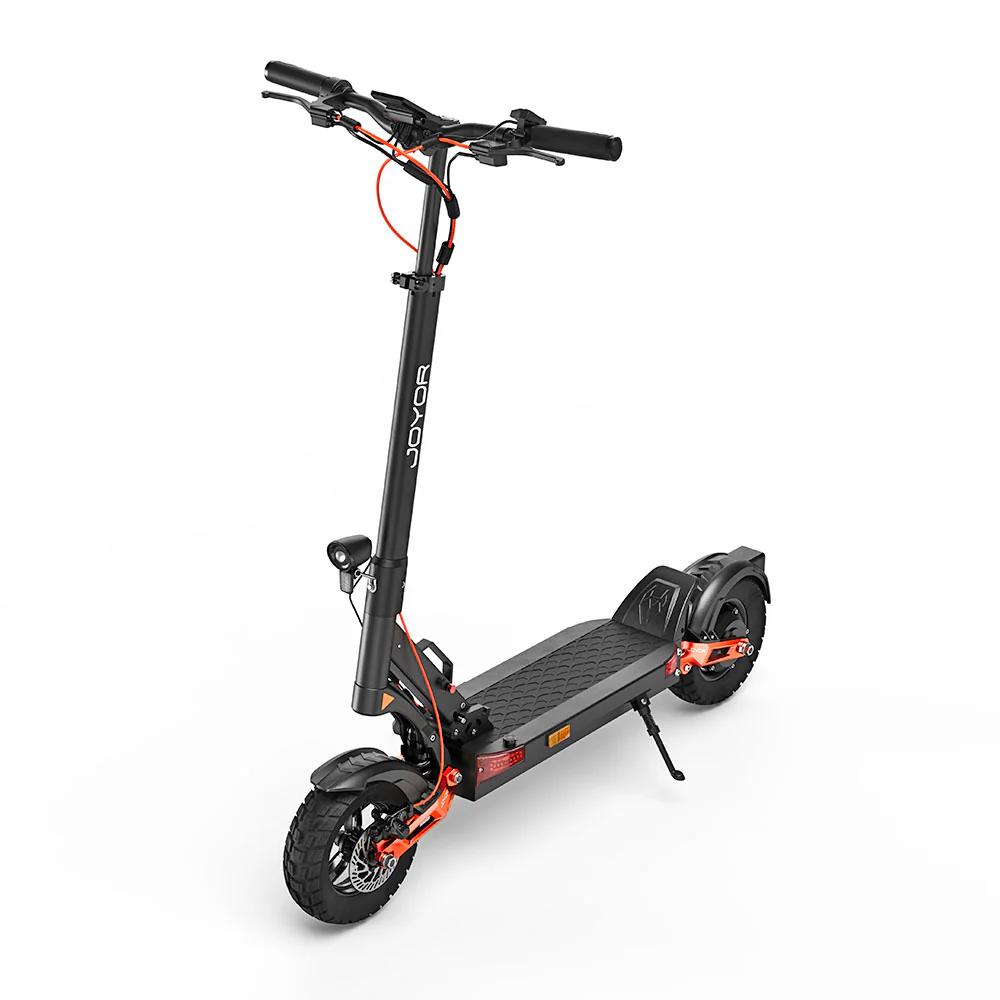
 EU warehouse




 FR warehouse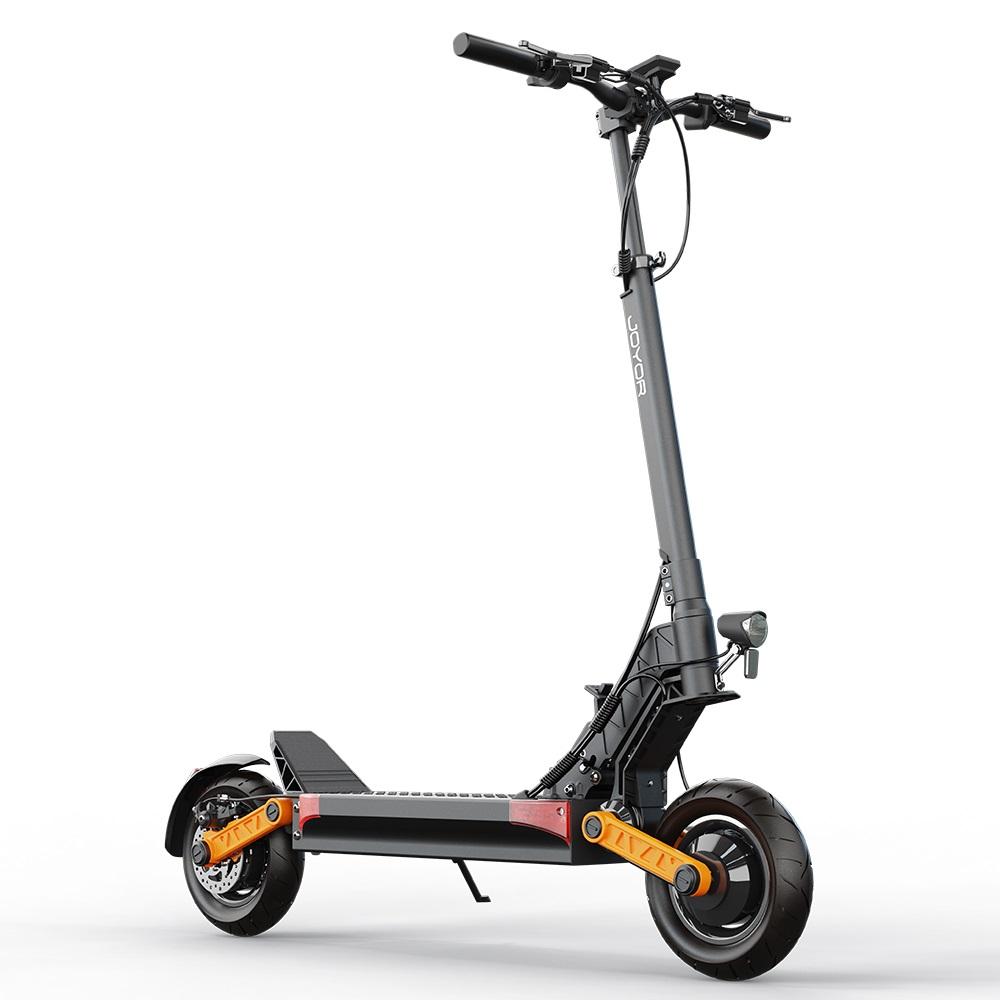
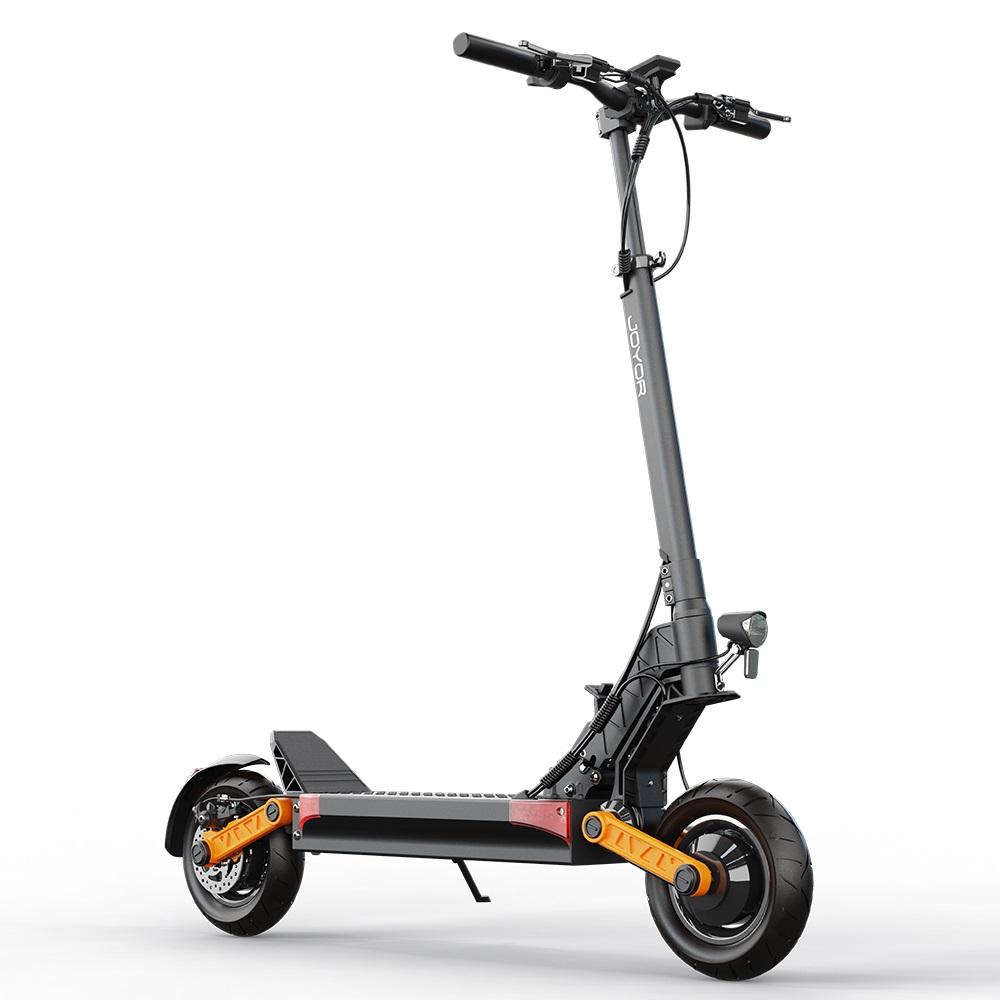

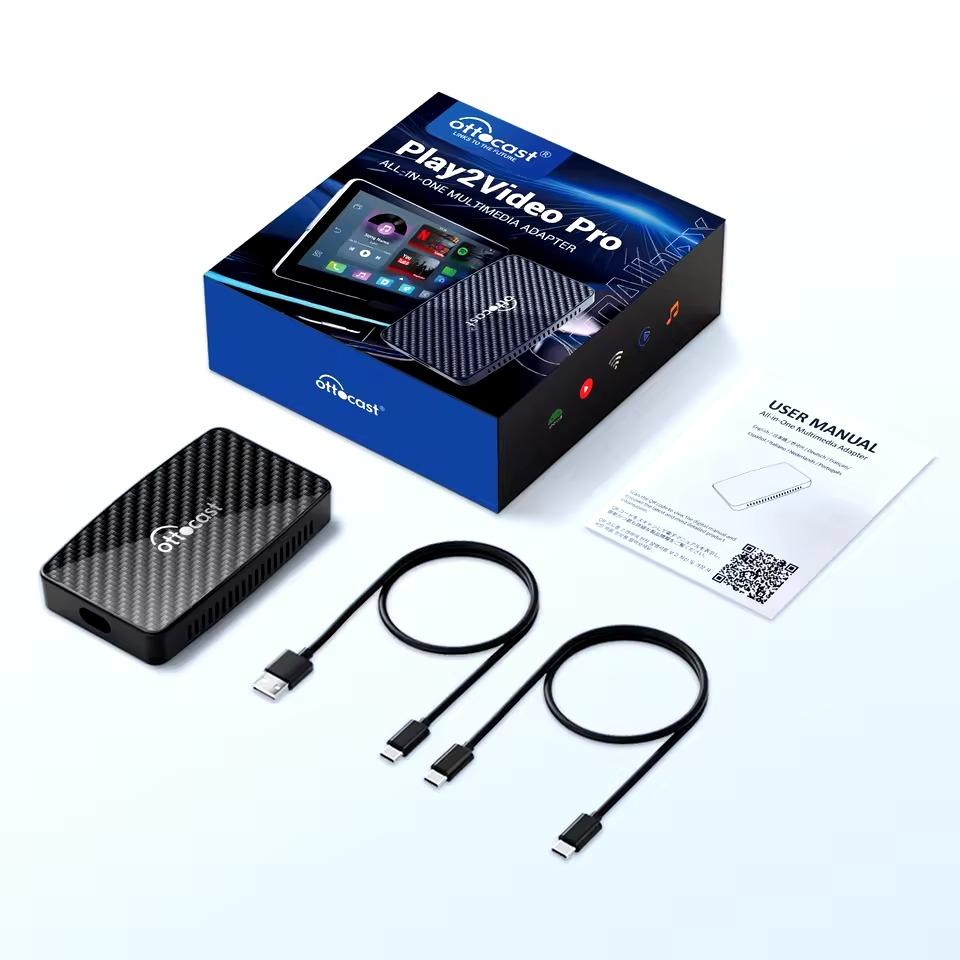
 20-day delivery


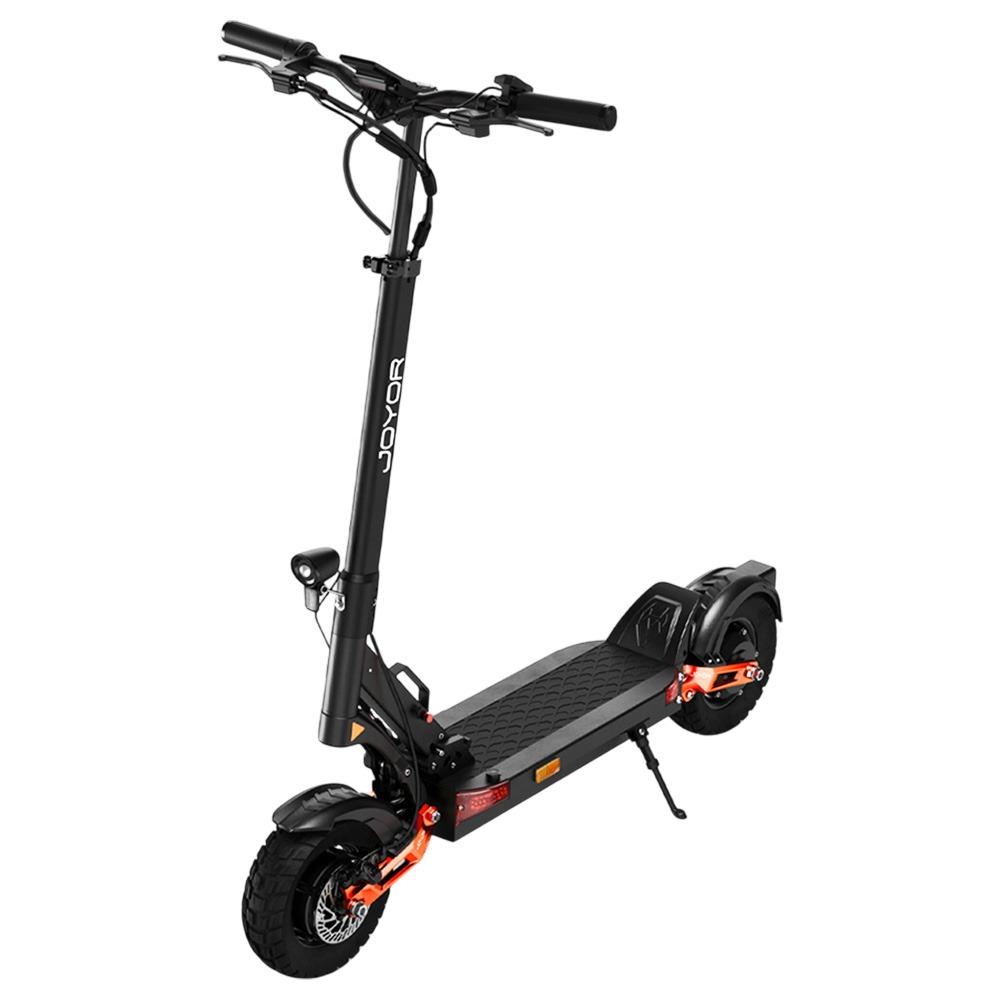
 PL warehouse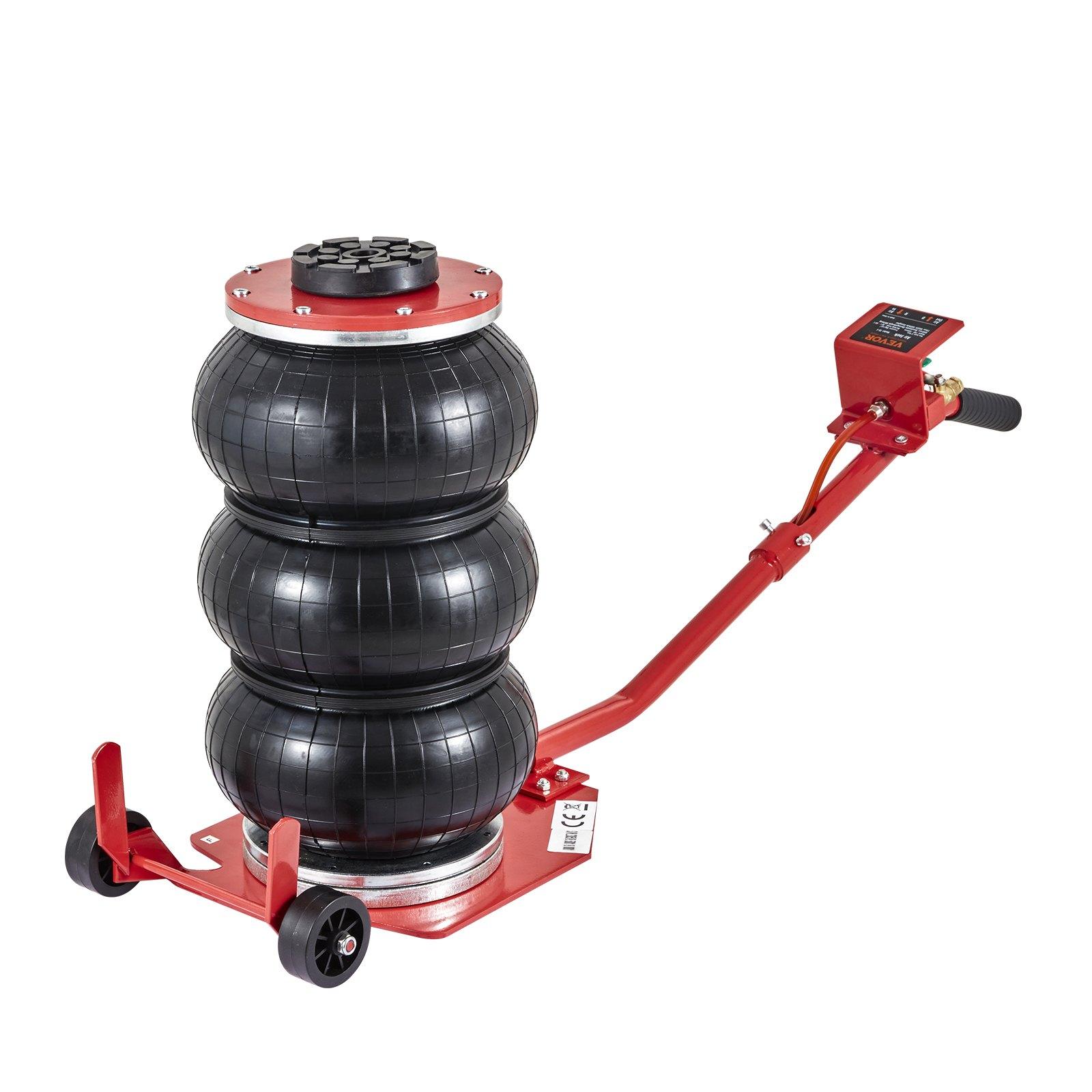

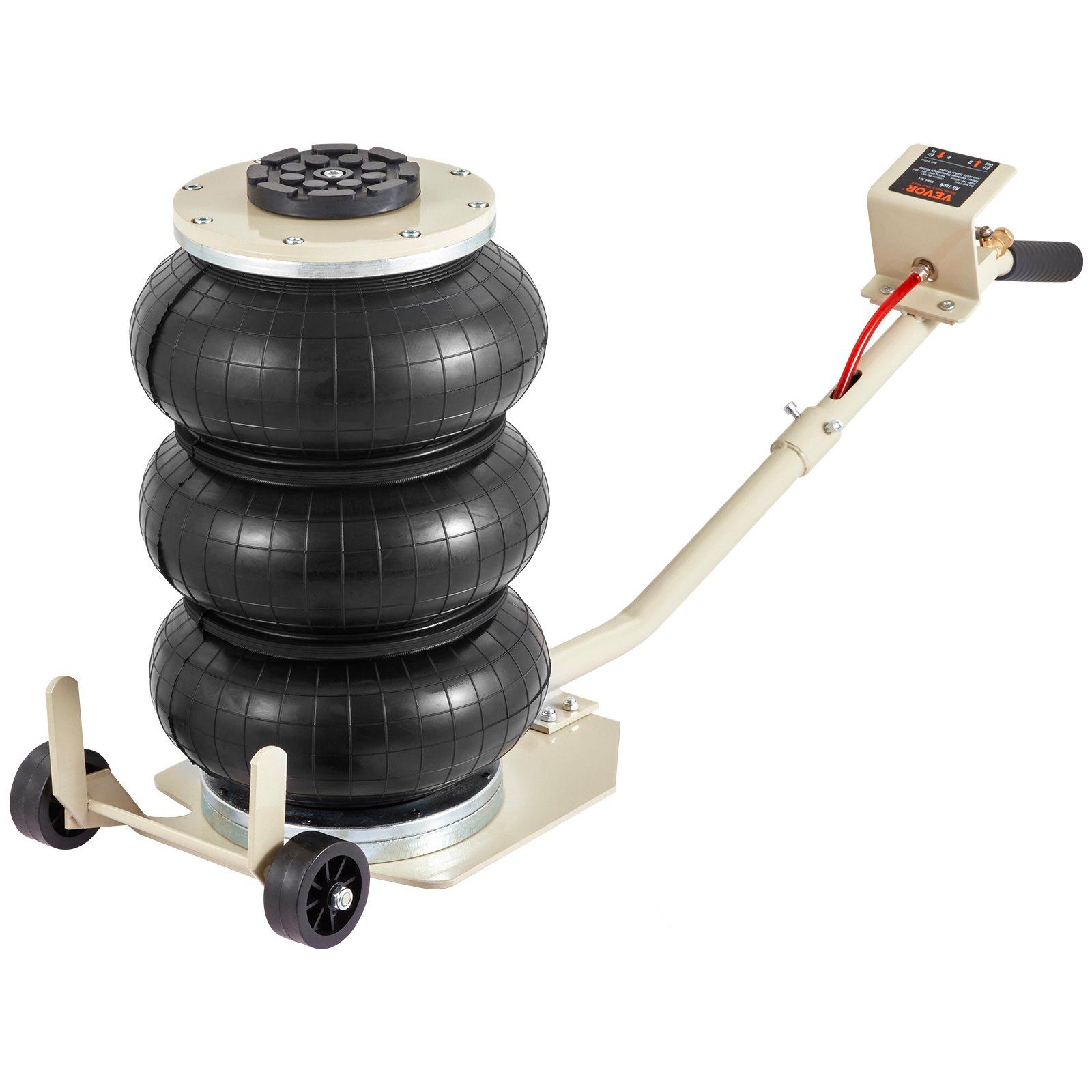
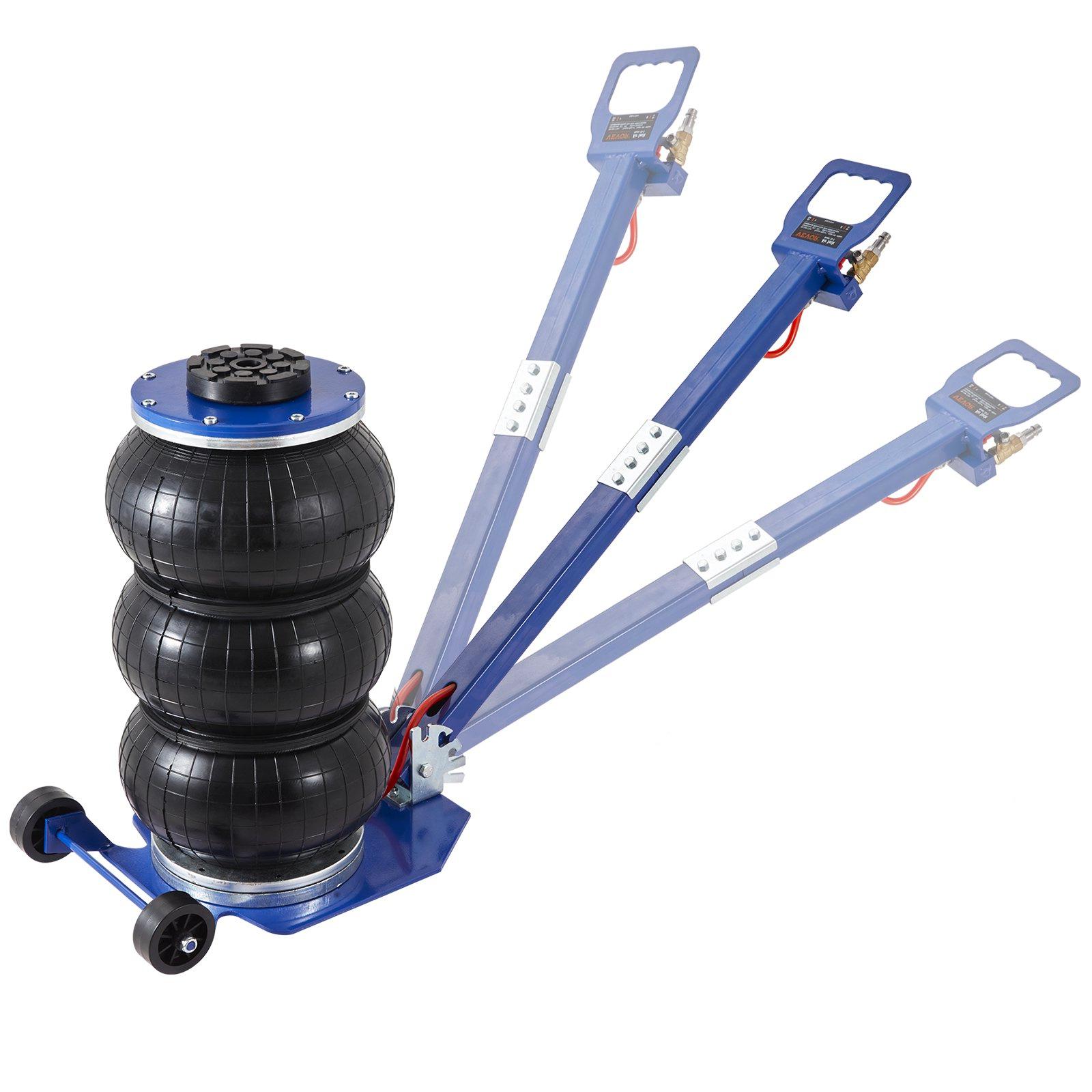
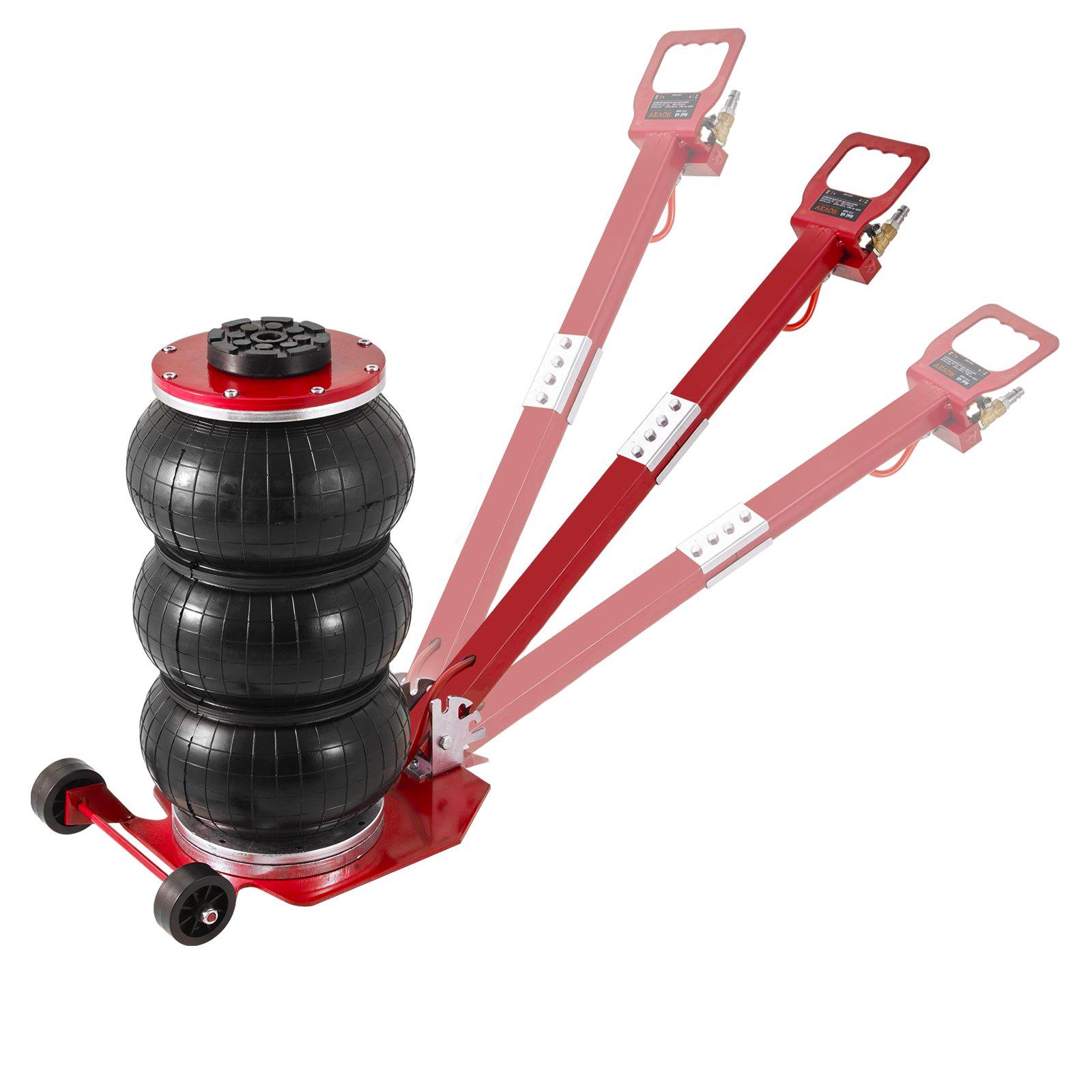
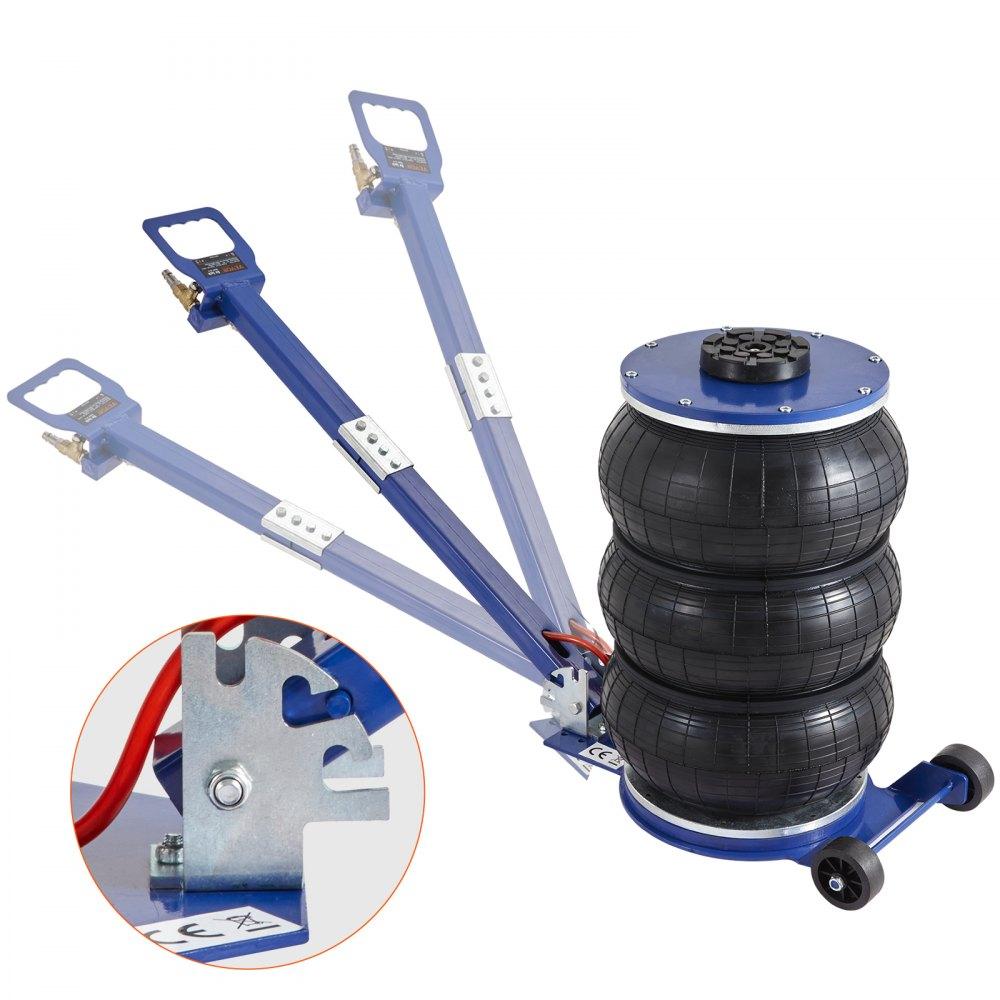
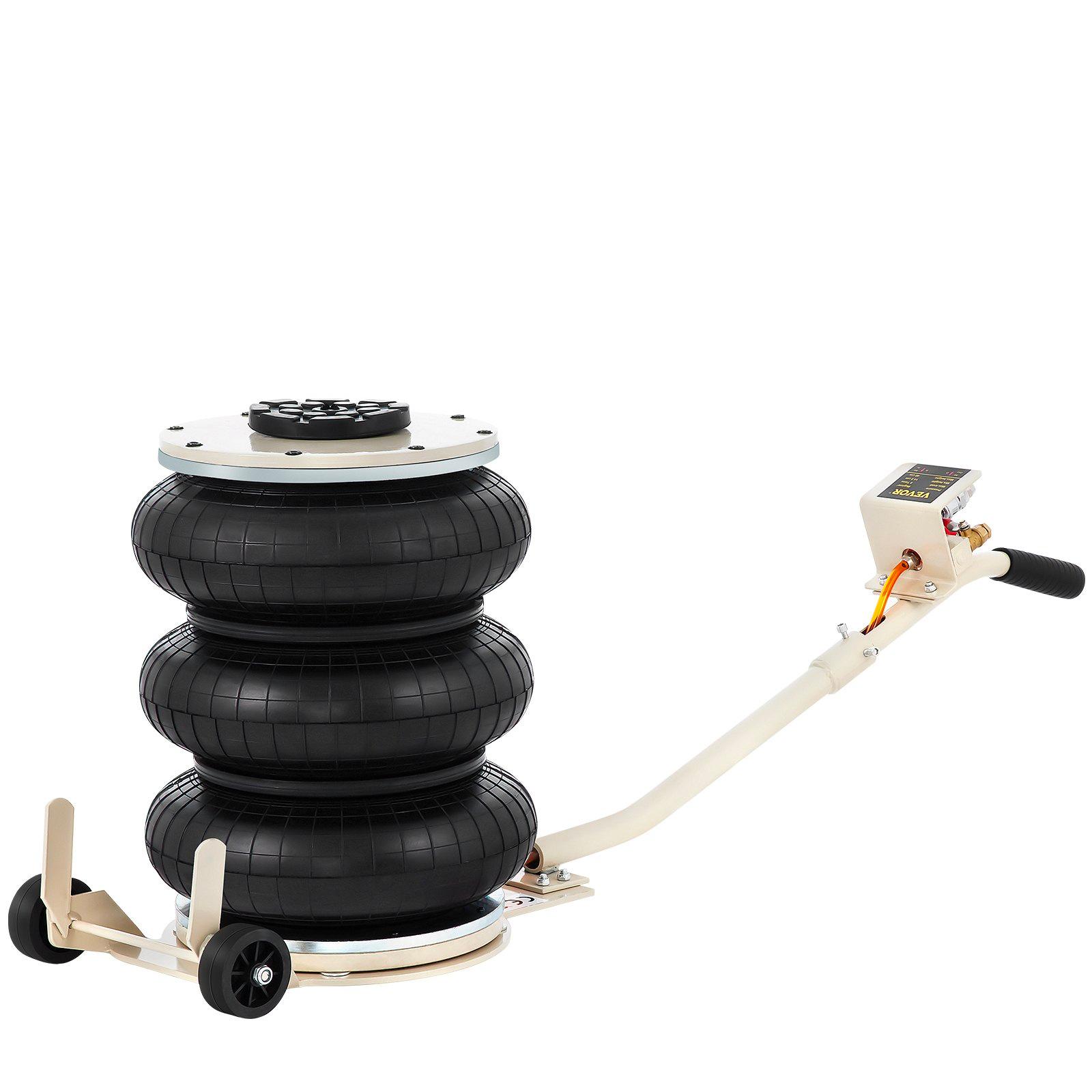
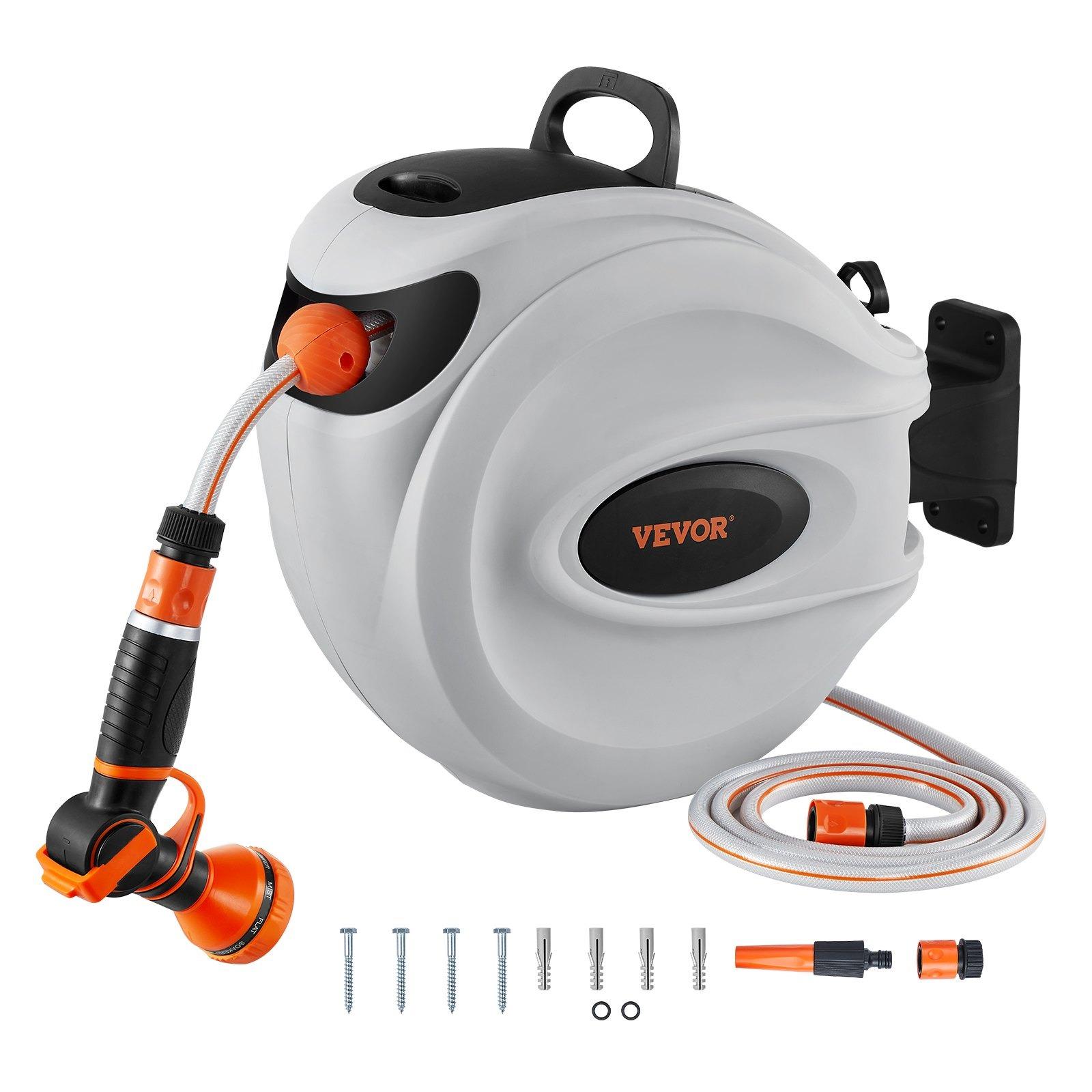
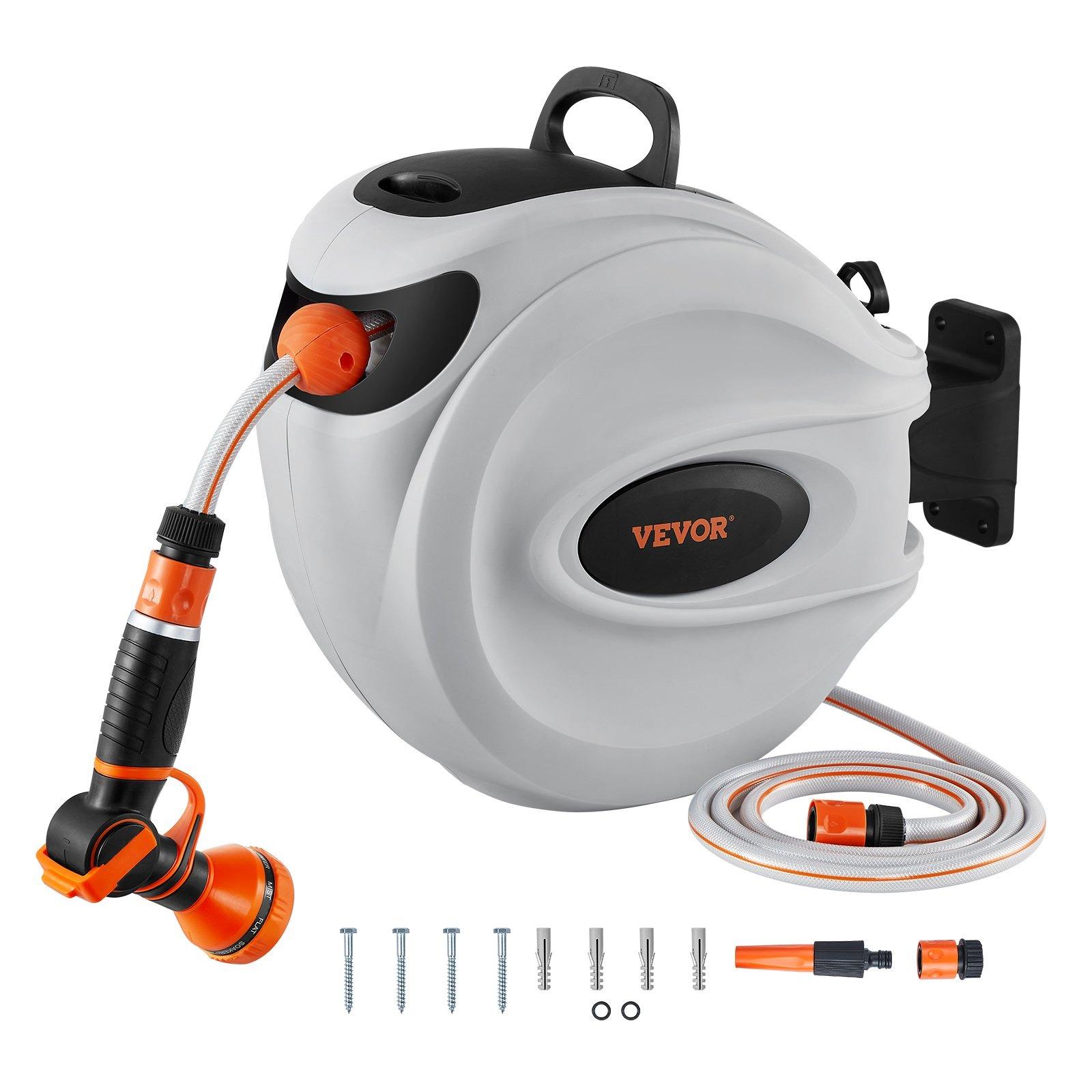
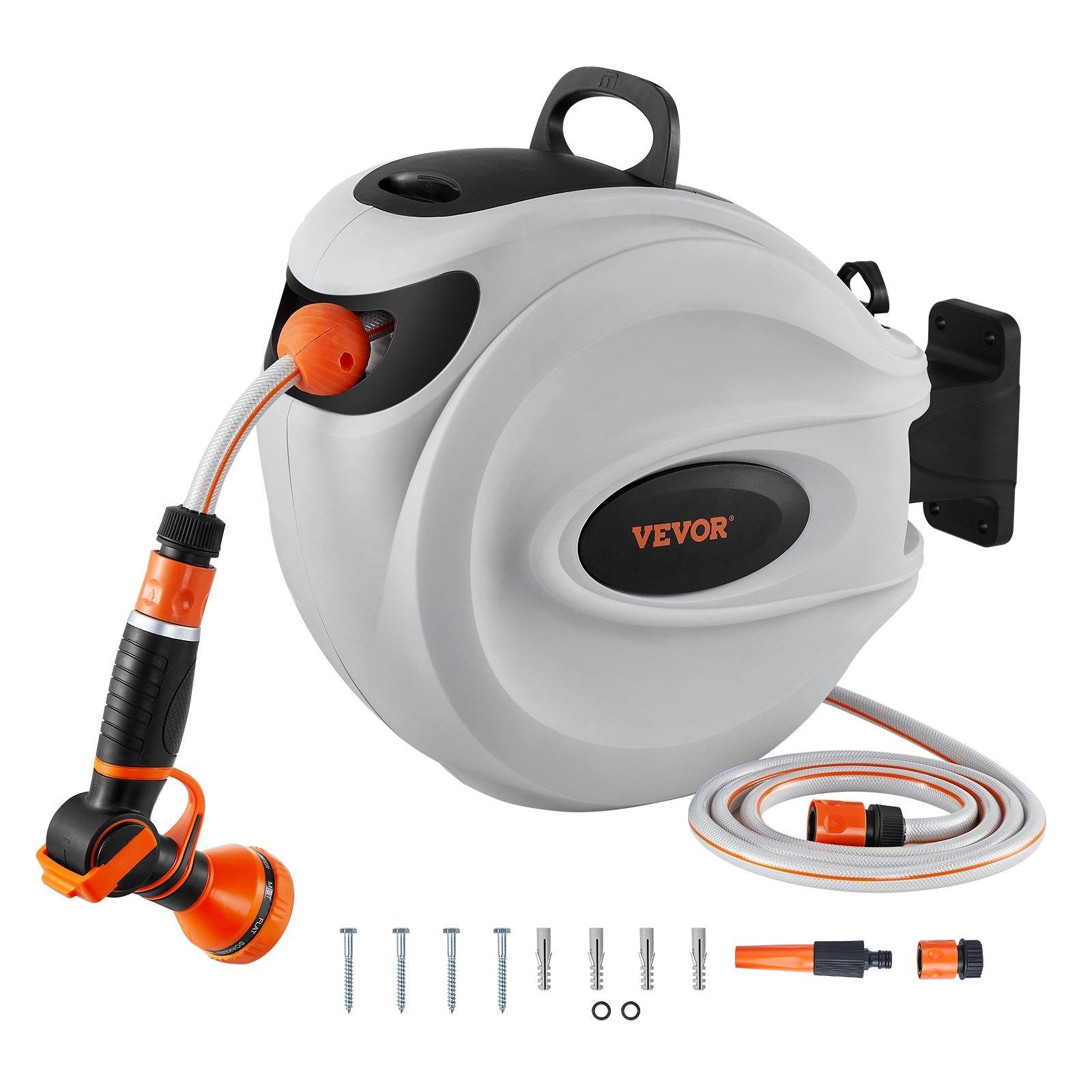
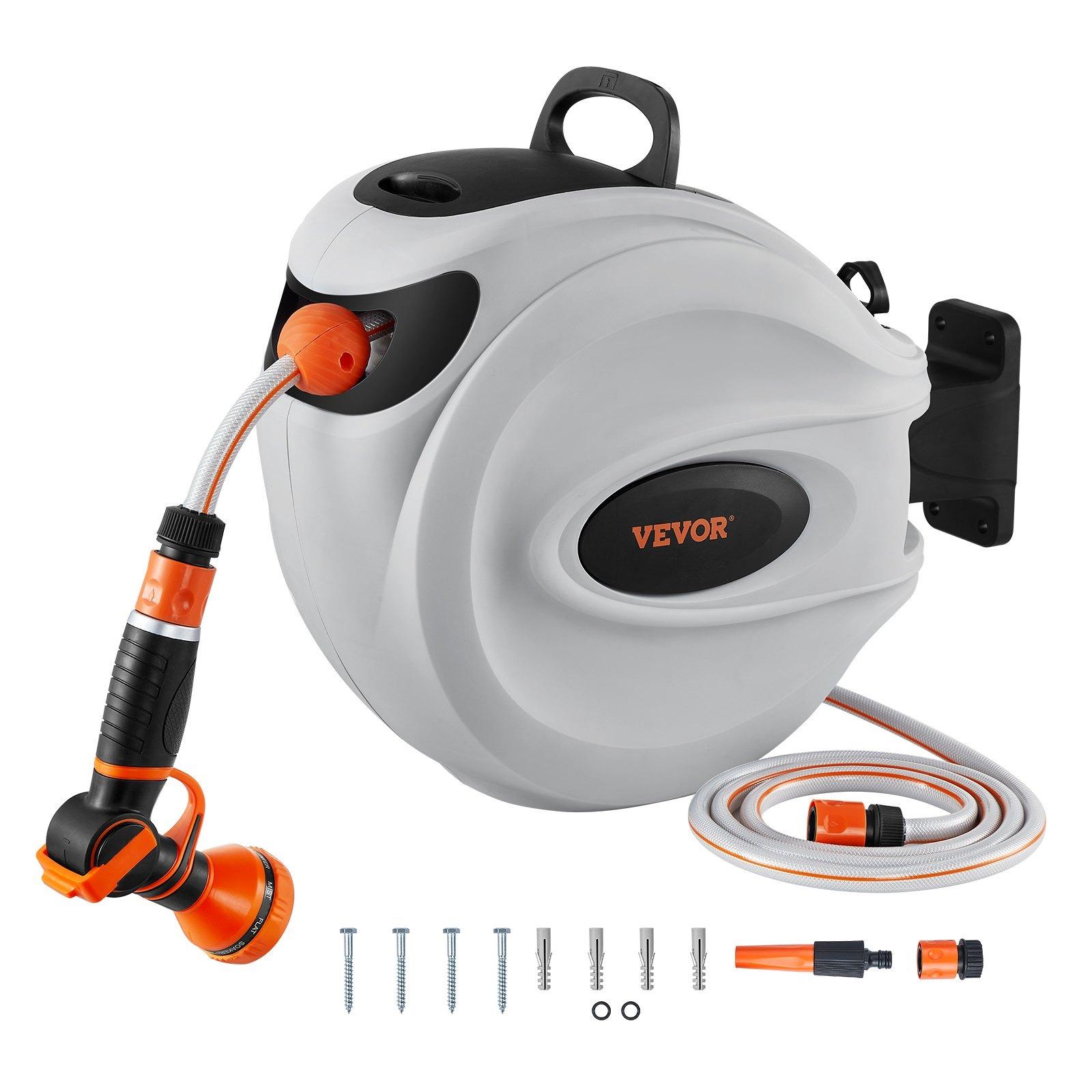
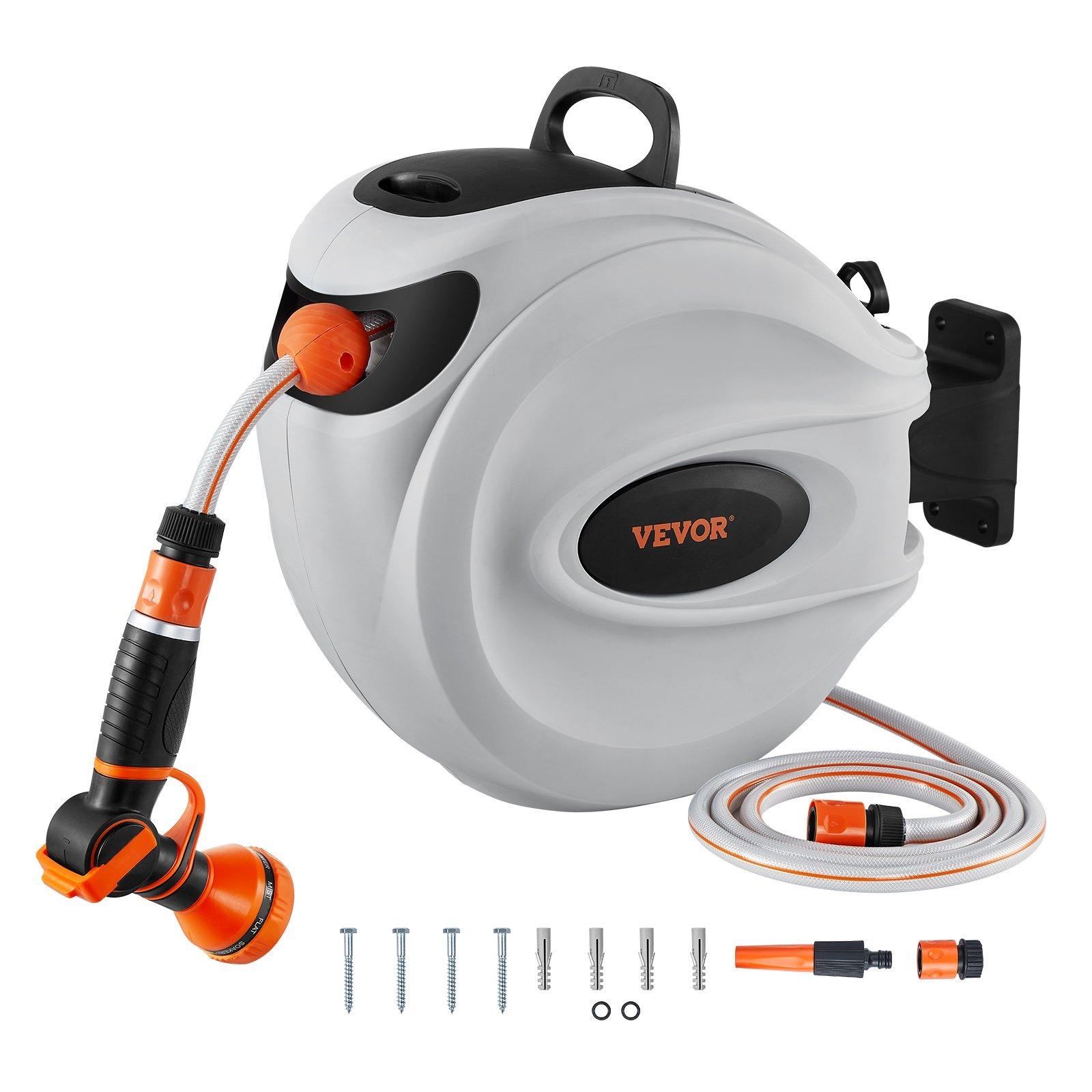
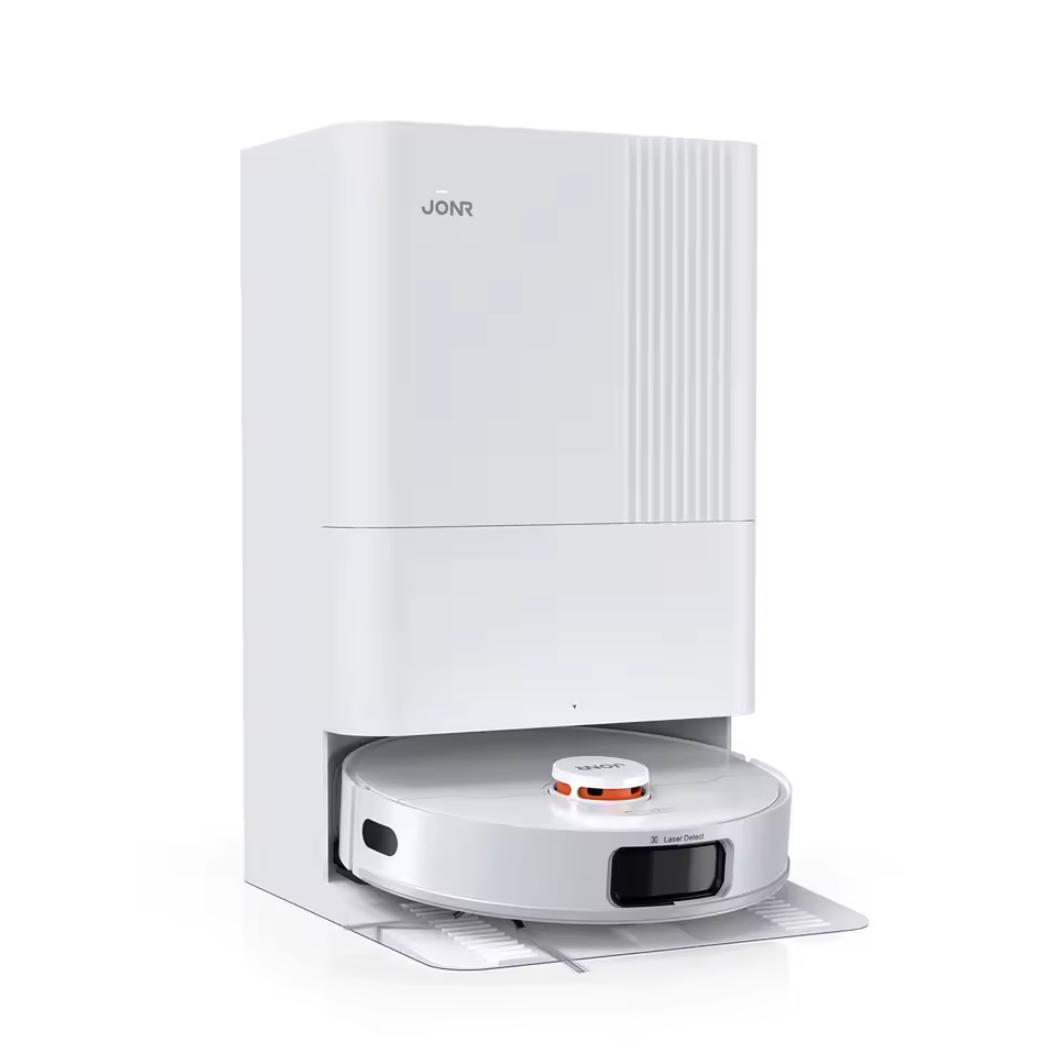
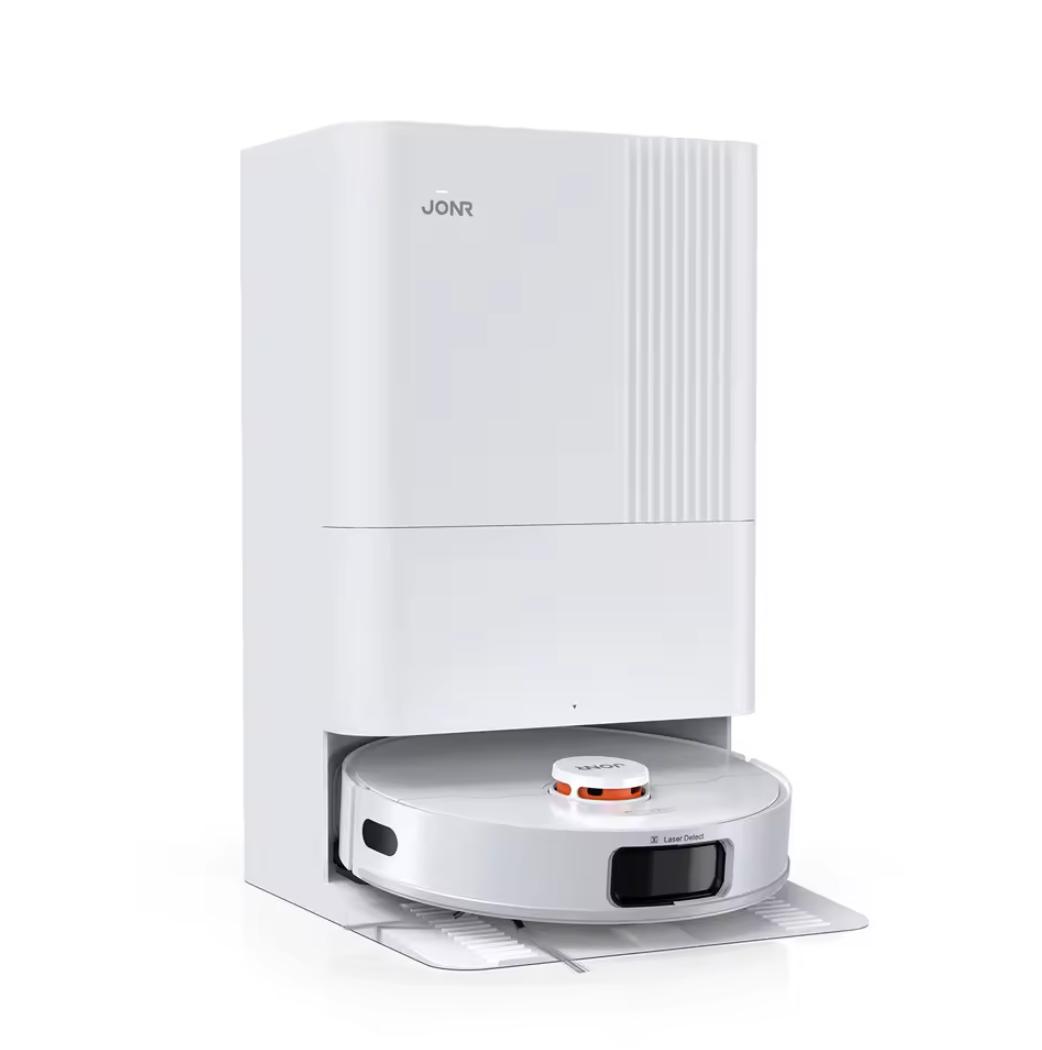

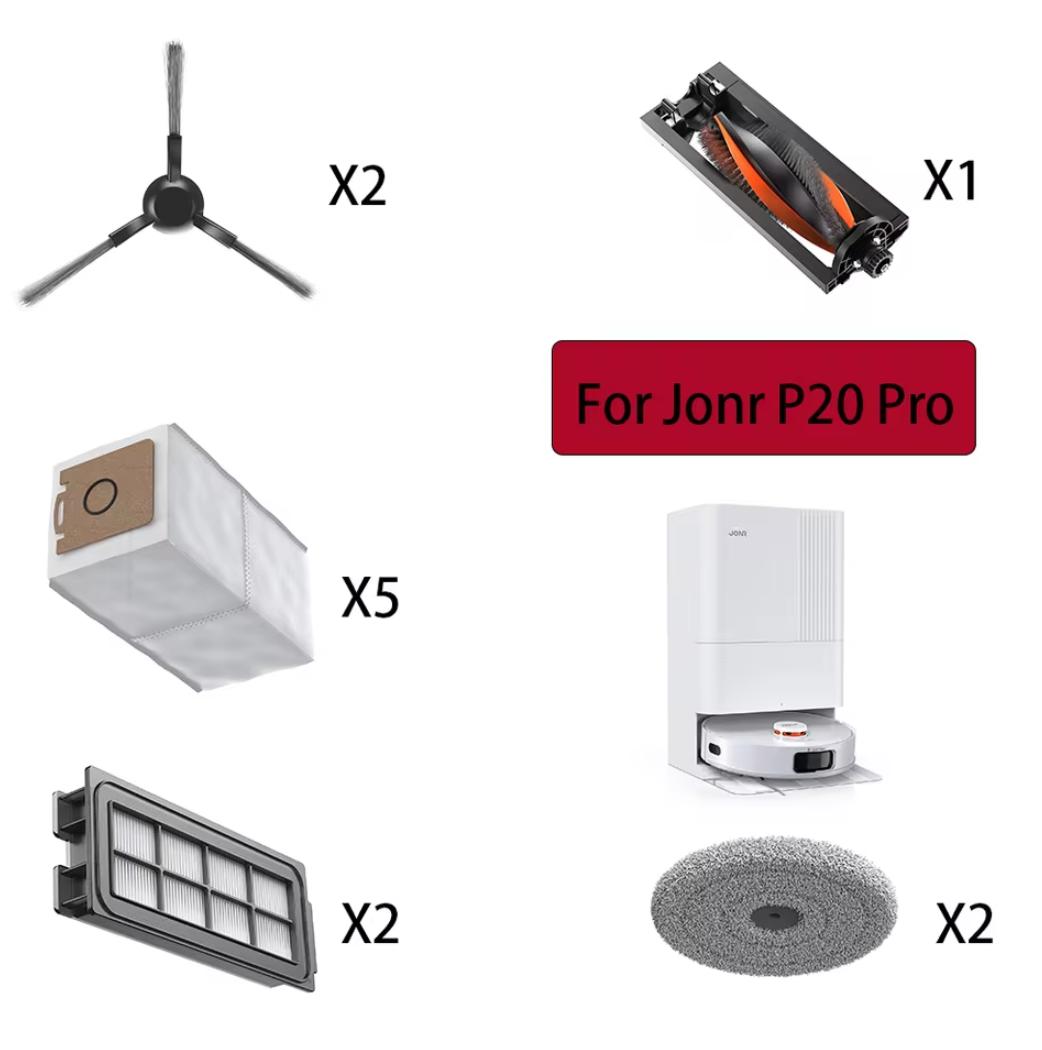
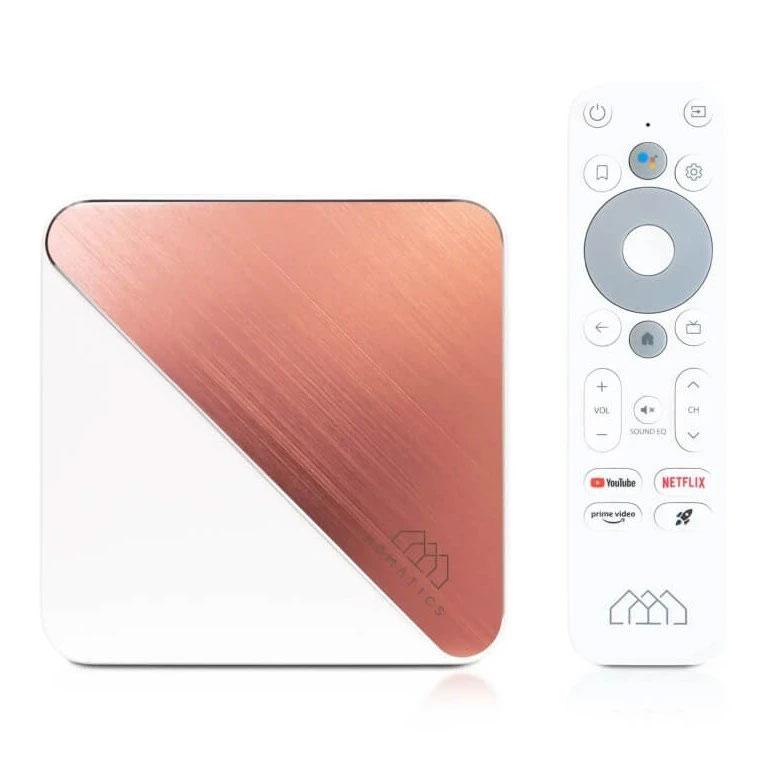


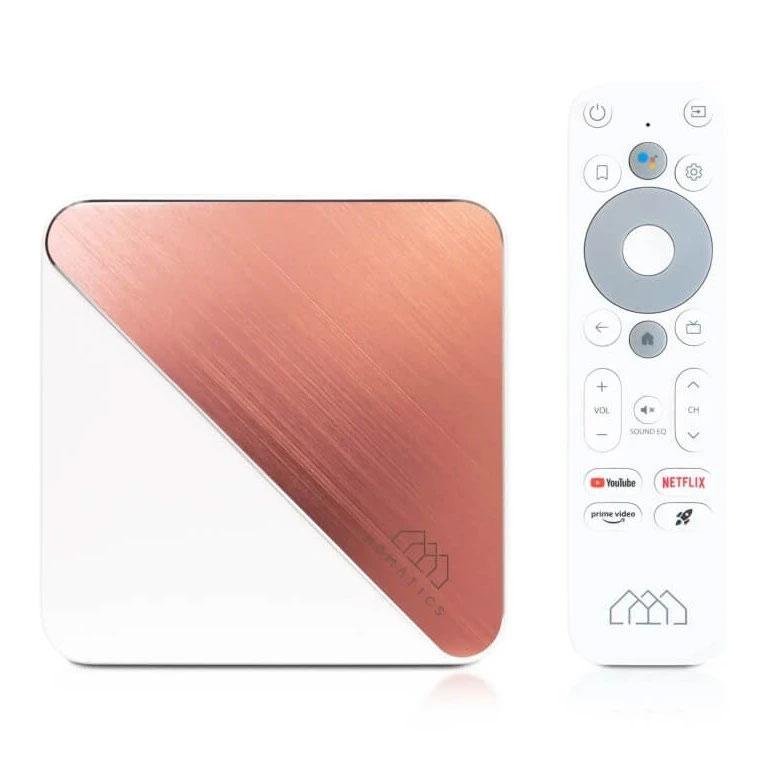
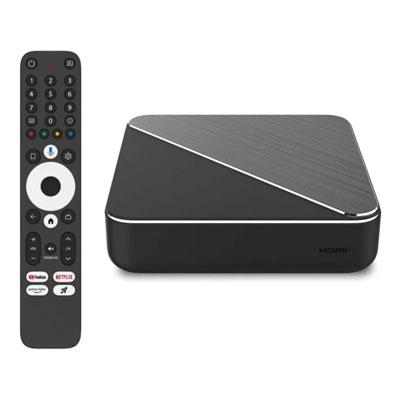



 15-day delivery



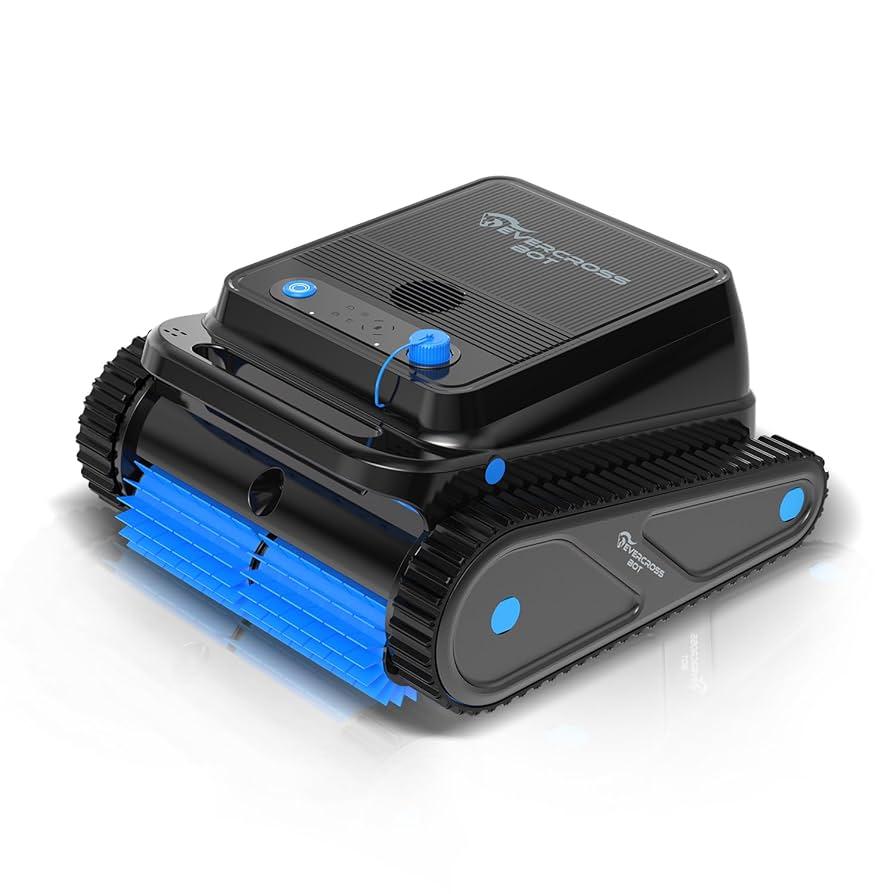
 DE warehouse