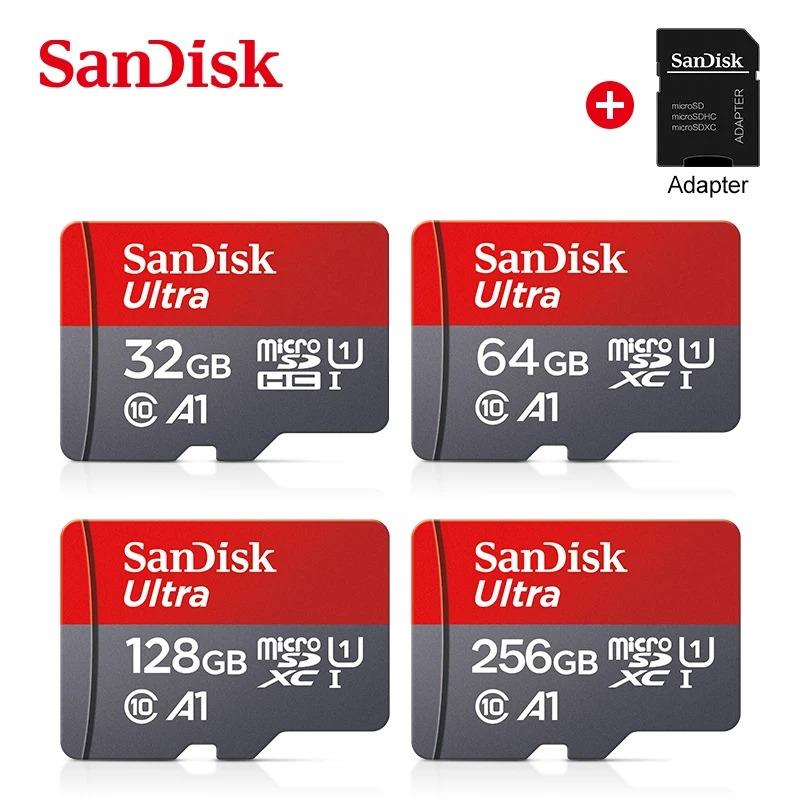
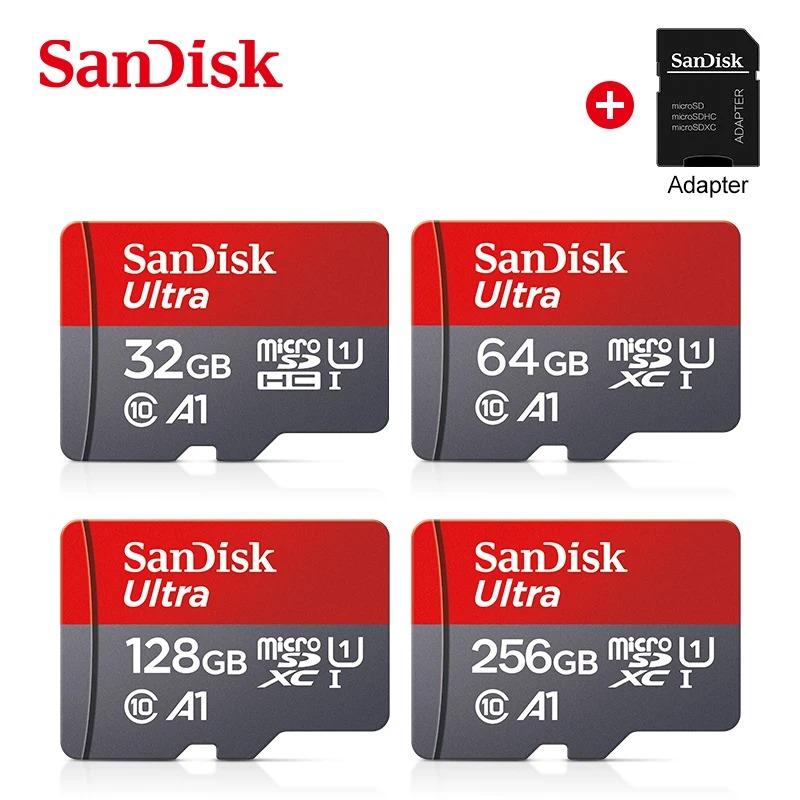
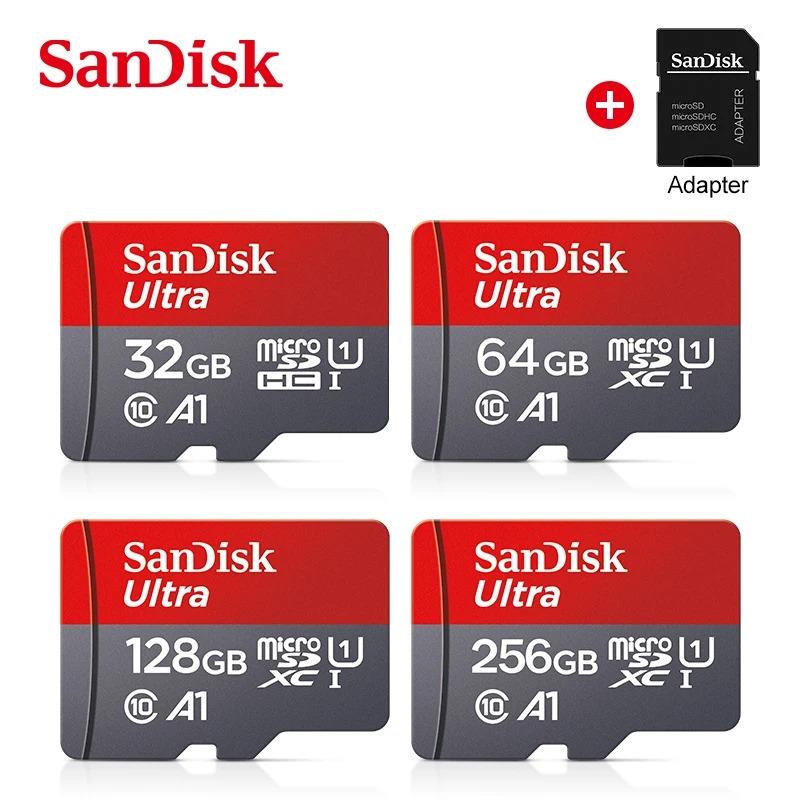
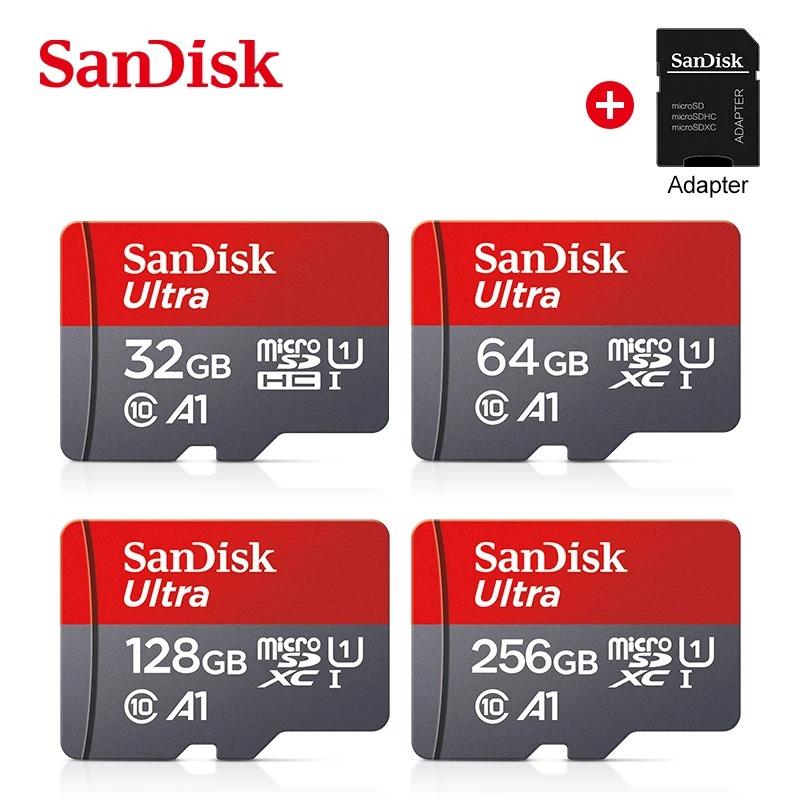
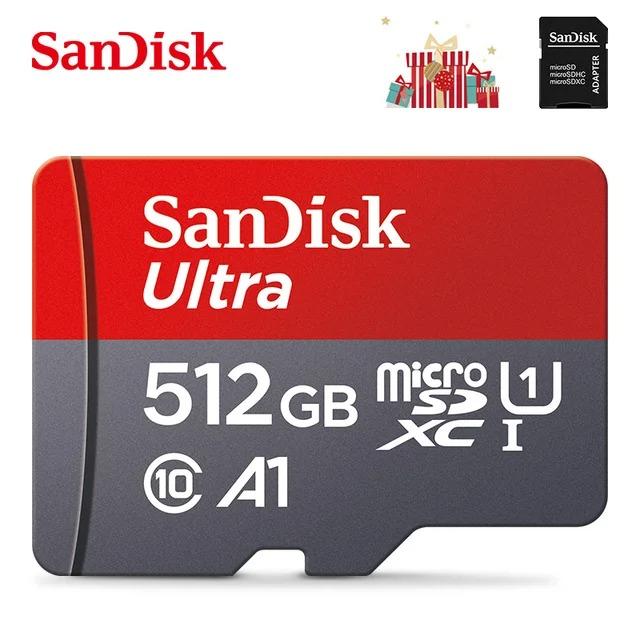
A high-quality storage medium is the foundation for proper storage and processing of your data. A proven brand is also SanDisk, whose products you can find on AliExpress.
Great sale prices with delivery in just 13 days!
You can buy microSD cards from the SanDisk manufacturer in various capacities, as well as an adapter for PC compatibility, from a seller on the well-known online marketplace AliExpress.com. Another advantage is fast delivery from China, in up to 13 days. When you buy for over €10.00, it’s free of charge.
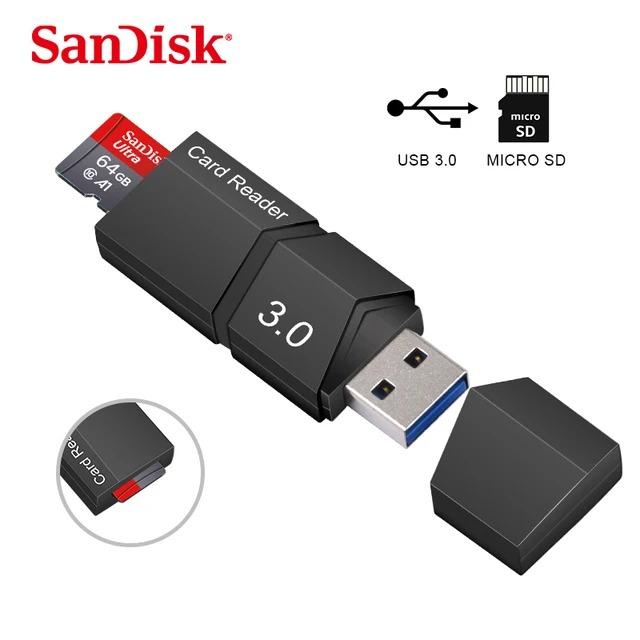
microSD, 32 GB 3,71 € 13-day delivery microSD, 64 GB 4,29 € 13-day delivery microSD, 128 GB 10,81 € 13-day delivery microSD, 256 GB 19,76 € 13-day delivery microSD, 512 GB 35,08 € 13-day delivery microSD to USB adapter 3.0 2,29 € 13-day delivery 4,19 € You save 0,48 €
3,71 €
Price history 0,24 € cheaper than the average price Cheapest 3,71 € Most expensive 4,19 €
3 mo. 6 mo. 1 year Max
Updated 20. 7. 2024 at 07:12 TIP 13-day delivery via Aliexpress Standard ShippingFor this product, AliExpress Standard Shipping is available with guaranteed delivery within 13 days. This is the most reliable shipping method and in most cases it’s delivered by a courier company.
When you order from a Chinese warehouse, AliExpress adds a customs duty charge of approximately 3,70 € per order to your cart. When you receive the shipment, you won’t have to pay anything extra.
Track this product’s price As soon as we post a new coupon, we’ll send you an email. You can unsubscribe from tracking anytime.
Are you shopping on AliExpress for the first time?
The process is via the AliExpress mobile app, where most people shop. There are two key things: don’t use Buy now and enter the coupon only in the order summary, in the field Promo code . After you click Pay now , you won’t be able to add it.
Copy the code and click Use discount In our article, copy the coupon and click the button GET DISCOUNT . The link will take you directly to the product in the AliExpress app. Use Add to cart instead of Buy now On the product card, scroll down and tap Add to cart . Don’t use the Buy now button—you’ll skip the cart, and later you won’t have anywhere to enter the coupon. Before that, double-check the variant: the color, the version, and whether it ships from an EU warehouse. Through the cart, go to Checkout A pop-up will appear: Added to cart! — tap Check it out in it. If it disappeared, open the cart with the icon at the bottom right. In the cart, check the product and quantity, then click the red Checkout . Only the items marked with the red ring will be applied. Enter your address and card, then look for Promo code In the order summary, first fill in the delivery address and payment card at the top. Below them there’s a line Promo code — expand it with the arrow on the right.
Look for this line under the address and payment method. Paste the code and confirm Apply In the field Promo code paste the copied code and click the black Apply . The code is case-sensitive and must not contain spaces.
Paste the code into the field and confirm with the Apply button. Check the savings and pay In the Summary expand the line Saved — you’ll see the applied coupon there as AliExpress coupons/codes . Only when Total is really lower, click Pay now .
The applied coupon will appear in the Saved line and will reduce the Total.
Apply the discount already at the order summary. After you click Pay now, you can no longer add a coupon. If Apply shows an error, the code has either expired, doesn’t apply to your items, or the order doesn’t meet the minimum amount.
The Store Coupon also goes in the same field. — a coupon from the seller itself, which isn’t always available and changes from day to day. AliExpress coupons can’t be combined, so try both and go with the one that gives you more. Coins are added automatically.
4,85 € You save 0,56 €
4,29 €
Price history 0,28 € cheaper than the average price Cheapest 4,29 € Most expensive 4,85 €
3 mo. 6 mo. 1 year Max
Updated 20. 7. 2024 at 07:12 TIP 13-day delivery via Aliexpress Standard ShippingFor this product, AliExpress Standard Shipping is available with guaranteed delivery within 13 days. This is the most reliable shipping method and in most cases it’s delivered by a courier company.
When you order from a Chinese warehouse, AliExpress adds a customs duty charge of approximately 3,70 € per order to your cart. When you receive the shipment, you won’t have to pay anything extra.
Track this product’s price As soon as we post a new coupon, we’ll send you an email. You can unsubscribe from tracking anytime.
Are you shopping on AliExpress for the first time?
The process is via the AliExpress mobile app, where most people shop. There are two key things: don’t use Buy now and enter the coupon only in the order summary, in the field Promo code . After you click Pay now , you won’t be able to add it.
Copy the code and click Use discount In our article, copy the coupon and click the button GET DISCOUNT . The link will take you directly to the product in the AliExpress app. Use Add to cart instead of Buy now On the product card, scroll down and tap Add to cart . Don’t use the Buy now button—you’ll skip the cart, and later you won’t have anywhere to enter the coupon. Before that, double-check the variant: the color, the version, and whether it ships from an EU warehouse. Through the cart, go to Checkout A pop-up will appear: Added to cart! — tap Check it out in it. If it disappeared, open the cart with the icon at the bottom right. In the cart, check the product and quantity, then click the red Checkout . Only the items marked with the red ring will be applied. Enter your address and card, then look for Promo code In the order summary, first fill in the delivery address and payment card at the top. Below them there’s a line Promo code — expand it with the arrow on the right.
Look for this line under the address and payment method. Paste the code and confirm Apply In the field Promo code paste the copied code and click the black Apply . The code is case-sensitive and must not contain spaces.
Paste the code into the field and confirm with the Apply button. Check the savings and pay In the Summary expand the line Saved — you’ll see the applied coupon there as AliExpress coupons/codes . Only when Total is really lower, click Pay now .
The applied coupon will appear in the Saved line and will reduce the Total.
Apply the discount already at the order summary. After you click Pay now, you can no longer add a coupon. If Apply shows an error, the code has either expired, doesn’t apply to your items, or the order doesn’t meet the minimum amount.
The Store Coupon also goes in the same field. — a coupon from the seller itself, which isn’t always available and changes from day to day. AliExpress coupons can’t be combined, so try both and go with the one that gives you more. Coins are added automatically.
12,20 € You save 1,39 €
10,81 €
Updated 20. 7. 2024 at 07:12 TIP 13-day delivery via Aliexpress Standard ShippingFor this product, AliExpress Standard Shipping is available with guaranteed delivery within 13 days. This is the most reliable shipping method and in most cases it’s delivered by a courier company.
When you order from a Chinese warehouse, AliExpress adds a customs duty charge of approximately 3,70 € per order to your cart. When you receive the shipment, you won’t have to pay anything extra.
Track this product’s price As soon as we post a new coupon, we’ll send you an email. You can unsubscribe from tracking anytime.
Are you shopping on AliExpress for the first time?
The process is via the AliExpress mobile app, where most people shop. There are two key things: don’t use Buy now and enter the coupon only in the order summary, in the field Promo code . After you click Pay now , you won’t be able to add it.
Copy the code and click Use discount In our article, copy the coupon and click the button GET DISCOUNT . The link will take you directly to the product in the AliExpress app. Use Add to cart instead of Buy now On the product card, scroll down and tap Add to cart . Don’t use the Buy now button—you’ll skip the cart, and later you won’t have anywhere to enter the coupon. Before that, double-check the variant: the color, the version, and whether it ships from an EU warehouse. Through the cart, go to Checkout A pop-up will appear: Added to cart! — tap Check it out in it. If it disappeared, open the cart with the icon at the bottom right. In the cart, check the product and quantity, then click the red Checkout . Only the items marked with the red ring will be applied. Enter your address and card, then look for Promo code In the order summary, first fill in the delivery address and payment card at the top. Below them there’s a line Promo code — expand it with the arrow on the right.
Look for this line under the address and payment method. Paste the code and confirm Apply In the field Promo code paste the copied code and click the black Apply . The code is case-sensitive and must not contain spaces.
Paste the code into the field and confirm with the Apply button. Check the savings and pay In the Summary expand the line Saved — you’ll see the applied coupon there as AliExpress coupons/codes . Only when Total is really lower, click Pay now .
The applied coupon will appear in the Saved line and will reduce the Total.
Apply the discount already at the order summary. After you click Pay now, you can no longer add a coupon. If Apply shows an error, the code has either expired, doesn’t apply to your items, or the order doesn’t meet the minimum amount.
The Store Coupon also goes in the same field. — a coupon from the seller itself, which isn’t always available and changes from day to day. AliExpress coupons can’t be combined, so try both and go with the one that gives you more. Coins are added automatically.
22,33 € You save 2,57 €
19,76 €
Price history 1,29 € cheaper than the average price Cheapest 19,76 € Most expensive 22,33 €
3 mo. 6 mo. 1 year Max
Updated 20. 7. 2024 at 07:12 TIP 13-day delivery via Aliexpress Standard ShippingFor this product, AliExpress Standard Shipping is available with guaranteed delivery within 13 days. This is the most reliable shipping method and in most cases it’s delivered by a courier company.
When you order from a Chinese warehouse, AliExpress adds a customs duty charge of approximately 3,70 € per order to your cart. When you receive the shipment, you won’t have to pay anything extra.
Track this product’s price As soon as we post a new coupon, we’ll send you an email. You can unsubscribe from tracking anytime.
Are you shopping on AliExpress for the first time?
The process is via the AliExpress mobile app, where most people shop. There are two key things: don’t use Buy now and enter the coupon only in the order summary, in the field Promo code . After you click Pay now , you won’t be able to add it.
Copy the code and click Use discount In our article, copy the coupon and click the button GET DISCOUNT . The link will take you directly to the product in the AliExpress app. Use Add to cart instead of Buy now On the product card, scroll down and tap Add to cart . Don’t use the Buy now button—you’ll skip the cart, and later you won’t have anywhere to enter the coupon. Before that, double-check the variant: the color, the version, and whether it ships from an EU warehouse. Through the cart, go to Checkout A pop-up will appear: Added to cart! — tap Check it out in it. If it disappeared, open the cart with the icon at the bottom right. In the cart, check the product and quantity, then click the red Checkout . Only the items marked with the red ring will be applied. Enter your address and card, then look for Promo code In the order summary, first fill in the delivery address and payment card at the top. Below them there’s a line Promo code — expand it with the arrow on the right.
Look for this line under the address and payment method. Paste the code and confirm Apply In the field Promo code paste the copied code and click the black Apply . The code is case-sensitive and must not contain spaces.
Paste the code into the field and confirm with the Apply button. Check the savings and pay In the Summary expand the line Saved — you’ll see the applied coupon there as AliExpress coupons/codes . Only when Total is really lower, click Pay now .
The applied coupon will appear in the Saved line and will reduce the Total.
Apply the discount already at the order summary. After you click Pay now, you can no longer add a coupon. If Apply shows an error, the code has either expired, doesn’t apply to your items, or the order doesn’t meet the minimum amount.
The Store Coupon also goes in the same field. — a coupon from the seller itself, which isn’t always available and changes from day to day. AliExpress coupons can’t be combined, so try both and go with the one that gives you more. Coins are added automatically.
39,61 € You save 4,53 €
35,08 €
Price history 2,27 € cheaper than the average price Cheapest 35,08 € Most expensive 39,61 €
3 mo. 6 mo. 1 year Max
Updated 20. 7. 2024 at 07:12 TIP 13-day delivery via Aliexpress Standard ShippingFor this product, AliExpress Standard Shipping is available with guaranteed delivery within 13 days. This is the most reliable shipping method and in most cases it’s delivered by a courier company.
When you order from a Chinese warehouse, AliExpress adds a customs duty charge of approximately 3,70 € per order to your cart. When you receive the shipment, you won’t have to pay anything extra.
Track this product’s price As soon as we post a new coupon, we’ll send you an email. You can unsubscribe from tracking anytime.
Are you shopping on AliExpress for the first time?
The process is via the AliExpress mobile app, where most people shop. There are two key things: don’t use Buy now and enter the coupon only in the order summary, in the field Promo code . After you click Pay now , you won’t be able to add it.
Copy the code and click Use discount In our article, copy the coupon and click the button GET DISCOUNT . The link will take you directly to the product in the AliExpress app. Use Add to cart instead of Buy now On the product card, scroll down and tap Add to cart . Don’t use the Buy now button—you’ll skip the cart, and later you won’t have anywhere to enter the coupon. Before that, double-check the variant: the color, the version, and whether it ships from an EU warehouse. Through the cart, go to Checkout A pop-up will appear: Added to cart! — tap Check it out in it. If it disappeared, open the cart with the icon at the bottom right. In the cart, check the product and quantity, then click the red Checkout . Only the items marked with the red ring will be applied. Enter your address and card, then look for Promo code In the order summary, first fill in the delivery address and payment card at the top. Below them there’s a line Promo code — expand it with the arrow on the right.
Look for this line under the address and payment method. Paste the code and confirm Apply In the field Promo code paste the copied code and click the black Apply . The code is case-sensitive and must not contain spaces.
Paste the code into the field and confirm with the Apply button. Check the savings and pay In the Summary expand the line Saved — you’ll see the applied coupon there as AliExpress coupons/codes . Only when Total is really lower, click Pay now .
The applied coupon will appear in the Saved line and will reduce the Total.
Apply the discount already at the order summary. After you click Pay now, you can no longer add a coupon. If Apply shows an error, the code has either expired, doesn’t apply to your items, or the order doesn’t meet the minimum amount.
The Store Coupon also goes in the same field. — a coupon from the seller itself, which isn’t always available and changes from day to day. AliExpress coupons can’t be combined, so try both and go with the one that gives you more. Coins are added automatically.
2,58 € You save 0,29 €
2,29 €
Price history 0,15 € cheaper than the average price Cheapest 2,29 € Most expensive 2,58 €
3 mo. 6 mo. 1 year Max
Updated 20. 7. 2024 at 07:12 TIP 13-day delivery via Aliexpress Standard ShippingFor this product, AliExpress Standard Shipping is available with guaranteed delivery within 13 days. This is the most reliable shipping method and in most cases it’s delivered by a courier company.
When you order from a Chinese warehouse, AliExpress adds a customs duty charge of approximately 3,70 € per order to your cart. When you receive the shipment, you won’t have to pay anything extra.
Track this product’s price As soon as we post a new coupon, we’ll send you an email. You can unsubscribe from tracking anytime.
Are you shopping on AliExpress for the first time?
The process is via the AliExpress mobile app, where most people shop. There are two key things: don’t use Buy now and enter the coupon only in the order summary, in the field Promo code . After you click Pay now , you won’t be able to add it.
Copy the code and click Use discount In our article, copy the coupon and click the button GET DISCOUNT . The link will take you directly to the product in the AliExpress app. Use Add to cart instead of Buy now On the product card, scroll down and tap Add to cart . Don’t use the Buy now button—you’ll skip the cart, and later you won’t have anywhere to enter the coupon. Before that, double-check the variant: the color, the version, and whether it ships from an EU warehouse. Through the cart, go to Checkout A pop-up will appear: Added to cart! — tap Check it out in it. If it disappeared, open the cart with the icon at the bottom right. In the cart, check the product and quantity, then click the red Checkout . Only the items marked with the red ring will be applied. Enter your address and card, then look for Promo code In the order summary, first fill in the delivery address and payment card at the top. Below them there’s a line Promo code — expand it with the arrow on the right.
Look for this line under the address and payment method. Paste the code and confirm Apply In the field Promo code paste the copied code and click the black Apply . The code is case-sensitive and must not contain spaces.
Paste the code into the field and confirm with the Apply button. Check the savings and pay In the Summary expand the line Saved — you’ll see the applied coupon there as AliExpress coupons/codes . Only when Total is really lower, click Pay now .
The applied coupon will appear in the Saved line and will reduce the Total.
Apply the discount already at the order summary. After you click Pay now, you can no longer add a coupon. If Apply shows an error, the code has either expired, doesn’t apply to your items, or the order doesn’t meet the minimum amount.
The Store Coupon also goes in the same field. — a coupon from the seller itself, which isn’t always available and changes from day to day. AliExpress coupons can’t be combined, so try both and go with the one that gives you more. Coins are added automatically.
Fast SanDisk Class 10 memory cards with capacities up to 512 GB
SanDisk has been making storage media since 1988, and over its more than 30-year history, this Japanese manufacturer has gained truly extensive experience. Proof of that is its range of affordable microSD memory cards, which meet the A1 / U1 category and Class 10 card speeds.
When it comes to specific speeds, SanDisk states that read speeds are up to 120 MB/s across all capacities. Write speed according to the Class 10 standard meets at least 10 MB/s.
Ad
You can choose from different storage capacities for the memory cards. Specifically: 32 GB (actual capacity between 28 – 30 GB), 64 GB (58 – 60 GB), 128 GB (115 – 119 GB), 256 GB (230 – 238 GB) and the highest capacity 512 GB (460 – 476 GB). You’ll also find an SD-size adapter in the package. However, you can also buy an adapter for inserting a microSD card with a USB connector in the USB 3.0 standard.
Follow the China Planet website, our Facebook page , the Everything from EU warehouses group, and subscribe to our Telegram , where we post the best deals and coupons from China every single day.
Add us as your preferred source on Google
Don’t miss the best coupons 📩
Subscribe and we’ll email you new coupons before they expire. We only send it once a month — no spam.