Android Auto and Apple CarPlay systems are in high demand today because they’re a great in-car infotainment add-on as well as quick access to important smartphone apps right within the driver’s reach. However, not all cars support these systems. That’s where the Podofo smart display comes in—it also offers plenty of other smart features, such as a camera.
January Ali coupons are still valid!
Podofo smart display is now available at a discounted price on the AliExpress marketplace. With delivery from a Polish warehouse, you can expect your package in about 5–10 business days.
Are you shopping on AliExpress for the first time?See the guide!
Updated 23. 1. 2025 at 08:52
TIPExpress delivery from the Polish warehouse with no customs duty and VAT.
This product will be delivered to you express from a local Polish warehouse. Shipping from Poland usually takes 7-10 days and is handled by a courier. When it arrives, you don’t pay any extra fees—no customs duty or VAT.
Are you shopping on AliExpress for the first time?See the guide!
Updated 23. 1. 2025 at 08:52
TIPExpress delivery from the Polish warehouse with no customs duty and VAT.
This product will be delivered to you express from a local Polish warehouse. Shipping from Poland usually takes 7-10 days and is handled by a courier. When it arrives, you don’t pay any extra fees—no customs duty or VAT.
Are you shopping on AliExpress for the first time?See the guide!
Updated 23. 1. 2025 at 08:52
TIPExpress delivery from the Polish warehouse with no customs duty and VAT.
This product will be delivered to you express from a local Polish warehouse. Shipping from Poland usually takes 7-10 days and is handled by a courier. When it arrives, you don’t pay any extra fees—no customs duty or VAT.
Android Auto / Apple CarPlay thanks to the smart display
Android Auto and CarPlay let you use your smartphone’s smart features more safely. Whether you want to use Google Maps for navigation, play music via Spotify, or see the latest incoming message notifications.
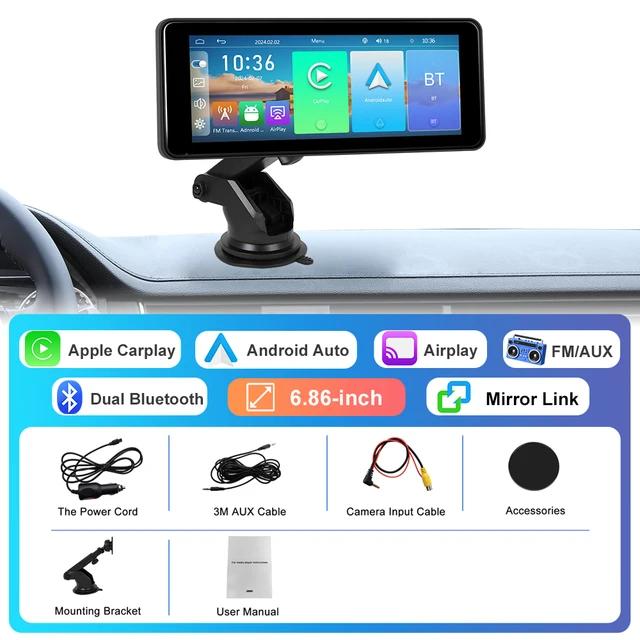
With support for Bluetooth and Wi-Fi direct, this display not only supports Android Auto and CarPlay—it even comes in a Wireless version. That means after pairing, your phone connects simply and automatically, without needing to plug it in again with extra cables.
A big and bright Podofo smart display
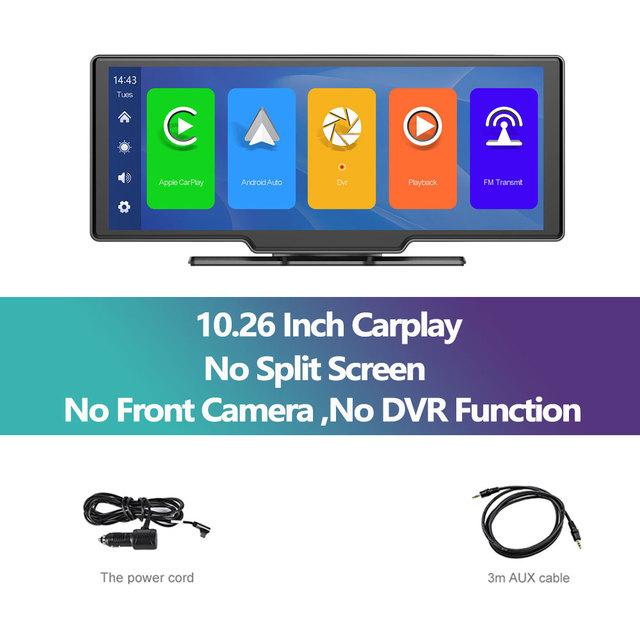
The Podofo smart display comes in two size variants: 9.3″ and 10.26″. Besides the size, they also differ in that the larger display doesn’t include a built-in front camera and the DVR function. The displays offer HD resolution and come with a bright, easy-to-see IPS panel.
Additional Cameras
The smaller smart display includes a built-in front camera with recording to an SD card. For both sizes, you’ll also find a version with a rear waterproof camera that you connect to the display using the included cable. The rear camera can help you, for example, when reversing or parking.
Support for a voice assistant
Thanks to the fact that the display essentially uses an extension of your smartphone’s operating system, plus a built-in speaker and microphone, you “talk” with Google Assistant or Siri, then you’ll turn on navigation, send a message, or start your favorite playlist.
Ad
More smart features of the Podofo smart display
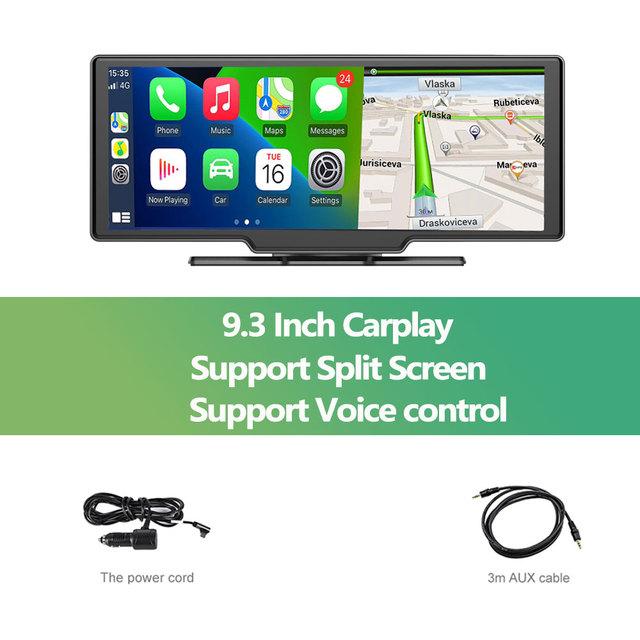
The smart display not only supports listening to music via Android Auto/CarPlay, but you’ll also get an FM transmitter feature—so your built-in car radio will directly receive music from your smartphone. The smaller version with a 9.3″ display also supports “split-screen” mode, which ensures that next to it you’ll have, for example, navigation and Spotify shown side by side.
Do you also want the smart features of this display for your car? Let us know in the comments below the article. Follow the China Planet website, subscribe to news, and join us on our social networks Facebook and YouTube.