The popular Chinese brand Moeshouse offers quality products at a low price. The product portfolio includes, for example, smart thermostats, switches, door and window sensors, as well as lighting. The choice is entirely up to you, and a nice advantage is availability from verified international sellers.
About the Moeshouse brand
Moeshouse is no newcomer in the smart electronics segment. On our website, you could read, for example, a review of the first generation of smart radiator valves that really proved themselves. You can find this review at the following link .
There are, however, many more products and it’s not only about smart radiator valves . You won’t miss the necessary hubs for Zigbee products, as well as interesting items like a motorized roller blind, smart plugs, or smart bulbs with Wi-Fi connectivity. What’s more, you can buy these products directly on AliExpress from verified international sellers MoesHouse Direct Store or also MoesHouse Official Store .
SHOP Moeshouse products
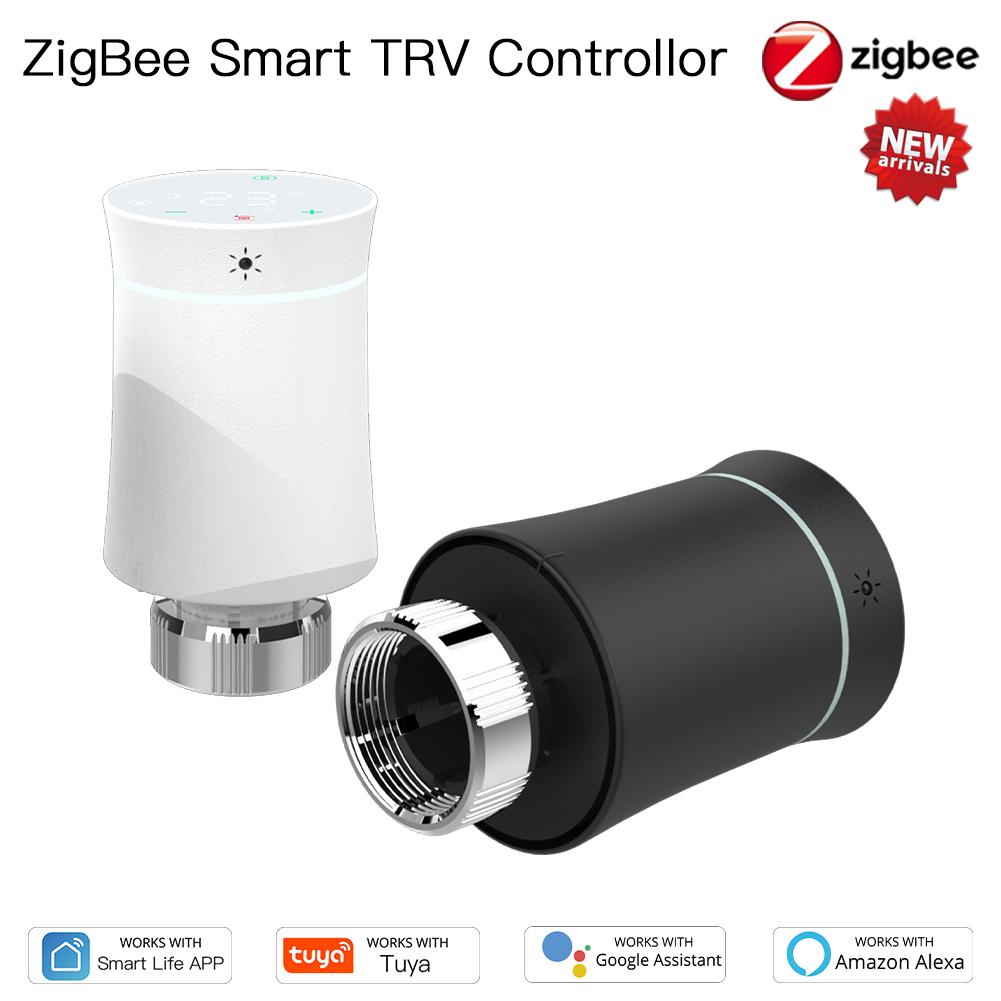
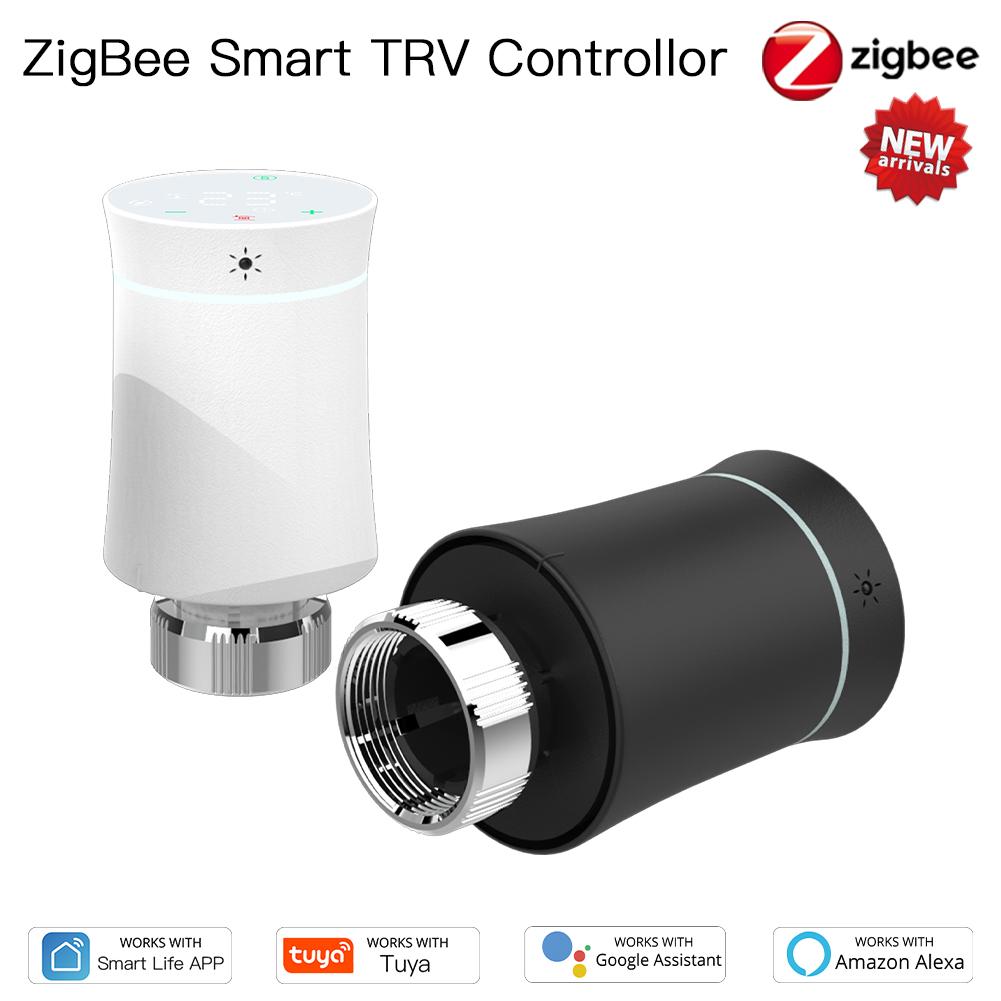
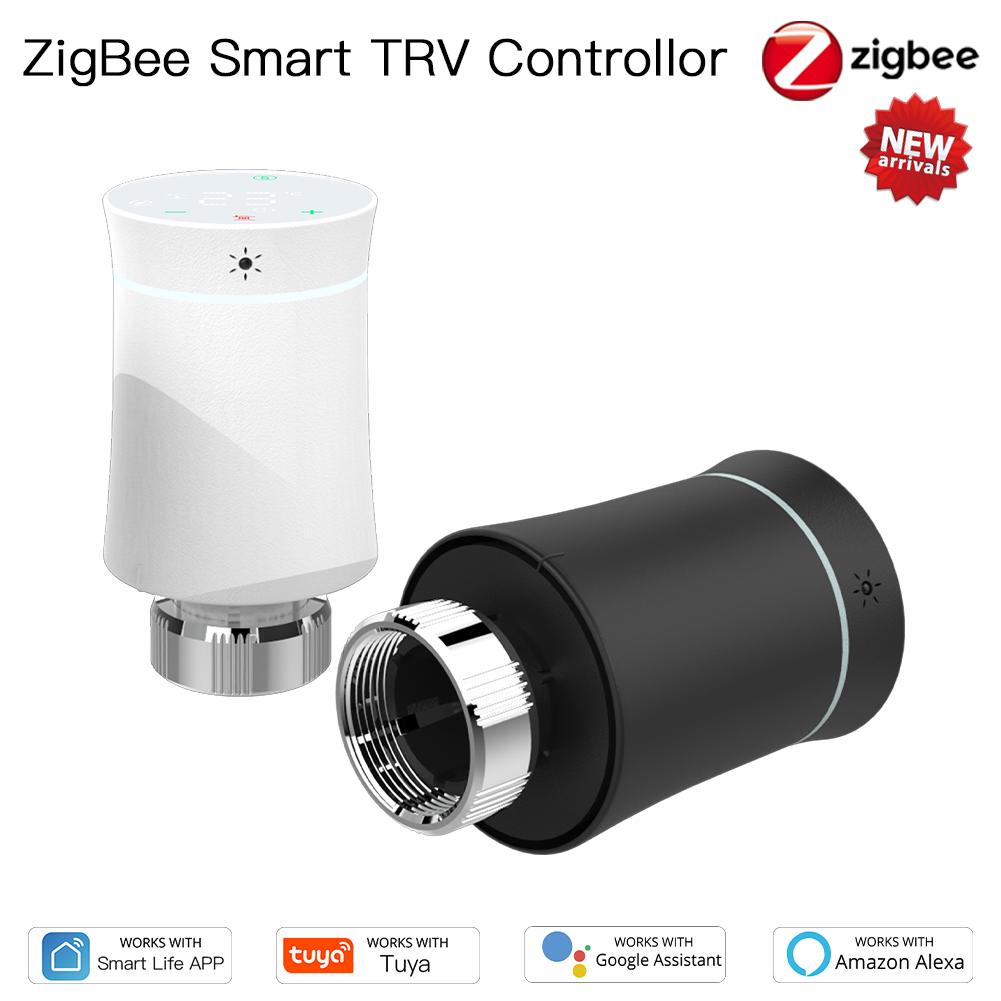
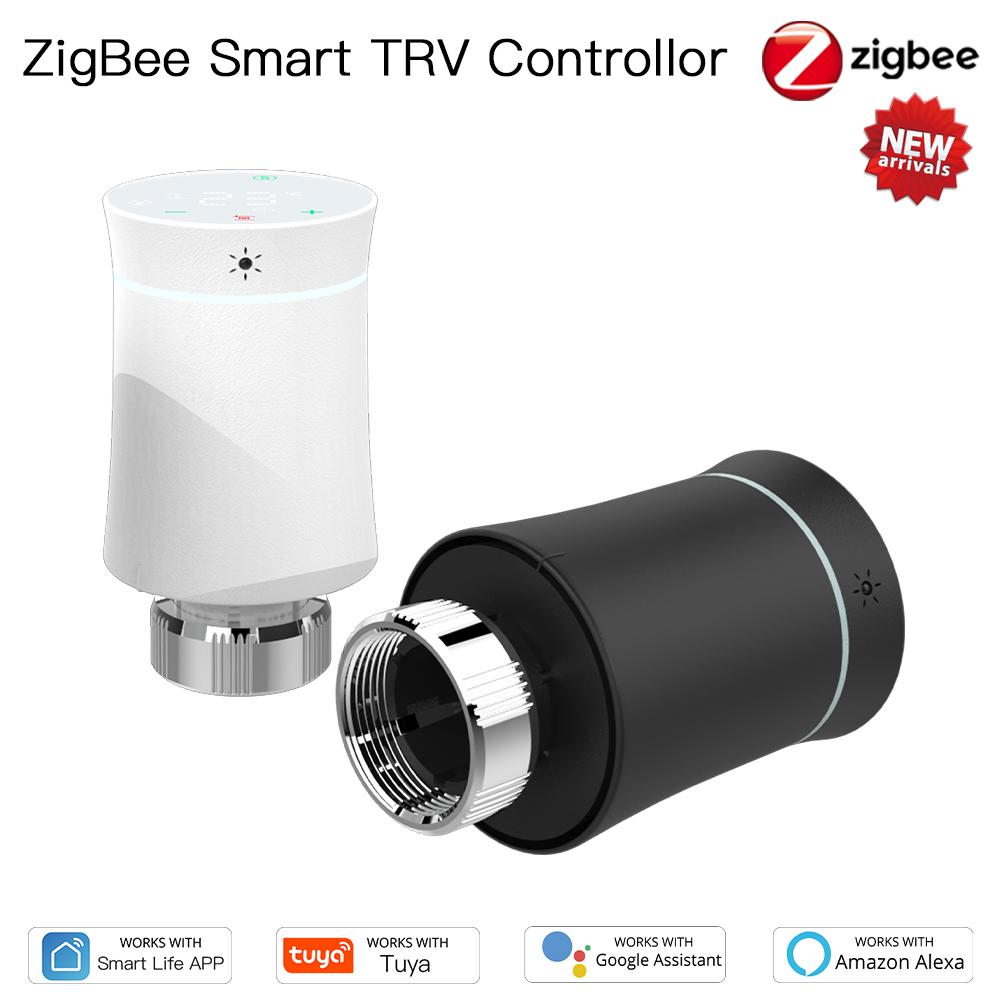
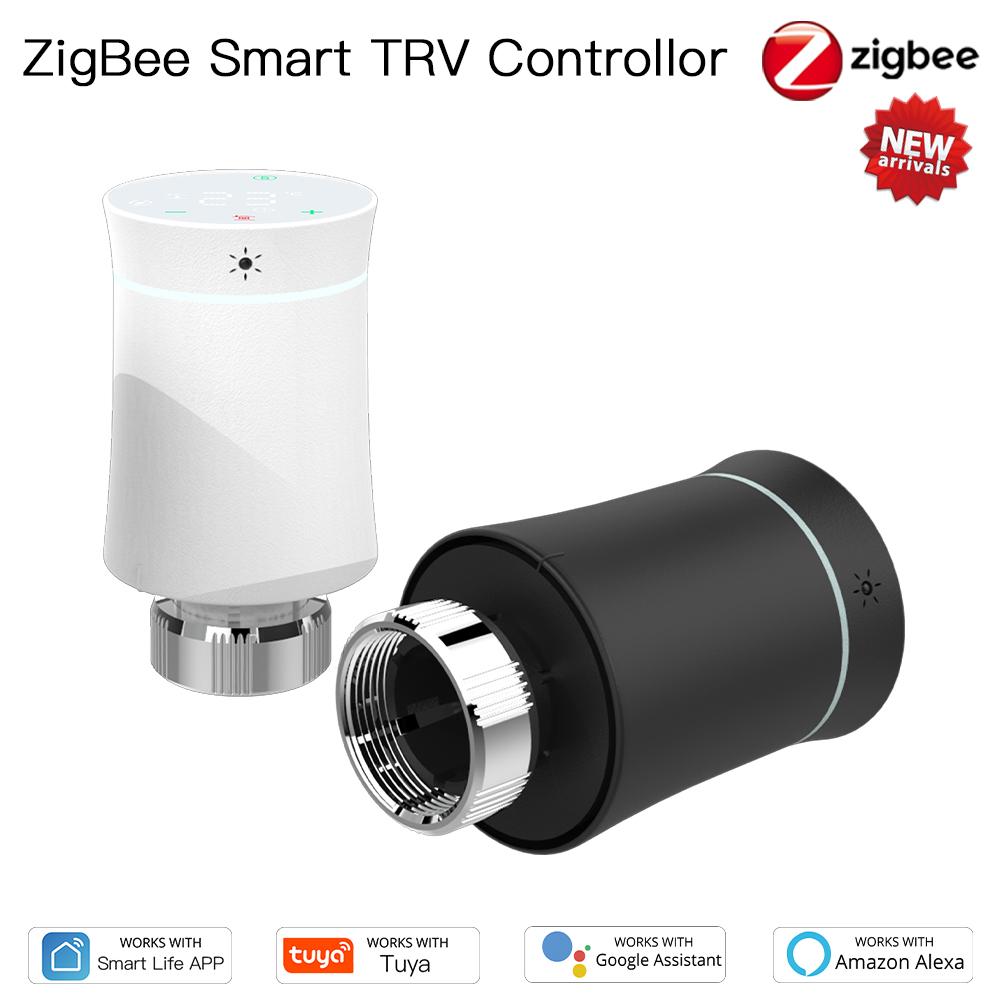
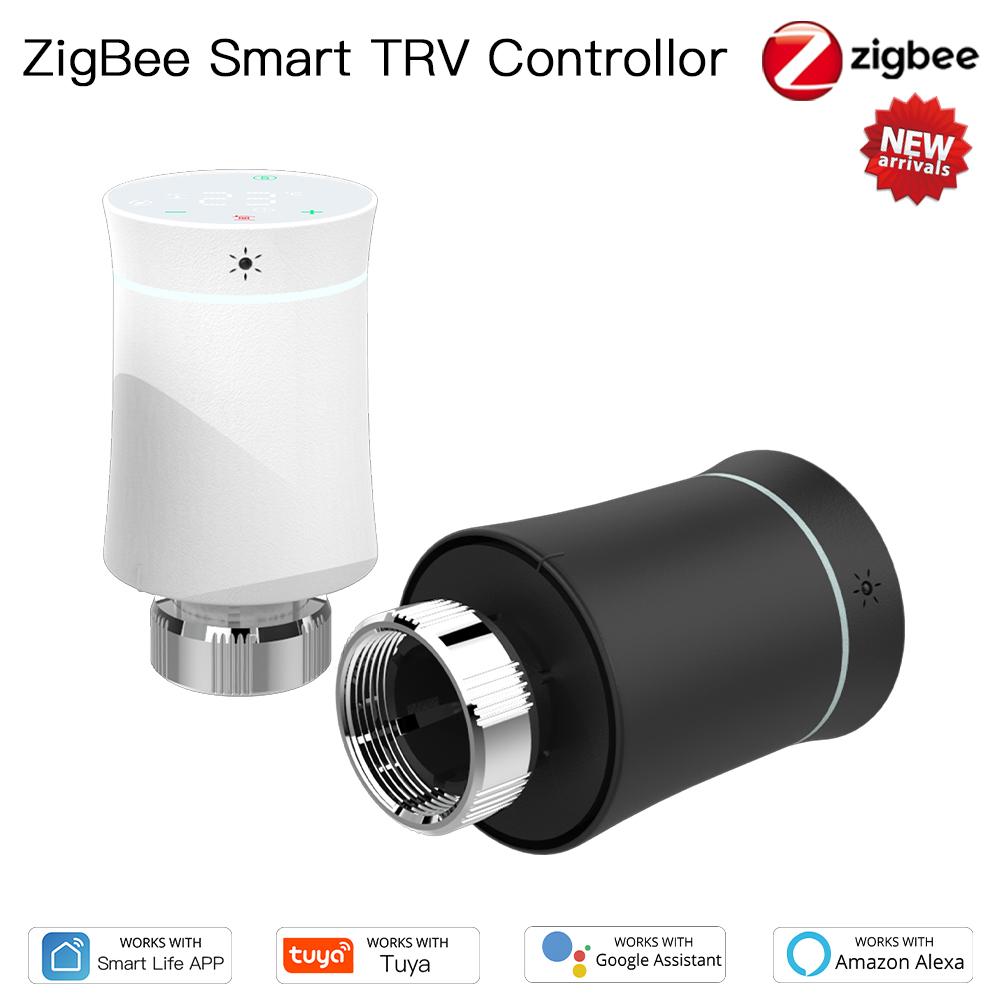
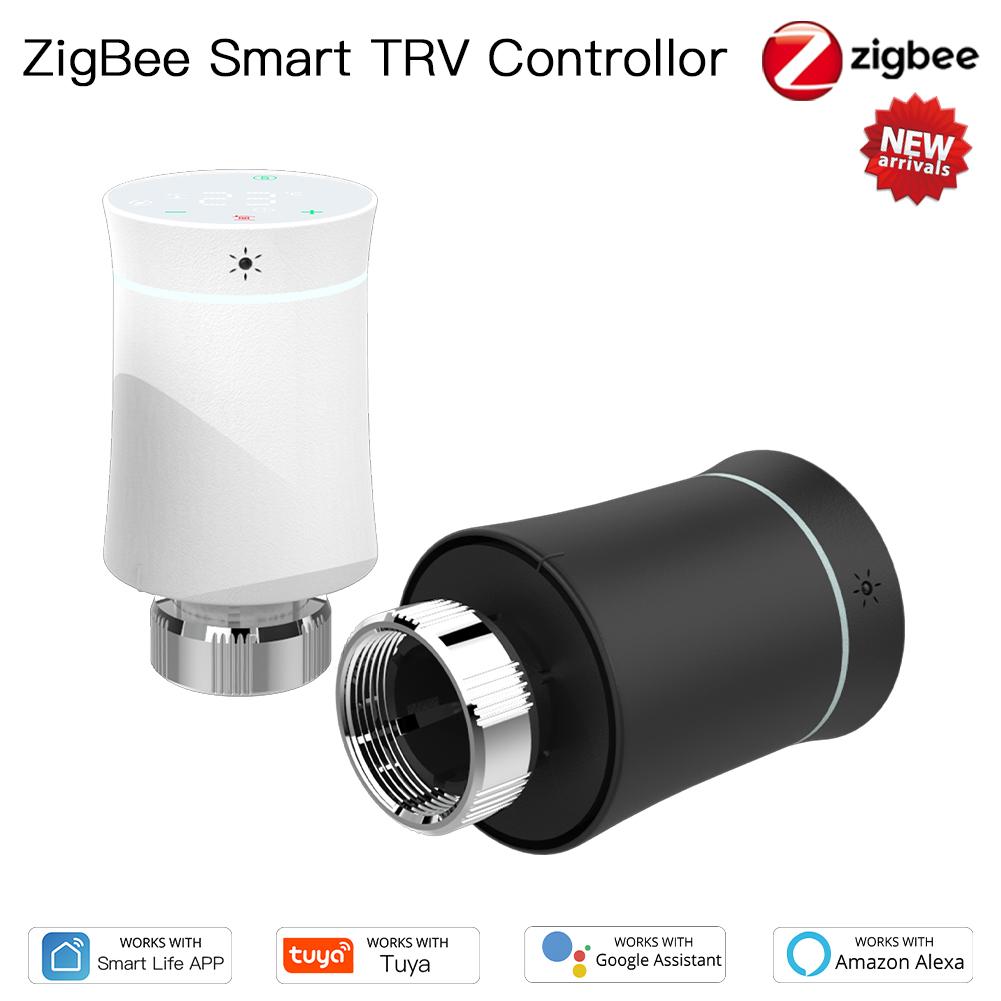
Moes Tuya ZigBee 3.0 smart ventily You surely already know Moes smart valves very well. This is, however, the second generation, bringing both design and functional improvements. You can choose from two color options, as well as support for ZigBee 3.0 technology.
Moes Tuya ZigBee3.0 smart valves 4x valve, EU warehouse (1 pcs for 25,93 €) 103,74 € EU warehouse 1x valve, Chinese warehouse 30,33 € 15-day delivery 2x valve, Chinese warehouse 61,97 € 15-day delivery 1x valve, EU warehouse 35,90 € EU warehouse 2x valve, EU warehouse 64,88 € EU warehouse 3x valve, Chinese warehouse 88,28 € 15-day delivery 3x valve, EU warehouse 93,85 € EU warehouse 121,43 € You save 17,69 €
103,74 €
Coupon 1 PA2FGR6JGFUTCopied! Coupon 2 CHOICEDAY3Copied! % Cart discount 1,89 € ?This discount is applied automatically in the cart before checkout — no coupon code needed.
Code not working? Show more coupons
Price history 5,15 € cheaper than the average price Cheapest 73,41 € Most expensive 114,89 €
3 mo. 6 mo. 1 year Max
Updated 1. 2. 2024 at 13:13 TIP Express delivery from a European warehouse without customs duty and VAT.This product will be delivered to you express from a local warehouse in Europe. Delivery from EU warehouses usually takes 2–10 days and is handled by a courier. When delivered, you don’t pay any extra fees—no customs duty or VAT.
Track this product’s price As soon as we post a new coupon, we’ll send you an email. You can unsubscribe from tracking anytime.
Are you shopping on AliExpress for the first time?
The process is via the AliExpress mobile app, where most people shop. There are two key things: don’t use Buy now and enter the coupon only in the order summary, in the field Promo code . After you click Pay now , you won’t be able to add it.
Copy the code and click Use discount In our article, copy the coupon and click the button GET DISCOUNT . The link will take you directly to the product in the AliExpress app. Use Add to cart instead of Buy now On the product card, scroll down and tap Add to cart . Don’t use the Buy now button—you’ll skip the cart, and later you won’t have anywhere to enter the coupon. Before that, double-check the variant: the color, the version, and whether it ships from an EU warehouse. Through the cart, go to Checkout A pop-up will appear: Added to cart! — tap Check it out in it. If it disappeared, open the cart with the icon at the bottom right. In the cart, check the product and quantity, then click the red Checkout . Only the items marked with the red ring will be applied. Enter your address and card, then look for Promo code In the order summary, first fill in the delivery address and payment card at the top. Below them there’s a line Promo code — expand it with the arrow on the right.
Look for this line under the address and payment method. Paste the code and confirm Apply In the field Promo code paste the copied code and click the black Apply . The code is case-sensitive and must not contain spaces.
Paste the code into the field and confirm with the Apply button. Check the savings and pay In the Summary expand the line Saved — you’ll see the applied coupon there as AliExpress coupons/codes . Only when Total is really lower, click Pay now .
The applied coupon will appear in the Saved line and will reduce the Total.
Apply the discount already at the order summary. After you click Pay now, you can no longer add a coupon. If Apply shows an error, the code has either expired, doesn’t apply to your items, or the order doesn’t meet the minimum amount.
The Store Coupon also goes in the same field. — a coupon from the seller itself, which isn’t always available and changes from day to day. AliExpress coupons can’t be combined, so try both and go with the one that gives you more. Coins are added automatically.
34,88 € You save 4,55 €
30,33 €
Price history 0,72 € cheaper than the average price Cheapest 24,19 € Most expensive 29,95 €
3 mo. 6 mo. 1 year Max
Updated 1. 2. 2024 at 13:13 TIP 15-day delivery via Aliexpress Standard ShippingFor this product, Aliexpress Standard Shipping is available with guaranteed delivery within 15 days. It’s the most reliable delivery method and, in most cases, it’s handled by a courier company. The 15-day delivery is something we actually tested .
When you order from a Chinese warehouse, AliExpress adds a customs duty charge of approximately 3,70 € per order to your cart. When you receive the shipment, you won’t have to pay anything extra.
Track this product’s price As soon as we post a new coupon, we’ll send you an email. You can unsubscribe from tracking anytime.
Are you shopping on AliExpress for the first time?
The process is via the AliExpress mobile app, where most people shop. There are two key things: don’t use Buy now and enter the coupon only in the order summary, in the field Promo code . After you click Pay now , you won’t be able to add it.
Copy the code and click Use discount In our article, copy the coupon and click the button GET DISCOUNT . The link will take you directly to the product in the AliExpress app. Use Add to cart instead of Buy now On the product card, scroll down and tap Add to cart . Don’t use the Buy now button—you’ll skip the cart, and later you won’t have anywhere to enter the coupon. Before that, double-check the variant: the color, the version, and whether it ships from an EU warehouse. Through the cart, go to Checkout A pop-up will appear: Added to cart! — tap Check it out in it. If it disappeared, open the cart with the icon at the bottom right. In the cart, check the product and quantity, then click the red Checkout . Only the items marked with the red ring will be applied. Enter your address and card, then look for Promo code In the order summary, first fill in the delivery address and payment card at the top. Below them there’s a line Promo code — expand it with the arrow on the right.
Look for this line under the address and payment method. Paste the code and confirm Apply In the field Promo code paste the copied code and click the black Apply . The code is case-sensitive and must not contain spaces.
Paste the code into the field and confirm with the Apply button. Check the savings and pay In the Summary expand the line Saved — you’ll see the applied coupon there as AliExpress coupons/codes . Only when Total is really lower, click Pay now .
The applied coupon will appear in the Saved line and will reduce the Total.
Apply the discount already at the order summary. After you click Pay now, you can no longer add a coupon. If Apply shows an error, the code has either expired, doesn’t apply to your items, or the order doesn’t meet the minimum amount.
The Store Coupon also goes in the same field. — a coupon from the seller itself, which isn’t always available and changes from day to day. AliExpress coupons can’t be combined, so try both and go with the one that gives you more. Coins are added automatically.
68,60 € You save 6,63 €
61,97 €
Price history 7,97 € cheaper than the average price Cheapest 38,85 € Most expensive 59,73 €
3 mo. 6 mo. 1 year Max
Updated 1. 2. 2024 at 13:13 TIP 15-day delivery via Aliexpress Standard ShippingFor this product, Aliexpress Standard Shipping is available with guaranteed delivery within 15 days. It’s the most reliable delivery method and, in most cases, it’s handled by a courier company. The 15-day delivery is something we actually tested .
When you order from a Chinese warehouse, AliExpress adds a customs duty charge of approximately 3,70 € per order to your cart. When you receive the shipment, you won’t have to pay anything extra.
Track this product’s price As soon as we post a new coupon, we’ll send you an email. You can unsubscribe from tracking anytime.
Are you shopping on AliExpress for the first time?
The process is via the AliExpress mobile app, where most people shop. There are two key things: don’t use Buy now and enter the coupon only in the order summary, in the field Promo code . After you click Pay now , you won’t be able to add it.
Copy the code and click Use discount In our article, copy the coupon and click the button GET DISCOUNT . The link will take you directly to the product in the AliExpress app. Use Add to cart instead of Buy now On the product card, scroll down and tap Add to cart . Don’t use the Buy now button—you’ll skip the cart, and later you won’t have anywhere to enter the coupon. Before that, double-check the variant: the color, the version, and whether it ships from an EU warehouse. Through the cart, go to Checkout A pop-up will appear: Added to cart! — tap Check it out in it. If it disappeared, open the cart with the icon at the bottom right. In the cart, check the product and quantity, then click the red Checkout . Only the items marked with the red ring will be applied. Enter your address and card, then look for Promo code In the order summary, first fill in the delivery address and payment card at the top. Below them there’s a line Promo code — expand it with the arrow on the right.
Look for this line under the address and payment method. Paste the code and confirm Apply In the field Promo code paste the copied code and click the black Apply . The code is case-sensitive and must not contain spaces.
Paste the code into the field and confirm with the Apply button. Check the savings and pay In the Summary expand the line Saved — you’ll see the applied coupon there as AliExpress coupons/codes . Only when Total is really lower, click Pay now .
The applied coupon will appear in the Saved line and will reduce the Total.
Apply the discount already at the order summary. After you click Pay now, you can no longer add a coupon. If Apply shows an error, the code has either expired, doesn’t apply to your items, or the order doesn’t meet the minimum amount.
The Store Coupon also goes in the same field. — a coupon from the seller itself, which isn’t always available and changes from day to day. AliExpress coupons can’t be combined, so try both and go with the one that gives you more. Coins are added automatically.
40,45 € You save 4,55 €
35,90 €
Price history 0,61 € cheaper than the average price Cheapest 29,89 € Most expensive 35,60 €
3 mo. 6 mo. 1 year Max
Updated 1. 2. 2024 at 13:13 TIP Express delivery from a European warehouse without customs duty and VAT.This product will be delivered to you express from a local warehouse in Europe. Delivery from EU warehouses usually takes 2–10 days and is handled by a courier. When delivered, you don’t pay any extra fees—no customs duty or VAT.
Track this product’s price As soon as we post a new coupon, we’ll send you an email. You can unsubscribe from tracking anytime.
Are you shopping on AliExpress for the first time?
The process is via the AliExpress mobile app, where most people shop. There are two key things: don’t use Buy now and enter the coupon only in the order summary, in the field Promo code . After you click Pay now , you won’t be able to add it.
Copy the code and click Use discount In our article, copy the coupon and click the button GET DISCOUNT . The link will take you directly to the product in the AliExpress app. Use Add to cart instead of Buy now On the product card, scroll down and tap Add to cart . Don’t use the Buy now button—you’ll skip the cart, and later you won’t have anywhere to enter the coupon. Before that, double-check the variant: the color, the version, and whether it ships from an EU warehouse. Through the cart, go to Checkout A pop-up will appear: Added to cart! — tap Check it out in it. If it disappeared, open the cart with the icon at the bottom right. In the cart, check the product and quantity, then click the red Checkout . Only the items marked with the red ring will be applied. Enter your address and card, then look for Promo code In the order summary, first fill in the delivery address and payment card at the top. Below them there’s a line Promo code — expand it with the arrow on the right.
Look for this line under the address and payment method. Paste the code and confirm Apply In the field Promo code paste the copied code and click the black Apply . The code is case-sensitive and must not contain spaces.
Paste the code into the field and confirm with the Apply button. Check the savings and pay In the Summary expand the line Saved — you’ll see the applied coupon there as AliExpress coupons/codes . Only when Total is really lower, click Pay now .
The applied coupon will appear in the Saved line and will reduce the Total.
Apply the discount already at the order summary. After you click Pay now, you can no longer add a coupon. If Apply shows an error, the code has either expired, doesn’t apply to your items, or the order doesn’t meet the minimum amount.
The Store Coupon also goes in the same field. — a coupon from the seller itself, which isn’t always available and changes from day to day. AliExpress coupons can’t be combined, so try both and go with the one that gives you more. Coins are added automatically.
74,17 € You save 9,29 €
64,88 €
Price history 7,38 € cheaper than the average price Cheapest 44,49 € Most expensive 65,37 €
3 mo. 6 mo. 1 year Max
Updated 1. 2. 2024 at 13:13 TIP Express delivery from a European warehouse without customs duty and VAT.This product will be delivered to you express from a local warehouse in Europe. Delivery from EU warehouses usually takes 2–10 days and is handled by a courier. When delivered, you don’t pay any extra fees—no customs duty or VAT.
Track this product’s price As soon as we post a new coupon, we’ll send you an email. You can unsubscribe from tracking anytime.
Are you shopping on AliExpress for the first time?
The process is via the AliExpress mobile app, where most people shop. There are two key things: don’t use Buy now and enter the coupon only in the order summary, in the field Promo code . After you click Pay now , you won’t be able to add it.
Copy the code and click Use discount In our article, copy the coupon and click the button GET DISCOUNT . The link will take you directly to the product in the AliExpress app. Use Add to cart instead of Buy now On the product card, scroll down and tap Add to cart . Don’t use the Buy now button—you’ll skip the cart, and later you won’t have anywhere to enter the coupon. Before that, double-check the variant: the color, the version, and whether it ships from an EU warehouse. Through the cart, go to Checkout A pop-up will appear: Added to cart! — tap Check it out in it. If it disappeared, open the cart with the icon at the bottom right. In the cart, check the product and quantity, then click the red Checkout . Only the items marked with the red ring will be applied. Enter your address and card, then look for Promo code In the order summary, first fill in the delivery address and payment card at the top. Below them there’s a line Promo code — expand it with the arrow on the right.
Look for this line under the address and payment method. Paste the code and confirm Apply In the field Promo code paste the copied code and click the black Apply . The code is case-sensitive and must not contain spaces.
Paste the code into the field and confirm with the Apply button. Check the savings and pay In the Summary expand the line Saved — you’ll see the applied coupon there as AliExpress coupons/codes . Only when Total is really lower, click Pay now .
The applied coupon will appear in the Saved line and will reduce the Total.
Apply the discount already at the order summary. After you click Pay now, you can no longer add a coupon. If Apply shows an error, the code has either expired, doesn’t apply to your items, or the order doesn’t meet the minimum amount.
The Store Coupon also goes in the same field. — a coupon from the seller itself, which isn’t always available and changes from day to day. AliExpress coupons can’t be combined, so try both and go with the one that gives you more. Coins are added automatically.
102,30 € You save 14,02 €
88,28 €
Price history 6,62 € cheaper than the average price Cheapest 62,79 € Most expensive 90,25 €
3 mo. 6 mo. 1 year Max
Updated 1. 2. 2024 at 13:13 TIP 15-day delivery via Aliexpress Standard ShippingFor this product, Aliexpress Standard Shipping is available with guaranteed delivery within 15 days. It’s the most reliable delivery method and, in most cases, it’s handled by a courier company. The 15-day delivery is something we actually tested .
When you order from a Chinese warehouse, AliExpress adds a customs duty charge of approximately 3,70 € per order to your cart. When you receive the shipment, you won’t have to pay anything extra.
Track this product’s price As soon as we post a new coupon, we’ll send you an email. You can unsubscribe from tracking anytime.
Are you shopping on AliExpress for the first time?
The process is via the AliExpress mobile app, where most people shop. There are two key things: don’t use Buy now and enter the coupon only in the order summary, in the field Promo code . After you click Pay now , you won’t be able to add it.
Copy the code and click Use discount In our article, copy the coupon and click the button GET DISCOUNT . The link will take you directly to the product in the AliExpress app. Use Add to cart instead of Buy now On the product card, scroll down and tap Add to cart . Don’t use the Buy now button—you’ll skip the cart, and later you won’t have anywhere to enter the coupon. Before that, double-check the variant: the color, the version, and whether it ships from an EU warehouse. Through the cart, go to Checkout A pop-up will appear: Added to cart! — tap Check it out in it. If it disappeared, open the cart with the icon at the bottom right. In the cart, check the product and quantity, then click the red Checkout . Only the items marked with the red ring will be applied. Enter your address and card, then look for Promo code In the order summary, first fill in the delivery address and payment card at the top. Below them there’s a line Promo code — expand it with the arrow on the right.
Look for this line under the address and payment method. Paste the code and confirm Apply In the field Promo code paste the copied code and click the black Apply . The code is case-sensitive and must not contain spaces.
Paste the code into the field and confirm with the Apply button. Check the savings and pay In the Summary expand the line Saved — you’ll see the applied coupon there as AliExpress coupons/codes . Only when Total is really lower, click Pay now .
The applied coupon will appear in the Saved line and will reduce the Total.
Apply the discount already at the order summary. After you click Pay now, you can no longer add a coupon. If Apply shows an error, the code has either expired, doesn’t apply to your items, or the order doesn’t meet the minimum amount.
The Store Coupon also goes in the same field. — a coupon from the seller itself, which isn’t always available and changes from day to day. AliExpress coupons can’t be combined, so try both and go with the one that gives you more. Coins are added automatically.
107,87 € You save 14,02 €
93,85 €
Coupon 1 PA2FGR6JGFUTCopied! Coupon 2 CHOICEDAY3Copied! % Cart discount 1,89 € ?This discount is applied automatically in the cart before checkout — no coupon code needed.
Code not working? Show more coupons
Price history 6,80 € cheaper than the average price Cheapest 68,35 € Most expensive 95,88 €
3 mo. 6 mo. 1 year Max
Updated 1. 2. 2024 at 13:13 TIP Express delivery from a European warehouse without customs duty and VAT.This product will be delivered to you express from a local warehouse in Europe. Delivery from EU warehouses usually takes 2–10 days and is handled by a courier. When delivered, you don’t pay any extra fees—no customs duty or VAT.
Track this product’s price As soon as we post a new coupon, we’ll send you an email. You can unsubscribe from tracking anytime.
Are you shopping on AliExpress for the first time?
The process is via the AliExpress mobile app, where most people shop. There are two key things: don’t use Buy now and enter the coupon only in the order summary, in the field Promo code . After you click Pay now , you won’t be able to add it.
Copy the code and click Use discount In our article, copy the coupon and click the button GET DISCOUNT . The link will take you directly to the product in the AliExpress app. Use Add to cart instead of Buy now On the product card, scroll down and tap Add to cart . Don’t use the Buy now button—you’ll skip the cart, and later you won’t have anywhere to enter the coupon. Before that, double-check the variant: the color, the version, and whether it ships from an EU warehouse. Through the cart, go to Checkout A pop-up will appear: Added to cart! — tap Check it out in it. If it disappeared, open the cart with the icon at the bottom right. In the cart, check the product and quantity, then click the red Checkout . Only the items marked with the red ring will be applied. Enter your address and card, then look for Promo code In the order summary, first fill in the delivery address and payment card at the top. Below them there’s a line Promo code — expand it with the arrow on the right.
Look for this line under the address and payment method. Paste the code and confirm Apply In the field Promo code paste the copied code and click the black Apply . The code is case-sensitive and must not contain spaces.
Paste the code into the field and confirm with the Apply button. Check the savings and pay In the Summary expand the line Saved — you’ll see the applied coupon there as AliExpress coupons/codes . Only when Total is really lower, click Pay now .
The applied coupon will appear in the Saved line and will reduce the Total.
Apply the discount already at the order summary. After you click Pay now, you can no longer add a coupon. If Apply shows an error, the code has either expired, doesn’t apply to your items, or the order doesn’t meet the minimum amount.
The Store Coupon also goes in the same field. — a coupon from the seller itself, which isn’t always available and changes from day to day. AliExpress coupons can’t be combined, so try both and go with the one that gives you more. Coins are added automatically.
ZigBee 3.0 hubs
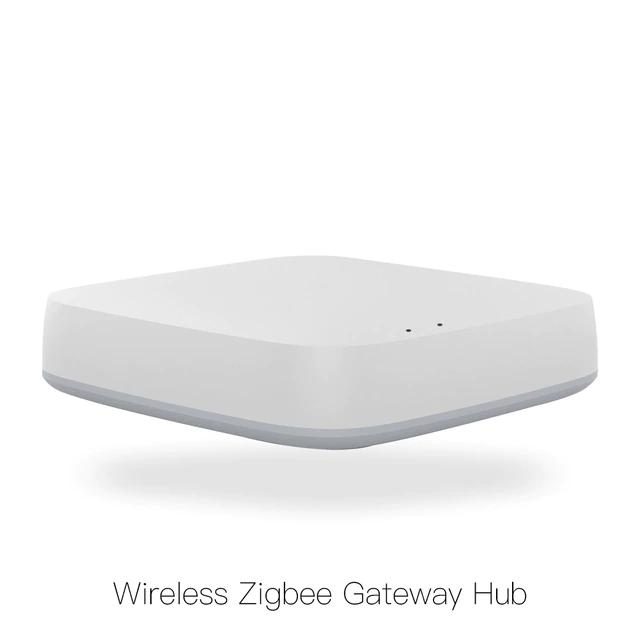
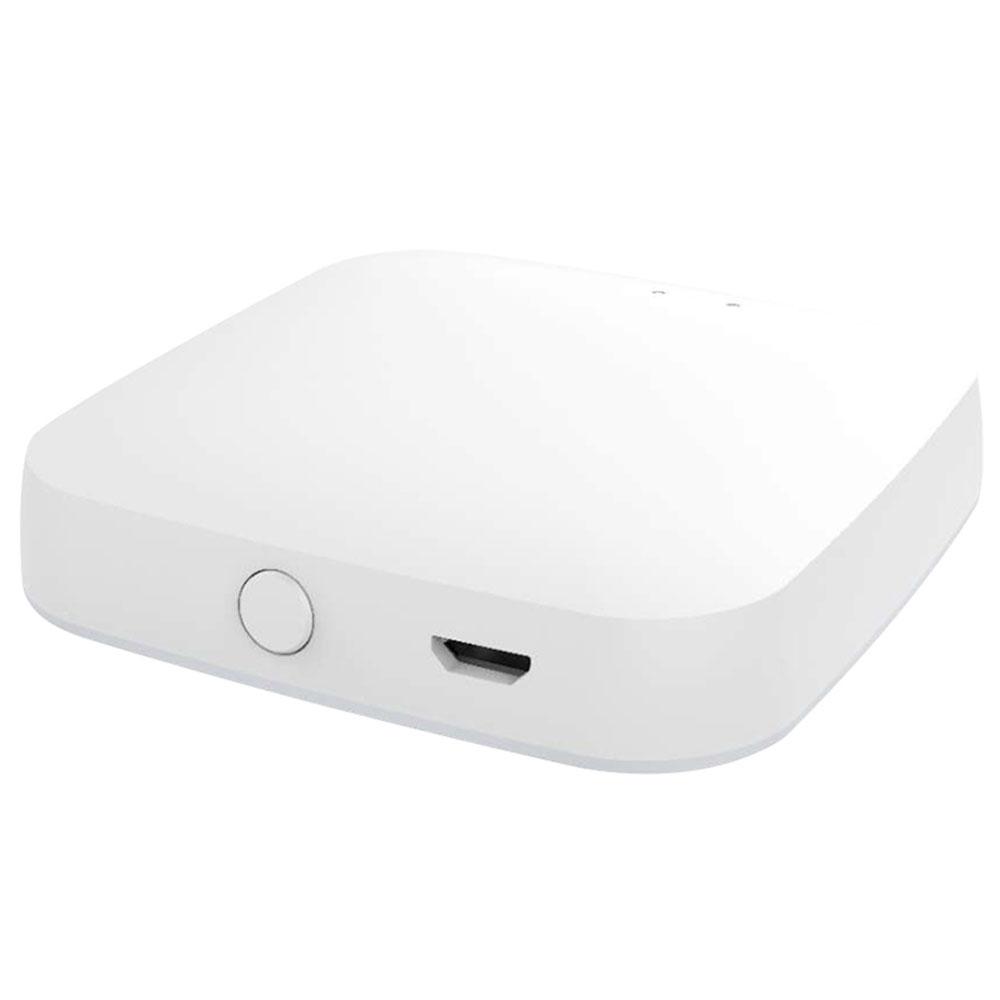
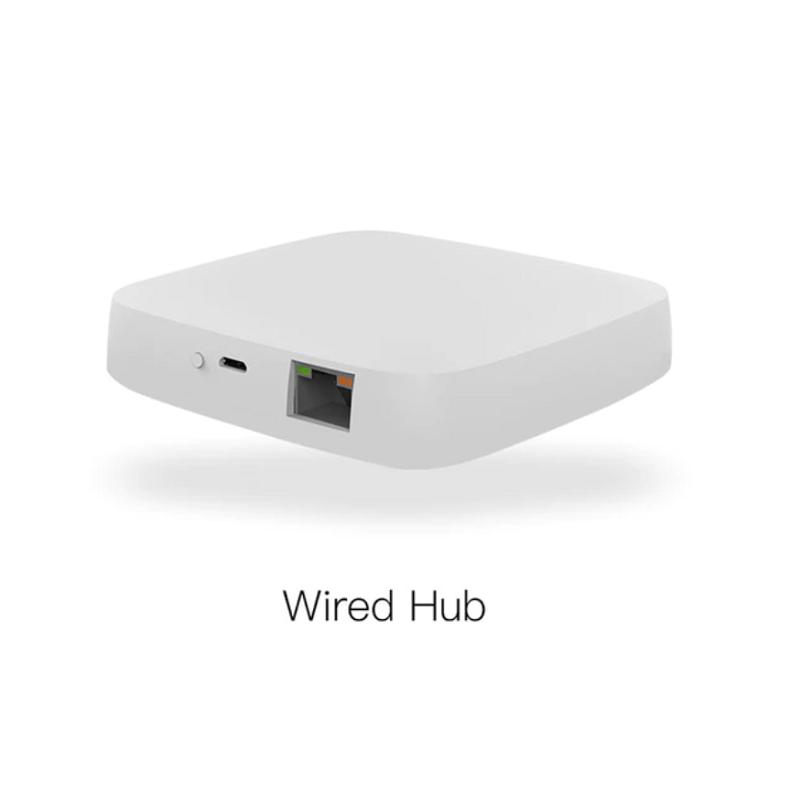
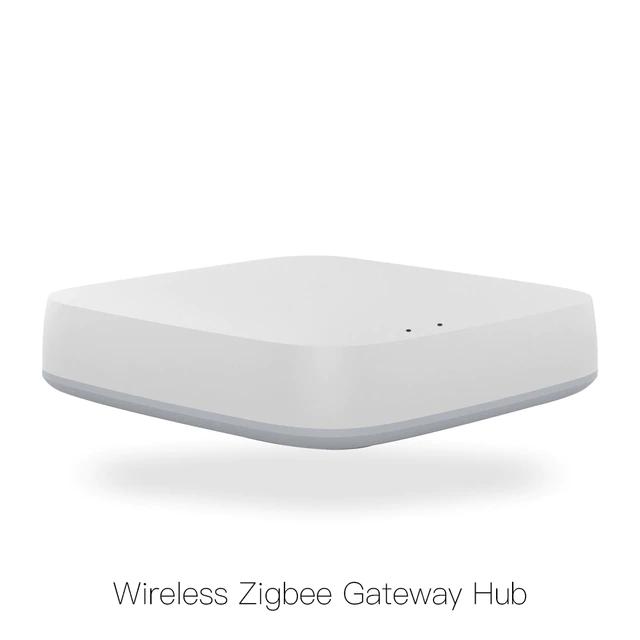
If you want to buy smart home products that support the ZigBee 3.0 standard, you’ll need a hub or gateway . This central device can come in multiple versions, and we’re bringing you several options right away. You can find them below:
Moeshouse wireless hub, Chinese warehouse 34,26 € 20-day delivery Moeshouse multi-mode hub, Chinese warehouse 34,99 € 20-day delivery Moeshouse wired hub, Chinese warehouse 48,49 € 20-day delivery Moeshouse wireless hub, EU warehouse 25,38 € ES warehouse
Price history 15,71 € more expensive than the average price Cheapest 11,52 € Most expensive 34,26 €
3 mo. 6 mo. 1 year Max
Updated 28. 10. 2026 at 08:10 TIP 20-day delivery via Aliexpress Standard ShippingFor this product, Aliexpress Standard Shipping is available with guaranteed delivery within 20 days. This is the most reliable shipping method and, in most cases, it’s handled by a courier company. The 20-day delivery we truly tested .
When you order from a Chinese warehouse, AliExpress adds a customs duty charge of approximately 3,70 € per order to your cart. When you receive the shipment, you won’t have to pay anything extra.
Track this product’s price As soon as we post a new coupon, we’ll send you an email. You can unsubscribe from tracking anytime.
Are you shopping on AliExpress for the first time?
The process is via the AliExpress mobile app, where most people shop. There are two key things: don’t use Buy now and enter the coupon only in the order summary, in the field Promo code . After you click Pay now , you won’t be able to add it.
Copy the code and click Use discount In our article, copy the coupon and click the button GET DISCOUNT . The link will take you directly to the product in the AliExpress app. Use Add to cart instead of Buy now On the product card, scroll down and tap Add to cart . Don’t use the Buy now button—you’ll skip the cart, and later you won’t have anywhere to enter the coupon. Before that, double-check the variant: the color, the version, and whether it ships from an EU warehouse. Through the cart, go to Checkout A pop-up will appear: Added to cart! — tap Check it out in it. If it disappeared, open the cart with the icon at the bottom right. In the cart, check the product and quantity, then click the red Checkout . Only the items marked with the red ring will be applied. Enter your address and card, then look for Promo code In the order summary, first fill in the delivery address and payment card at the top. Below them there’s a line Promo code — expand it with the arrow on the right.
Look for this line under the address and payment method. Paste the code and confirm Apply In the field Promo code paste the copied code and click the black Apply . The code is case-sensitive and must not contain spaces.
Paste the code into the field and confirm with the Apply button. Check the savings and pay In the Summary expand the line Saved — you’ll see the applied coupon there as AliExpress coupons/codes . Only when Total is really lower, click Pay now .
The applied coupon will appear in the Saved line and will reduce the Total.
Apply the discount already at the order summary. After you click Pay now, you can no longer add a coupon. If Apply shows an error, the code has either expired, doesn’t apply to your items, or the order doesn’t meet the minimum amount.
The Store Coupon also goes in the same field. — a coupon from the seller itself, which isn’t always available and changes from day to day. AliExpress coupons can’t be combined, so try both and go with the one that gives you more. Coins are added automatically.
Price history 16,58 € more expensive than the average price Cheapest 12,10 € Most expensive 34,99 €
3 mo. 6 mo. 1 year Max
Updated 28. 10. 2026 at 08:10 TIP 20-day delivery via Aliexpress Standard ShippingFor this product, Aliexpress Standard Shipping is available with guaranteed delivery within 20 days. This is the most reliable shipping method and, in most cases, it’s handled by a courier company. The 20-day delivery we truly tested .
When you order from a Chinese warehouse, AliExpress adds a customs duty charge of approximately 3,70 € per order to your cart. When you receive the shipment, you won’t have to pay anything extra.
Track this product’s price As soon as we post a new coupon, we’ll send you an email. You can unsubscribe from tracking anytime.
Are you shopping on AliExpress for the first time?
The process is via the AliExpress mobile app, where most people shop. There are two key things: don’t use Buy now and enter the coupon only in the order summary, in the field Promo code . After you click Pay now , you won’t be able to add it.
Copy the code and click Use discount In our article, copy the coupon and click the button GET DISCOUNT . The link will take you directly to the product in the AliExpress app. Use Add to cart instead of Buy now On the product card, scroll down and tap Add to cart . Don’t use the Buy now button—you’ll skip the cart, and later you won’t have anywhere to enter the coupon. Before that, double-check the variant: the color, the version, and whether it ships from an EU warehouse. Through the cart, go to Checkout A pop-up will appear: Added to cart! — tap Check it out in it. If it disappeared, open the cart with the icon at the bottom right. In the cart, check the product and quantity, then click the red Checkout . Only the items marked with the red ring will be applied. Enter your address and card, then look for Promo code In the order summary, first fill in the delivery address and payment card at the top. Below them there’s a line Promo code — expand it with the arrow on the right.
Look for this line under the address and payment method. Paste the code and confirm Apply In the field Promo code paste the copied code and click the black Apply . The code is case-sensitive and must not contain spaces.
Paste the code into the field and confirm with the Apply button. Check the savings and pay In the Summary expand the line Saved — you’ll see the applied coupon there as AliExpress coupons/codes . Only when Total is really lower, click Pay now .
The applied coupon will appear in the Saved line and will reduce the Total.
Apply the discount already at the order summary. After you click Pay now, you can no longer add a coupon. If Apply shows an error, the code has either expired, doesn’t apply to your items, or the order doesn’t meet the minimum amount.
The Store Coupon also goes in the same field. — a coupon from the seller itself, which isn’t always available and changes from day to day. AliExpress coupons can’t be combined, so try both and go with the one that gives you more. Coins are added automatically.
Price history 22,42 € more expensive than the average price Cheapest 15,33 € Most expensive 48,49 €
3 mo. 6 mo. 1 year Max
Updated 28. 10. 2026 at 08:10 TIP 20-day delivery via Aliexpress Standard ShippingFor this product, Aliexpress Standard Shipping is available with guaranteed delivery within 20 days. This is the most reliable shipping method and, in most cases, it’s handled by a courier company. The 20-day delivery we truly tested .
When you order from a Chinese warehouse, AliExpress adds a customs duty charge of approximately 3,70 € per order to your cart. When you receive the shipment, you won’t have to pay anything extra.
Track this product’s price As soon as we post a new coupon, we’ll send you an email. You can unsubscribe from tracking anytime.
Are you shopping on AliExpress for the first time?
The process is via the AliExpress mobile app, where most people shop. There are two key things: don’t use Buy now and enter the coupon only in the order summary, in the field Promo code . After you click Pay now , you won’t be able to add it.
Copy the code and click Use discount In our article, copy the coupon and click the button GET DISCOUNT . The link will take you directly to the product in the AliExpress app. Use Add to cart instead of Buy now On the product card, scroll down and tap Add to cart . Don’t use the Buy now button—you’ll skip the cart, and later you won’t have anywhere to enter the coupon. Before that, double-check the variant: the color, the version, and whether it ships from an EU warehouse. Through the cart, go to Checkout A pop-up will appear: Added to cart! — tap Check it out in it. If it disappeared, open the cart with the icon at the bottom right. In the cart, check the product and quantity, then click the red Checkout . Only the items marked with the red ring will be applied. Enter your address and card, then look for Promo code In the order summary, first fill in the delivery address and payment card at the top. Below them there’s a line Promo code — expand it with the arrow on the right.
Look for this line under the address and payment method. Paste the code and confirm Apply In the field Promo code paste the copied code and click the black Apply . The code is case-sensitive and must not contain spaces.
Paste the code into the field and confirm with the Apply button. Check the savings and pay In the Summary expand the line Saved — you’ll see the applied coupon there as AliExpress coupons/codes . Only when Total is really lower, click Pay now .
The applied coupon will appear in the Saved line and will reduce the Total.
Apply the discount already at the order summary. After you click Pay now, you can no longer add a coupon. If Apply shows an error, the code has either expired, doesn’t apply to your items, or the order doesn’t meet the minimum amount.
The Store Coupon also goes in the same field. — a coupon from the seller itself, which isn’t always available and changes from day to day. AliExpress coupons can’t be combined, so try both and go with the one that gives you more. Coins are added automatically.
Price history 6,01 € more expensive than the average price Cheapest 15,16 € Most expensive 25,38 €
3 mo. 6 mo. 1 year Max
Updated 28. 10. 2026 at 08:10 TIP Express delivery from a Spanish warehouse without customs duties or VAT.This product will be delivered express from the local Spanish warehouse. Shipping from Spain usually takes 7-10 days and is handled by a courier. On delivery, you don’t pay any extra fees—no customs duty or VAT.
Track this product’s price As soon as we post a new coupon, we’ll send you an email. You can unsubscribe from tracking anytime.
Are you shopping on AliExpress for the first time?
The process is via the AliExpress mobile app, where most people shop. There are two key things: don’t use Buy now and enter the coupon only in the order summary, in the field Promo code . After you click Pay now , you won’t be able to add it.
Copy the code and click Use discount In our article, copy the coupon and click the button GET DISCOUNT . The link will take you directly to the product in the AliExpress app. Use Add to cart instead of Buy now On the product card, scroll down and tap Add to cart . Don’t use the Buy now button—you’ll skip the cart, and later you won’t have anywhere to enter the coupon. Before that, double-check the variant: the color, the version, and whether it ships from an EU warehouse. Through the cart, go to Checkout A pop-up will appear: Added to cart! — tap Check it out in it. If it disappeared, open the cart with the icon at the bottom right. In the cart, check the product and quantity, then click the red Checkout . Only the items marked with the red ring will be applied. Enter your address and card, then look for Promo code In the order summary, first fill in the delivery address and payment card at the top. Below them there’s a line Promo code — expand it with the arrow on the right.
Look for this line under the address and payment method. Paste the code and confirm Apply In the field Promo code paste the copied code and click the black Apply . The code is case-sensitive and must not contain spaces.
Paste the code into the field and confirm with the Apply button. Check the savings and pay In the Summary expand the line Saved — you’ll see the applied coupon there as AliExpress coupons/codes . Only when Total is really lower, click Pay now .
The applied coupon will appear in the Saved line and will reduce the Total.
Apply the discount already at the order summary. After you click Pay now, you can no longer add a coupon. If Apply shows an error, the code has either expired, doesn’t apply to your items, or the order doesn’t meet the minimum amount.
The Store Coupon also goes in the same field. — a coupon from the seller itself, which isn’t always available and changes from day to day. AliExpress coupons can’t be combined, so try both and go with the one that gives you more. Coins are added automatically.
Moeshouse Zigbee teplomer / vlhkomer
Moeshouse also includes this affordable thermometer , or rather a humidity meter , in its product portfolio. It features a simple LCD display that shows data in real time, as well as integration with a mobile app for viewing data history.
BUY Moeshouse humidity meter and thermometer
Cena: 22,97 €
Moeshouse motorized roller blind
A very interesting accessory is this motorized roller blind from Moeshouse . Several versions are available, including power with a European plug. You’ll also appreciate voice control support via Amazon Alexa or Google Assistant smart assistants.
BUY Moeshouse motorized roller blind
💶 Coupon: BFSchinaplanet6
Price (EU warehouse): 56,33 €
Moeshouse smart robotic finger
This Moeshouse smart robotic finger is truly an unusual product. It offers the ability to generate physical pressure, enough to press practically any button. That way, you can also start remotely a device that doesn’t have smart functions built in from the factory.
BUY Moeshouse smart robotic finger
💶 Coupon: BFS3
Cena (1 kus): 24,31 €
Moeshouse Smart ZigBee plug
An important part of a smart home is also smart plugs . This one from Moeshouse supports the ZigBee standard, as well as a local European plug and voice control via Amazon Alexa or Google Assistant smart assistants.
BUY Moeshouse Smart ZigBee plug
Cena: 13,01 €
Moeshouse Wi-Fi smart bulb
The last product in today’s selection of smart gadgets is this Wi‑Fi bulb from the manufacturer Moeshouse . It’s a standard E27 bulb with an RGB spectrum, with the option to choose traditional white or yellow light at your selected intensity. You’ll like the Wi‑Fi connection without needing to connect to a hub.
BUY Moeshouse Wi-Fi smart bulb
Cena: 14,02 €
Moeshouse smart switch
A smart switch is a great choice if you want to avoid conventional manual switches. They look great, and you can control them through an app or other devices thanks to their compatibility in the Tuya ecosystem. Voice assistant control and smartphone control are also a given. It doesn’t cost much at all.
BUY Moeshouse smart switch
Cena (1-Gang): 17,64 €
Cena (4-Gang): 19,72 €
Were you interested in the Moeshouse brand? Do you also use these products in your smart home? If you have any questions about these interesting devices, feel free to write to us below in the discussion under the article. Follow our Facebook and also our China Planet portal to learn more information.