If you regularly check our website, you’ve probably already seen various deals on stylish TV boxes with a certified operating system and decent performance—though sometimes at higher prices. On social media, under our posts, comments have started spreading about cheap AliExpress alternatives, but in our opinion, that’s really not the right path.
In this article, we’ll break down the issue with these cheap models, which often don’t come from reputable manufacturers and don’t have the required system and streaming-service certifications.
Missing certifications and Netflix in low quality
TV boxes, or TV sticks, are usually an add-on for older TVs or monitors—or even simple projectors without an operating system.
The main reason to buy this kind of device is usually the user’s motivation to keep using—or even recycle—an older device, giving it smart features.
The idea is good, too—ecologically, it’s also noble. All you need is a Wi‑Fi connection, or even a mobile hotspot, and you can enjoy all your favorite apps. Well, not quite.
The vast majority of cheap “no name” makers can sell them at this price mainly because they’re missing certifications, which, of course, require extra fees during production.
That’s how you can end up with a low Widevine L3 certificate level, with protected DRM content in reduced quality (e.g., Netflix, VOYO, Prime Video only up to 480p).
Ad
You won’t even get official Android TV / Google TV updates or security patches. Often Chromecast screen casting is also missing, as well as the ability to recommend relevant content on the home screen.
In practice, you only get what the Chinese company allows: the box itself, power, and some basic “tablet-like Android” operating software that resembles the Android TV user interface. Nothing more.
Misleading specs, low performance, and possible malware
Another equally important detail is the way specifications are presented. On the seller’s page you may read that it supports 8K resolution, but the reality might stop at 720p. The difference is what content the device can play versus what resolution it will actually display for you in the end (so-called “Downscaling”).
RAM is usually also overestimated in the specs. For example, 4 GB or 8 GB listed on the box—but in reality it’s only 2 GB or 4 GB. This issue was also covered by the well-known YouTuber Linus Tech Tips, who proved that even though the RAM inside the boxes is stated with higher capacity, in reality, when you check it via the command line, it only uses half of that capacity.
The trap can also be the internal storage. Even if it has enough capacity, it’s mainly cheap eMMC memory, with speed comparable to a basic microSD card. On top of that, the TV operating system—optimized for remote control—is replaced with a tablet version, i.e., one optimized for touch control, which is another deal-breaker.
Ad
Linus also points out suspicious communication with Chinese servers and sending different types of data. Last year, there were even reports about millions of infected TV boxes with malware due to weak security—caused especially by missing security patches that cheap boxes either don’t have or get very late. You can read about this issue, for example, on pcmag.com.
Negative experiences—even with us in the editorial team
We’ve had similar experiences in our editorial team. Budget TV boxes built on pure Android—even though the manufacturer lists impressive specs—ended up getting stuck, running slow, and being unresponsive. Because of this, we couldn’t even finish our latest review. Recently, this specifically involved the H96 Max M9S.
We were especially disappointed with the system’s responsiveness—it was tragic. The Kodi app was also stuck, and the box even had trouble playing 4K content, even though the manufacturer states support for 8K resolution.
How to avoid disappointment when buying? Here are our recommendations
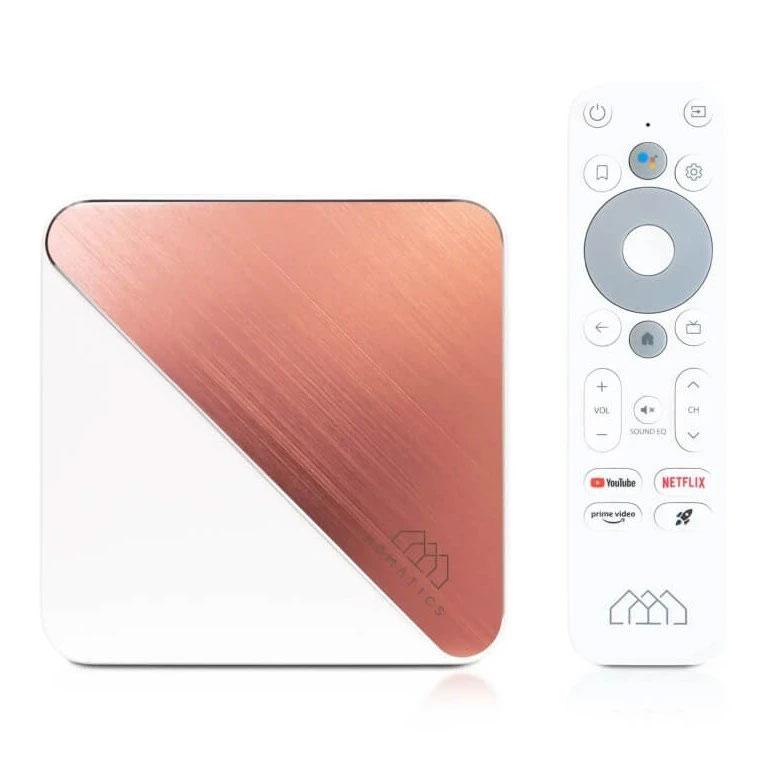
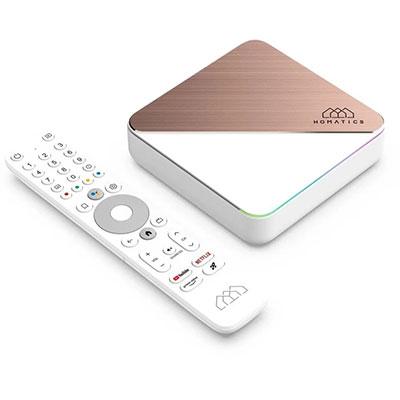
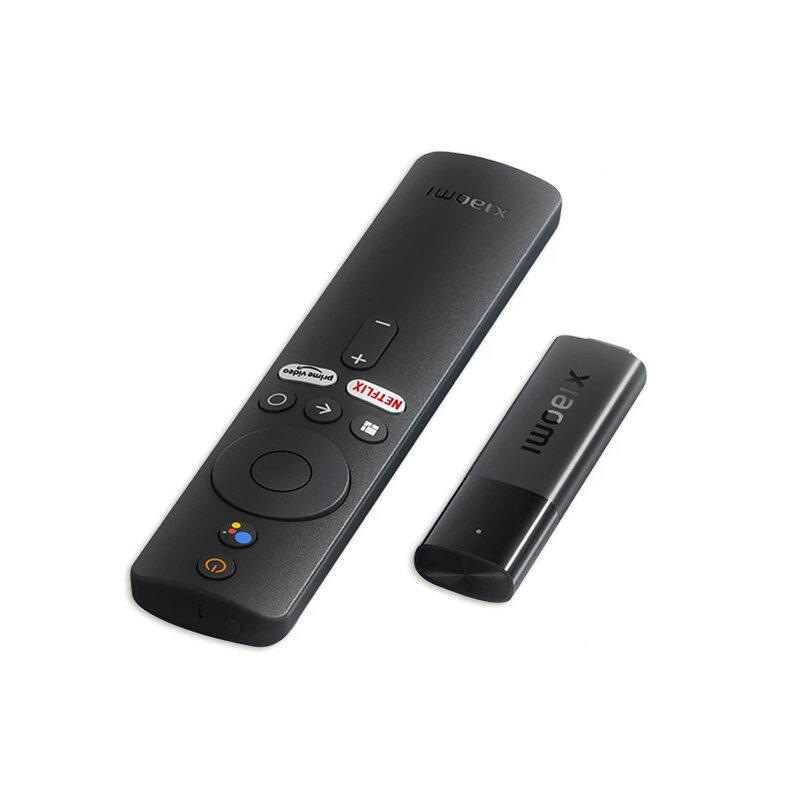
If you’ve already decided to buy a TV box or similar accessories, prefer available products from reputable manufacturers, such as Xiaomi, Nokia, Homatics, or Google.
In addition, on the following link we bring you a comprehensive list of certified TV boxes and TV sticks, with which you definitely won’t go wrong. And on Android-Guide.com you can also check the technical specifications of your TV box, including the version of Android TV supported.
Before buying a TV box, you can compare the technical specifications on our site and verify the Android version.
If you don’t want to save money and get the cheapest option, there are also models on the market with a modern and latest operating system version: Android TV 14. It brings new features, but also guarantees longer software support and security updates in the future.
Reader poll
Do you have a certified streaming device at home?
Yes, I do56 %
No, I don’t32 %
No, but I’ll probably replace it12 %
84 votes · You haven’t voted yet
We recommend these devices
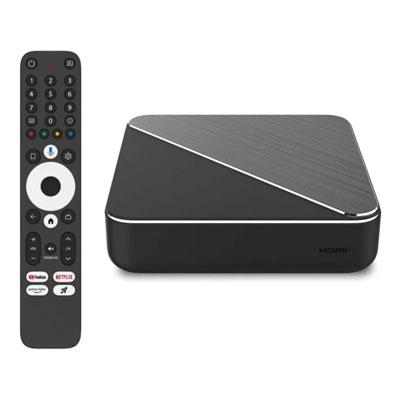
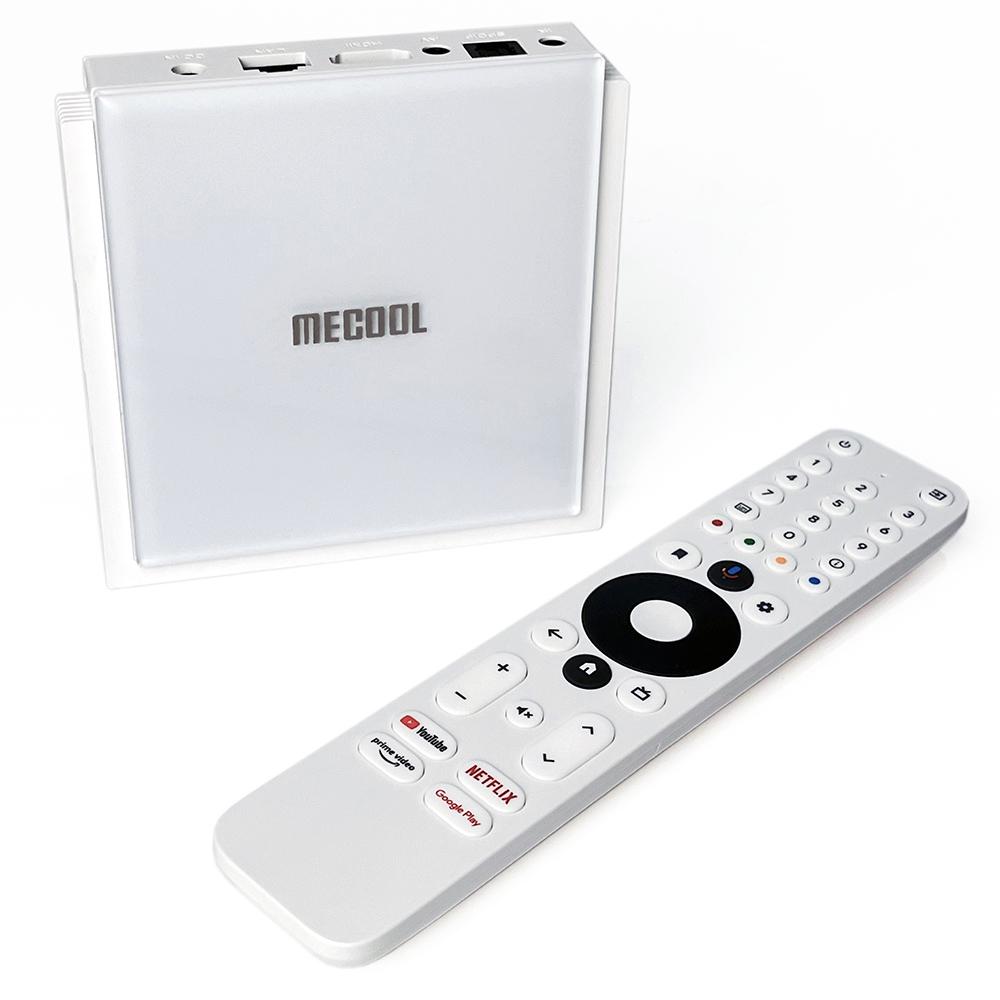
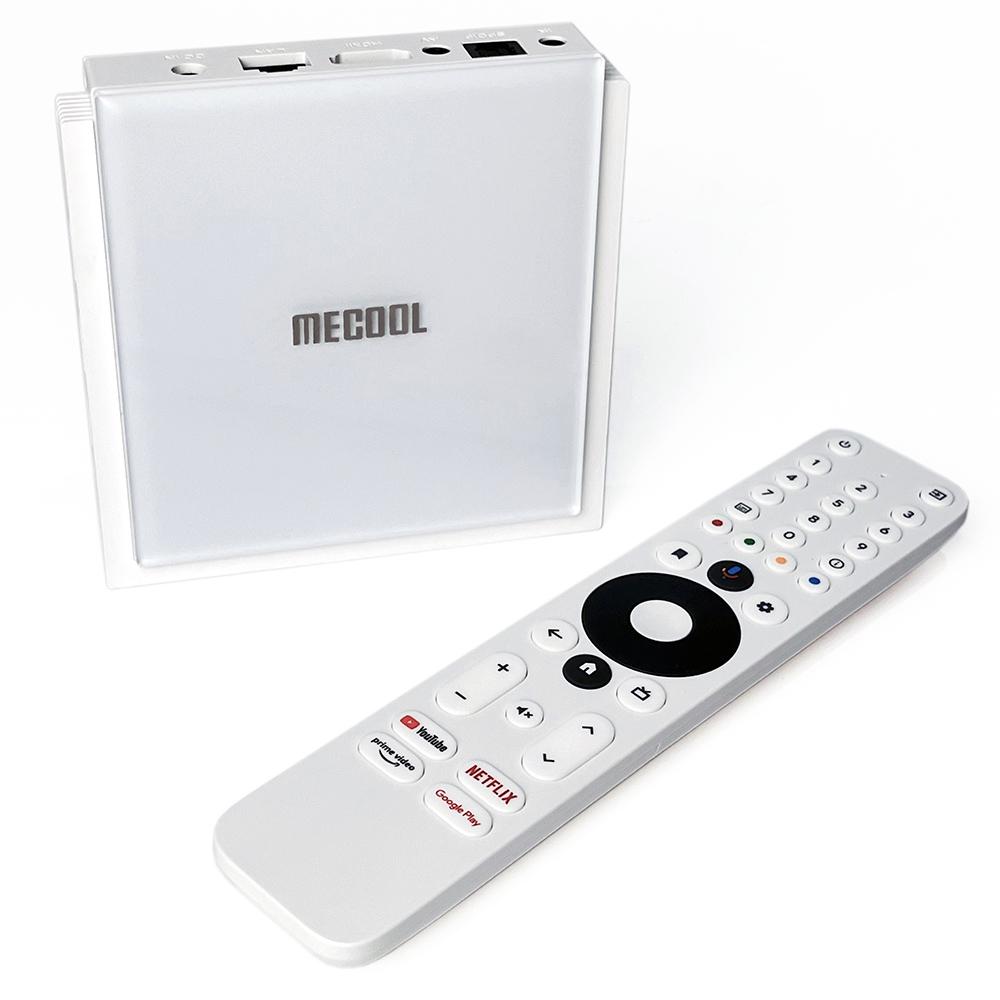
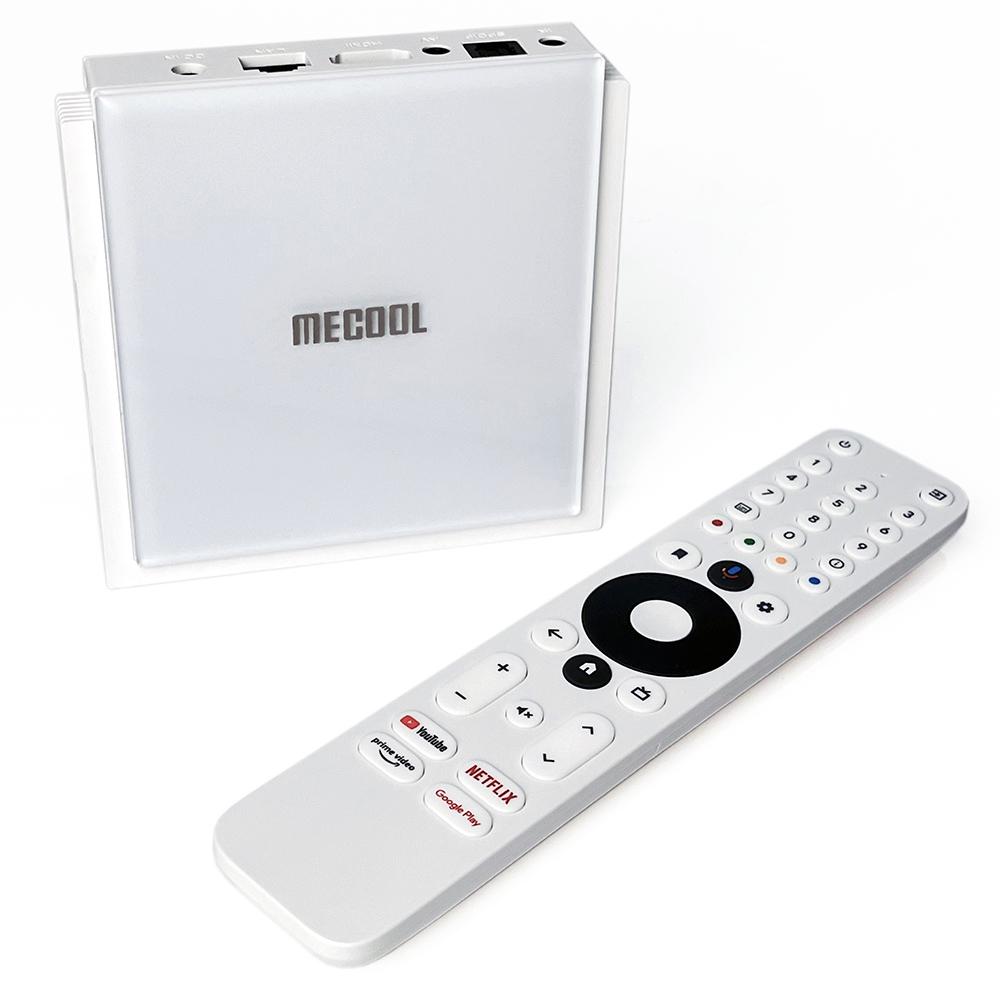
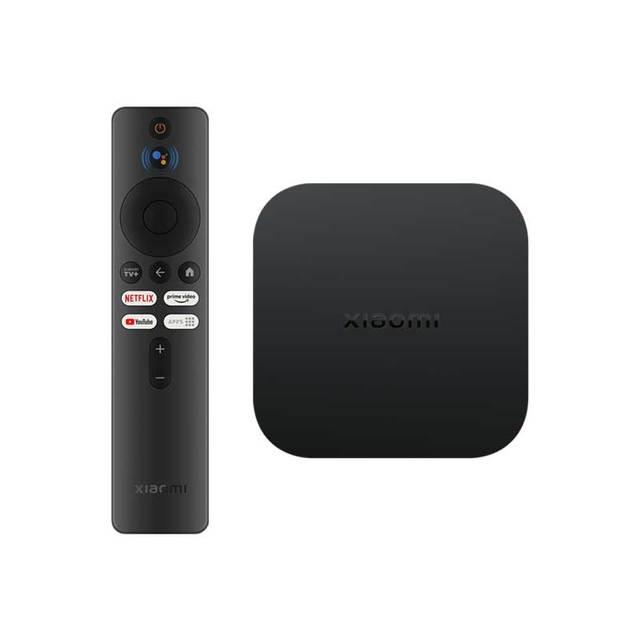
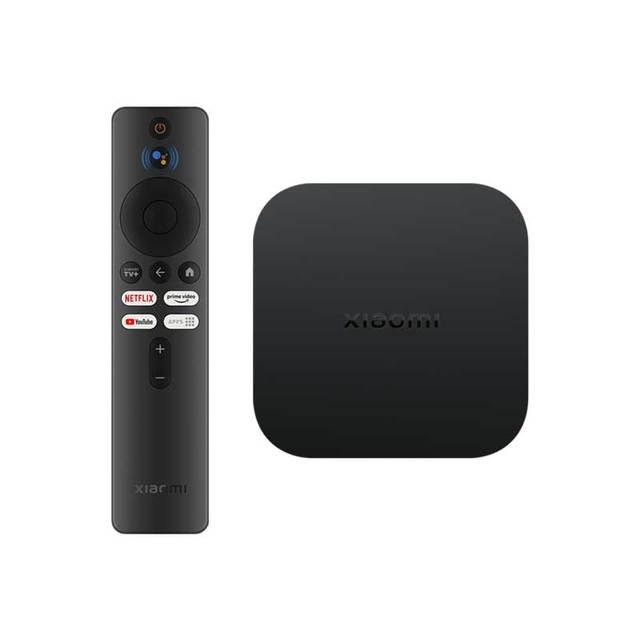
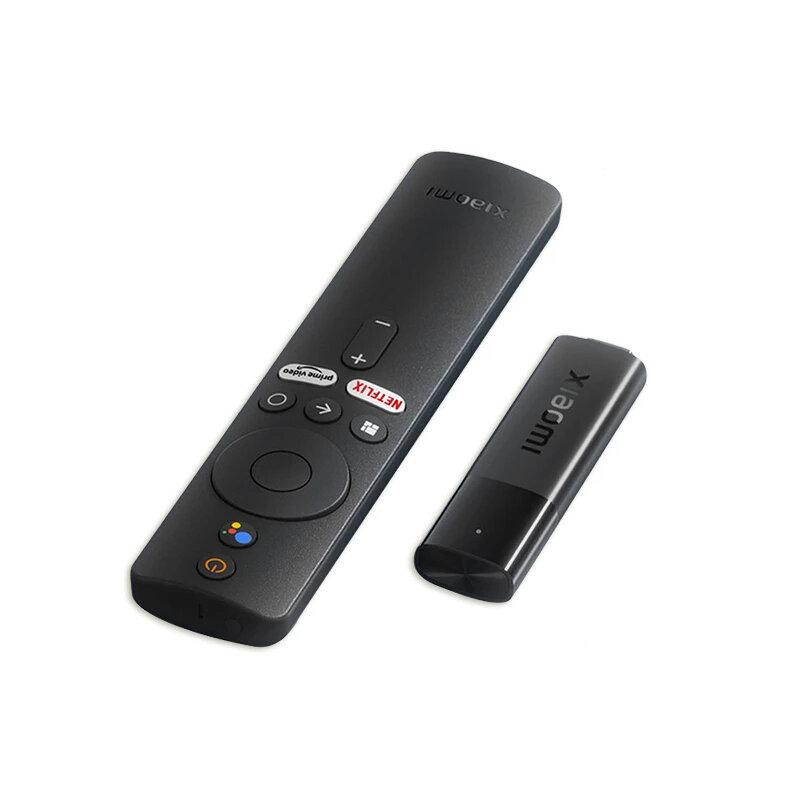
If we’ve convinced you not to buy cheap imitations of proper streaming devices, then definitely check out these TV boxes we recommend.
Are you shopping on AliExpress for the first time?See the guide!
Updated 13. 11. 2025 at 12:20
TIP15-day delivery via Aliexpress Standard Shipping
For this product, Aliexpress Standard Shipping is available with guaranteed delivery within 15 days. It’s the most reliable delivery method and, in most cases, it’s handled by a courier company. The 15-day delivery is something we actually tested.
When you order from a Chinese warehouse, AliExpress adds a customs duty charge of approximately 3,70 € per order to your cart. When you receive the shipment, you won’t have to pay anything extra.
Are you buying through Ellano.sk for the first time?See the guide!
Updated 13. 11. 2025 at 12:20
TIPExpress delivery from the Slovak warehouse within 1 - 3 business days.
This product will be delivered to you express from a local Slovak warehouse. Delivery usually takes 1-3 business days, and it’s handled by a courier. The price is final.
Are you buying through Ellano.sk for the first time?See the guide!
Updated 13. 11. 2025 at 12:20
TIPExpress delivery from the Slovak warehouse within 1 - 3 business days.
This product will be delivered to you express from a local Slovak warehouse. Delivery usually takes 1-3 business days, and it’s handled by a courier. The price is final.
Are you buying through Ellano.sk for the first time?See the guide!
Updated 13. 11. 2025 at 12:20
TIPExpress delivery from the Slovak warehouse within 1 - 3 business days.
This product will be delivered to you express from a local Slovak warehouse. Delivery usually takes 1-3 business days, and it’s handled by a courier. The price is final.
Important: Orders from Geekbuying come with our VIP support, which you get after downloading our extension for the Chrome browser on desktop only (for this store, never shop through the app). Right after payment, send us your order number so we can check that VIP support is valid!
China Planet shopping TIP: GShopper has now launched direct bank transfer payments, so you can save another 4.5 % off the product price! Compared to card / Google Pay payment, you can get this product much cheaper. We described the full bank transfer payment process in our article.
TIP15-day delivery via Aliexpress Standard Shipping
For this product, Aliexpress Standard Shipping is available with guaranteed delivery within 15 days. It’s the most reliable delivery method and, in most cases, it’s handled by a courier company. The 15-day delivery is something we actually tested.
When you order from a Chinese warehouse, AliExpress adds a customs duty charge of approximately 3,70 € per order to your cart. When you receive the shipment, you won’t have to pay anything extra.
Is it your first time shopping on Geekbuying?See the guide!
Updated 28. 11. 2025 at 12:43
TIPFor EU Priority Line shipping, you don’t pay any extra fees.
We recommend choosing Priority Line shipping, where you won’t have to pay anything extra. Customs duty and any VAT (if applicable) will be handled for you directly by the seller. Shipping can be selected in the cart after you enter your delivery address. Delivery with EU Priority Line usually takes about 15 - 25 days, but it may also take longer.
Are you shopping on Gshopper for the first time?See the guide!
Updated 28. 11. 2025 at 12:43
TIPWith Standard Shipping via GShopper, you pay no extra fees—everything is already included in the price!
At the GShopper retailer, we recommend choosing Standard Shipping, where you won’t have to pay anything extra. Customs duties and any VAT will be handled directly by the seller. Shipping can be selected only at checkout, after entering the delivery address. Delivery with this shipping method usually takes around 15 business days from dispatch from the warehouse, but it may take longer.
Our extra service with VIP support — we’ll handle the order on Gshopper for you and ship it straight to your address.
If you’re not experienced with shopping on Gshopper, your payment won’t go through, or the coupon just isn’t working, we offer our readers and customers a service where we place the order directly to your address. You send us the money by bank transfer, and we’ll order the product straight to you. That way, you don’t have to worry about failed payments or coupon issues, and you can be sure the whole order will go 100 % smoothly. Plus, you automatically get our VIP support — we handle any shipment issues for you and help with claims too. The fee for this service is €15 on top of the product price. You can contact us by email at info(@)chinaplanet.sk or on Messenger, where we’re active all the time.
Payment on DHgate: The platform has finally launched safe and reliable Google Pay payments! So now you don’t need to use Revolut / Wise cards for payment, and you can pay directly in EUR. We’d also like to remind you that orders from DHgate come with our VIP support, which you get after downloading our extension for the Chrome browser on desktop only (when shopping on a smartphone, you can use the DHgate app).
Are you shopping on DHGate for the first time?See the guide!
Updated 5. 11. 2025 at 14:25
TIPExpress delivery from a German warehouse without customs duty and VAT.
This product will be delivered express from the local German warehouse. Shipping from Germany usually takes 7-10 days, and the delivery is handled by a courier. When it arrives, you won’t pay any additional fees—no customs duty or VAT.
Is it your first time buying through Heureka?See the guide!
Updated 5. 11. 2025 at 14:25
TIPExpress delivery from the Slovak warehouse within 1 - 3 business days.
This product will be delivered to you express from a local Slovak warehouse. Delivery usually takes 1-3 business days, and it’s handled by a courier. The price is final.
Are you shopping on Gshopper for the first time?See the guide!
Updated 5. 11. 2025 at 14:25
TIPWith Standard Shipping via GShopper, you pay no extra fees—everything is already included in the price!
At the GShopper retailer, we recommend choosing Standard Shipping, where you won’t have to pay anything extra. Customs duties and any VAT will be handled directly by the seller. Shipping can be selected only at checkout, after entering the delivery address. Delivery with this shipping method usually takes around 15 business days from dispatch from the warehouse, but it may take longer.
Our extra service with VIP support — we’ll handle the order on DHgate for you and ship it straight to your address.
If you’re not experienced with shopping on DHgate, your payment won’t go through, or the coupon just isn’t working, we offer our readers and customers a service where we place the order directly to your address. You send us the money by bank transfer, and we’ll order the product straight to you. That way, you don’t have to worry about failed payments or coupon issues, and you can be sure the whole order will go 100 % smoothly. Plus, you automatically get our VIP support — we handle any shipment issues for you and help with claims too. The fee for this service is €15 on top of the product price. You can contact us by email at info(@)chinaplanet.sk or on Messenger, where we’re active all the time.
Are you shopping on DHGate for the first time?See the guide!
Updated 5. 11. 2025 at 14:21
TIPExpress delivery from a German warehouse without customs duty and VAT.
This product will be delivered express from the local German warehouse. Shipping from Germany usually takes 7-10 days, and the delivery is handled by a courier. When it arrives, you won’t pay any additional fees—no customs duty or VAT.
Are you shopping on AliExpress for the first time?See the guide!
Updated 5. 11. 2025 at 14:21
TIPExpress delivery from the French warehouse with no customs duties or VAT.
This product will be delivered express from the local Spanish warehouse. Shipping from Spain usually takes 7-10 days and is handled by a courier. On delivery, you don’t pay any extra fees—no customs duty or VAT.
Is it your first time buying through Heureka?See the guide!
Updated 5. 11. 2025 at 14:21
TIPExpress delivery from the Slovak warehouse within 1 - 3 business days.
This product will be delivered to you express from a local Slovak warehouse. Delivery usually takes 1-3 business days, and it’s handled by a courier. The price is final.
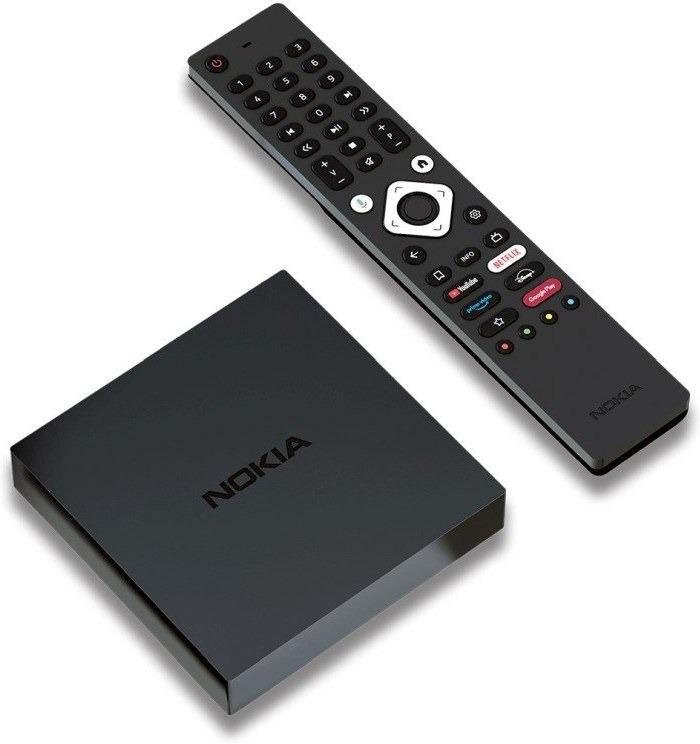
We also recommend the Nokia Streaming Box 8010, but right now it’s a pre-order of limited stock, because Nokia didn’t renew the license with the manufacturer. There’s also no information about any successor, so we probably won’t see another streaming device from this brand for a long time.
Is it your first time buying through Heureka?See the guide!
Updated 15. 2. 2025 at 13:32
TIPExpress delivery from the Slovak warehouse within 1 - 3 business days.
This product will be delivered to you express from a local Slovak warehouse. Delivery usually takes 1-3 business days, and it’s handled by a courier. The price is final.
What’s the difference between Android TV and Google TV?
If you’re getting into the world of Android TV for the first time, you might be interested in our next guide, where we explain what the difference is between Android TV and Google TV systems. A lot of people still don’t know that!








 SK sklad


